



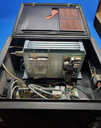
Repair
Call for price
Purchase
CSL Part Number: 111235
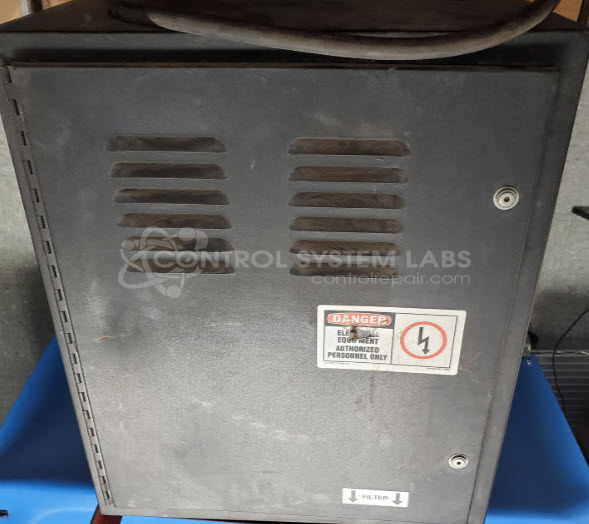
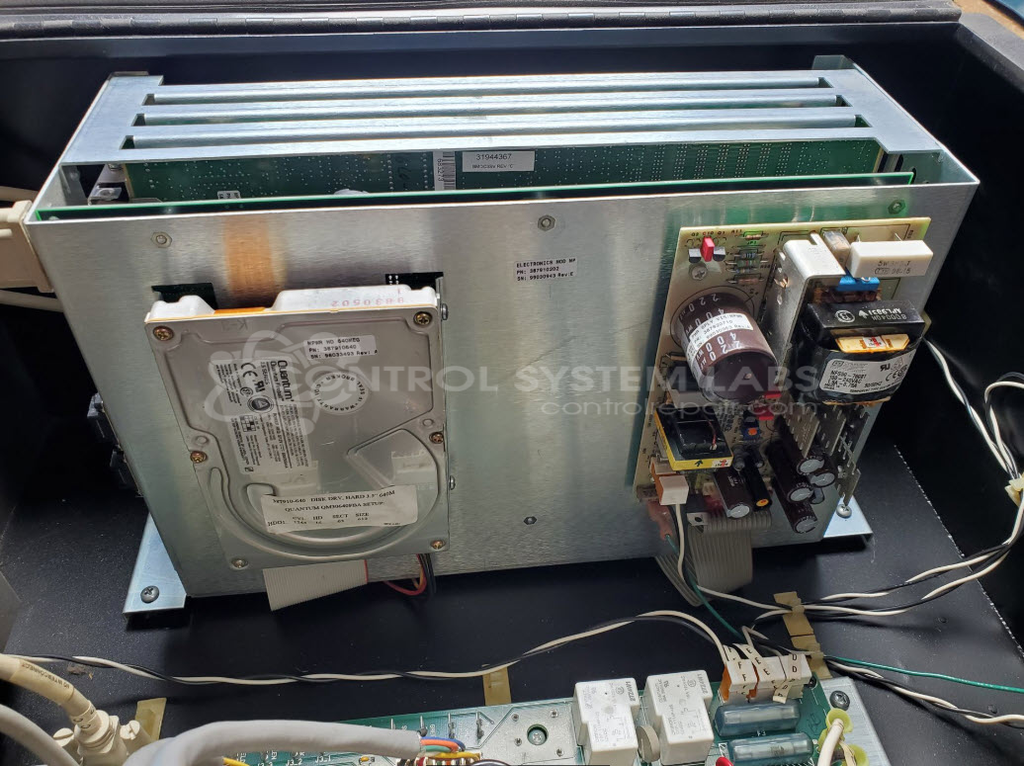
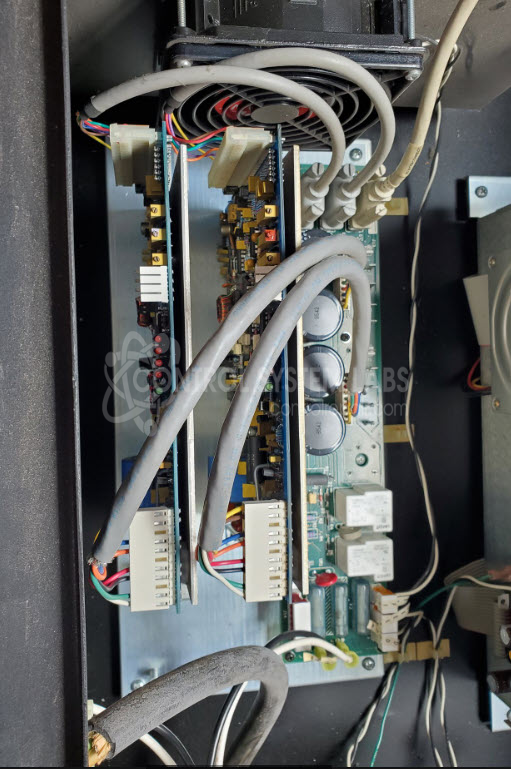
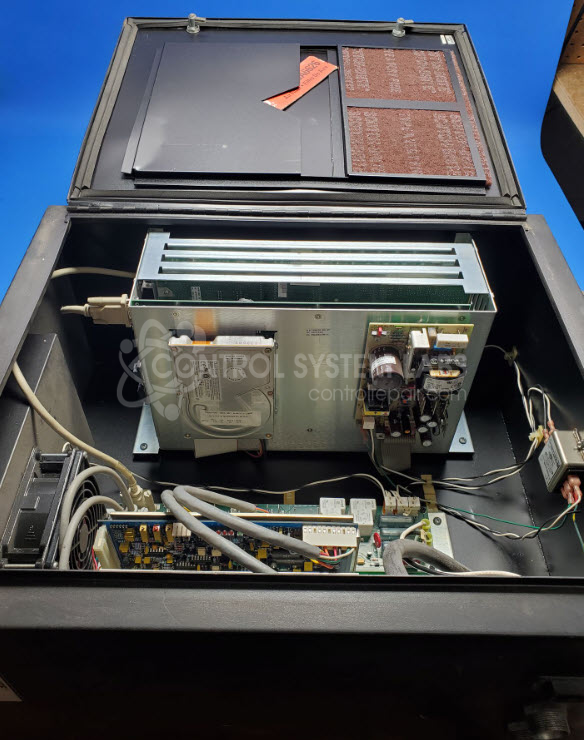
Product Overview: This control cabinet houses X and Y axis servo drives for ACU-RITE MILLPWR CNC systems. It works in conjunction with the MILLPWR operator console to provide coordinated two-axis motion control for milling machines and machining centers. The assembly integrates power supplies, servo amplifiers, and control circuitry to drive DC servo motors with tachometer feedback. Common in industrial milling applications, it manages positioning and velocity control for precise material removal operations.
Category: Control Assembly
Manufacturer: ACU-RITE
Manufacturer Synonyms: HEIDENHAIN, ACU RITE
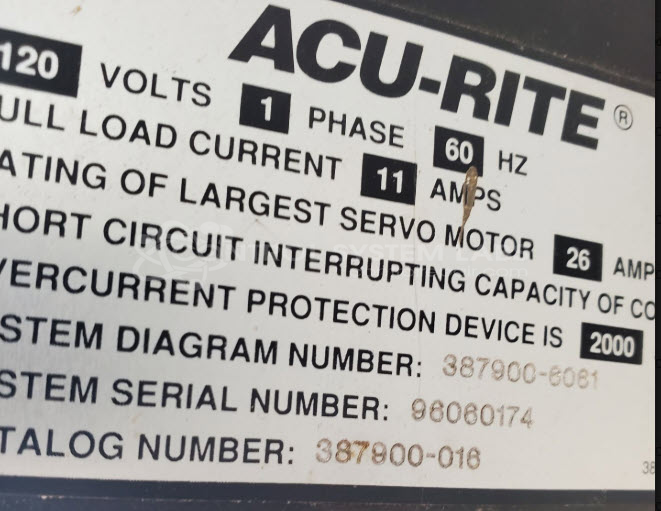
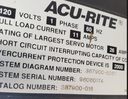
Manufacturer Part Number: 387900-016
Used wth MILLPWR Operator Console
Common Failures
Items received for evaluation often show issues with capacitors and components on the X axis board. Overheating has been observed in some cases, sometimes related to bent pins.
Repair Approach
Repairs may involve the replacement of components such as capacitors, diodes, and resistors. BIOS configuration may be required in some cases. The specific repair approach is determined during evaluation.
Testing & Quality
We follow a comprehensive diagnostic and testing process. Testing may include a Burn-In Test using a 90VDC motor with tach output to validate component functioning. All units are tested before return shipment.
Service and repair your broken ACU-RITE part
We can repair your ACU-RITE model 387900-016 in our facility. Let our skilled technicians get your ACU-RITE back in operation quickly.
Step 1 - Click the green 'Repair Now' button above to add the part and then complete the RMA.
Step 2 - The RMA form will be sent to you via email. Print the RMA form and put it in a box with the item(s) for repair.
Step 3 - Ship or mail the box to the address listed on the RMA.
Once the user has seen at least one product this snippet will be visible.