



Repair
Repair Price: $ 968.00
Purchase
CSL Part Number: 70408
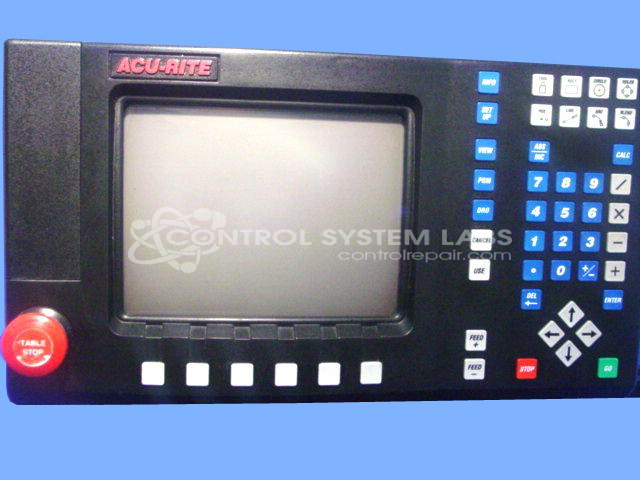
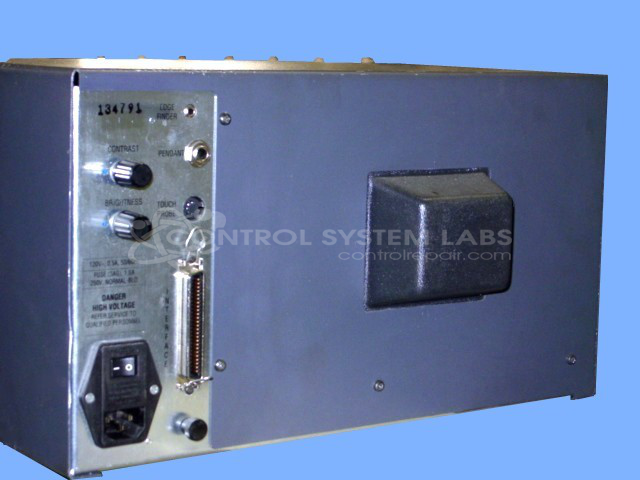
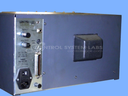
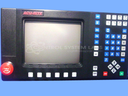
Product Overview: The MILLPWR 1 Operator Console is a control interface panel manufactured by ACU-RITE for CNC milling machines. It serves as the primary human-machine interface, allowing operators to input commands, monitor position data, and control machining operations. This console features integrated displays and controls for managing axis positioning and machine parameters. It is commonly found on manual mills retrofitted with digital readout and basic CNC functionality, particularly in job shops and manufacturing facilities requiring precise positioning control.
Category: Operator & Control Panels
Manufacturer: ACU-RITE
Manufacturer Synonyms: HEIDENHAIN, ACU RITE
Manufacturer Part Number: 387900251
Series: MILLPWR 1
Also Known As(AKA): MILLPWR 1
Repair to the CRT display and Power supplies only. LCD replacement Available.
Common Failures
The most frequent issue reported with this product is a failure to power up, often caused by defective components such as capacitors. These components may degrade over time, leading to power issues.
Repair Approach
Our repair process typically involves replacing defective capacitors and other components as needed. This addresses the power issue in many cases.
Testing & Quality
After repair work is completed, devices undergo diagnostic testing, including communication tests and burn-in tests where applicable. Adjustments are made as needed to ensure proper function of display contrasts and positions. All repaired units are reviewed by a technician before return to the customer.
Service and repair your broken ACU-RITE part
We can repair your ACU-RITE model 387900251 in our facility. Let our skilled technicians get your ACU-RITE back in operation quickly.
Step 1 - Click the green 'Repair Now' button above to add the part and then complete the RMA.
Step 2 - The RMA form will be sent to you via email. Print the RMA form and put it in a box with the item(s) for repair.
Step 3 - Ship or mail the box to the address listed on the RMA.
Once the user has seen at least one product this snippet will be visible.