



Repair
Repair Price: $ 1,100.00
Purchase
CSL Part Number: 86812
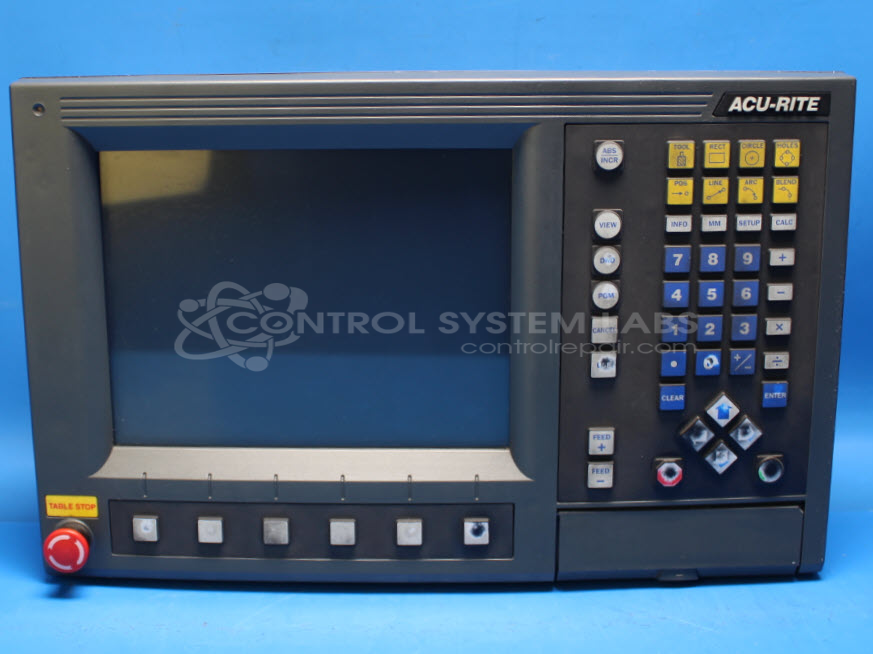
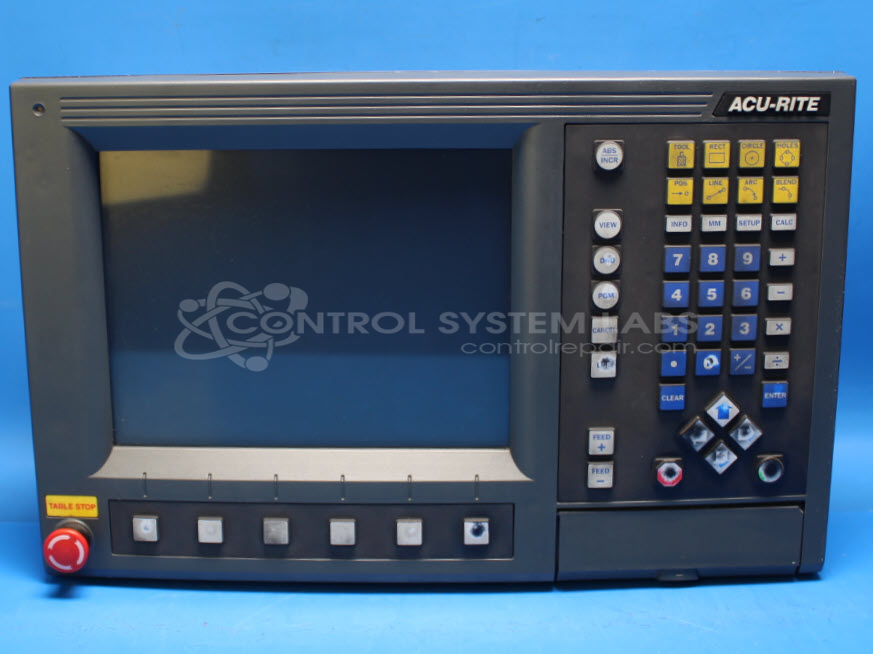
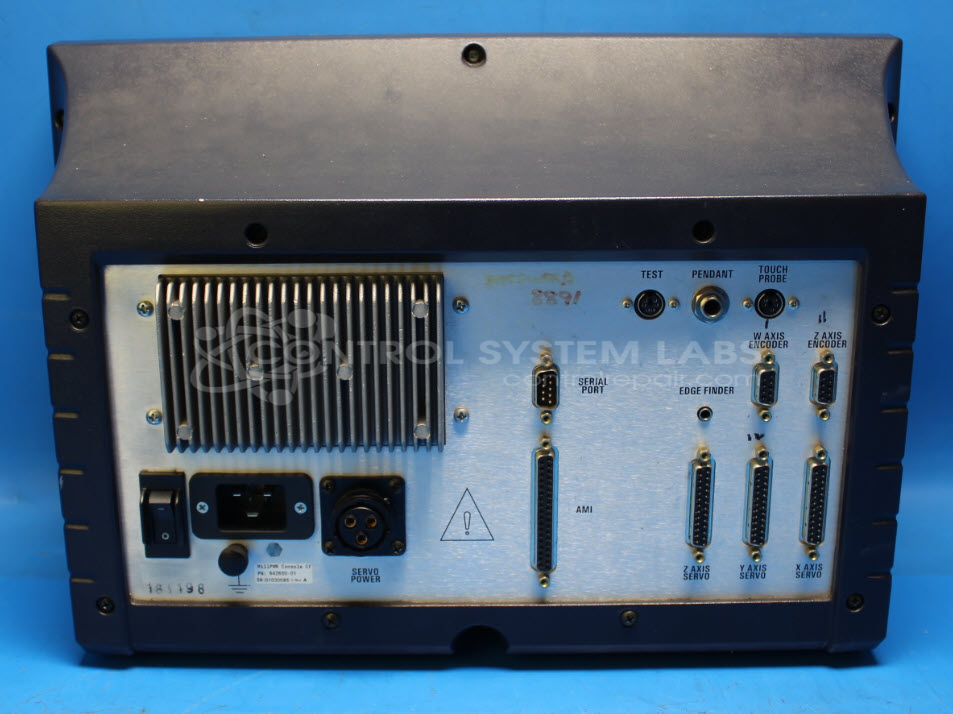
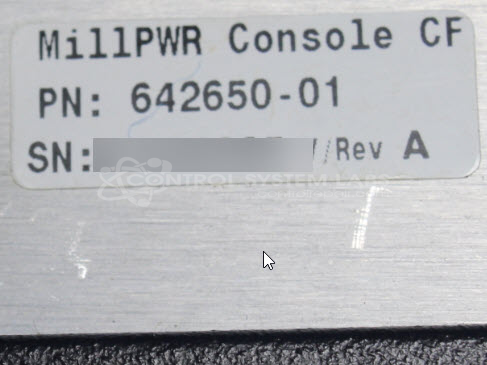
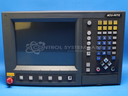
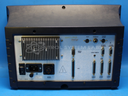
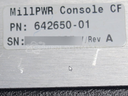
Product Overview: The MP2 Operator Console CF (part number 642650-01) is a digital readout control panel from ACU-RITE's MILLPWR 2 series, designed for milling machines and other CNC equipment. It features a 10.4-inch LCD display, integrated membrane keypads, and accepts encoder inputs for X, Y, and Z axis position tracking. The unit includes an internal switched-mode power supply and runs embedded software from a CompactFlash card. Common configurations include connection ports for external encoders, axis control, and optional peripherals. It is typically used on manual mills with digital readout systems or retrofitted CNC machines requiring operator interface and position monitoring.
Category: Operator & Control Panels
Manufacturer: ACU-RITE
Manufacturer Synonyms: HEIDENHAIN, ACU RITE
Manufacturer Part Number: 642650-01
Series: MILLPWR 2 Control Readout System
Also Known As(AKA): 642650-01
Power supply repair, USB upgrade for floppy, if keypad defective that will be quoted separately
Common Failures
This product may experience issues related to power, display, or keypad function. Common symptoms include the unit not powering on, screen flickering, unresponsive buttons, and error messages. Power supply issues can be related to capacitors and other components.
Repair Approach
Repairs may involve replacing capacitors on power supply boards, addressing keypad or bezel damage, or replacing other internal components as needed. The specific repair approach depends on the findings from our evaluation of each individual unit.
Testing & Quality
Repaired units undergo diagnostic testing to address the reported issues. Testing includes burn-in procedures and functional checks of keypads, displays, and other operations to confirm that the unit is serviceable before return.
Service and repair your broken ACU-RITE part
We can repair your ACU-RITE model 642650-01 in our facility. Let our skilled technicians get your ACU-RITE back in operation quickly.
Step 1 - Click the green 'Repair Now' button above to add the part and then complete the RMA.
Step 2 - The RMA form will be sent to you via email. Print the RMA form and put it in a box with the item(s) for repair.
Step 3 - Ship or mail the box to the address listed on the RMA.
Once the user has seen at least one product this snippet will be visible.