



Repair
Repair Price: $ 472.00
Purchase
CSL Part Number: 66378
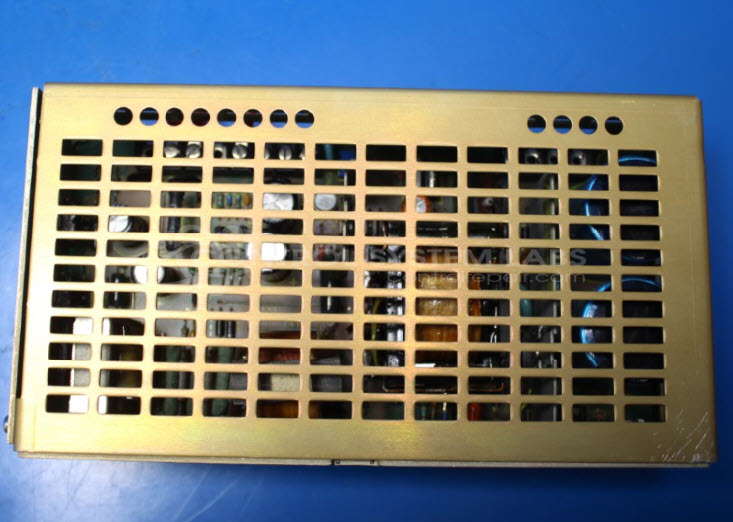
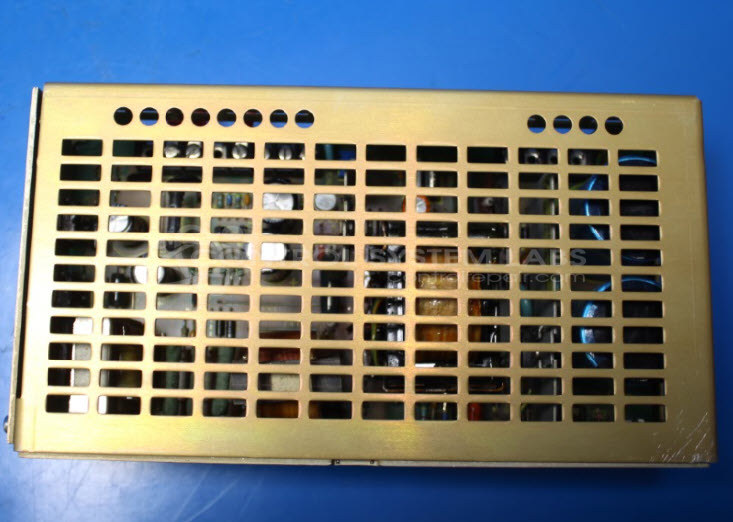
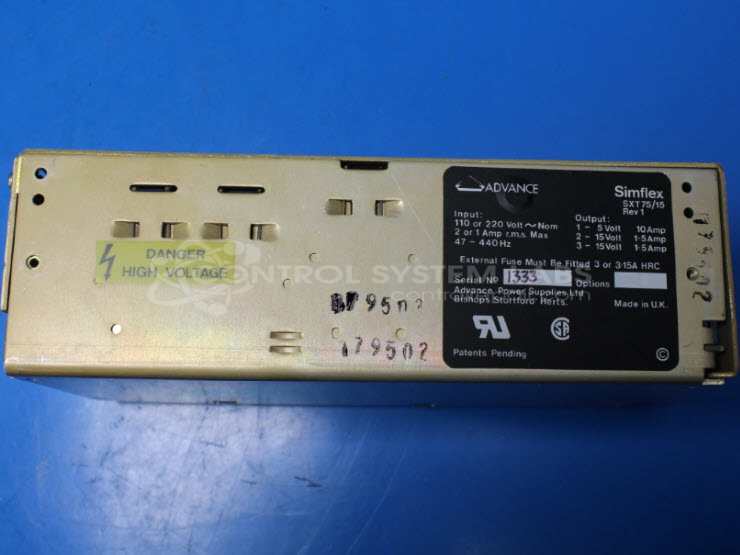
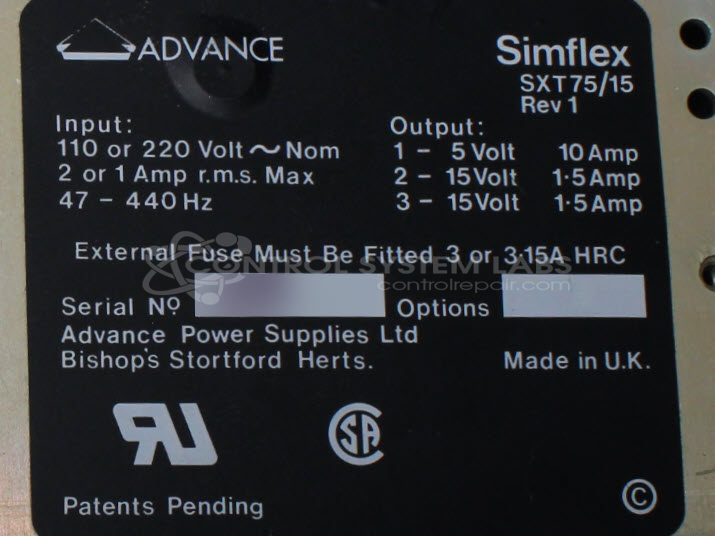
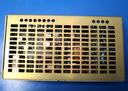
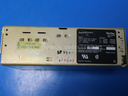
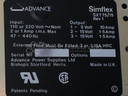
Product Overview: The Advance SXT75/15 is a triple output switching power supply rated at 75W total output. It provides three independent DC voltage rails, typically used in industrial control systems, instrumentation, and automation equipment where multiple voltages are required from a single compact unit. Common applications include powering relay circuits, sensors, and control logic in manufacturing and process control environments.
Category: Power Supply
Manufacturer: Advance
Manufacturer Synonyms: Advance Power Supplies, APS
Manufacturer Part Number: SXT75/15
Power supplies are tested with a minimum 4-hour burn-in, under load.
Common Failures
Common symptoms reported include units that do not power up when external power is verified, voltage test points that are non-functional, and failure to energize the relay. These issues may be caused by failed components in the power regulation circuit.
Repair Approach
Evaluation includes diagnostic testing with digital multimeters and other electronic testing equipment. Repair work may include component replacement, such as electrolytic capacitors and other components in the power regulation circuit, based on findings during evaluation.
Testing & Quality
Repaired units undergo burn-in testing with electronic loads to simulate operational conditions. Units are tested under load and reviewed to confirm they meet operational standards. Customers should verify external power connections and related system components if issues occur after installation.
Service and repair your broken Advance part
We can repair your Advance model SXT75/15 in our facility. Let our skilled technicians get your Advance back in operation quickly.
Step 1 - Click the green 'Repair Now' button above to add the part and then complete the RMA.
Step 2 - The RMA form will be sent to you via email. Print the RMA form and put it in a box with the item(s) for repair.
Step 3 - Ship or mail the box to the address listed on the RMA.
Once the user has seen at least one product this snippet will be visible.