



Repair
Repair Price: $ 908.00
Purchase
CSL Part Number: 81174
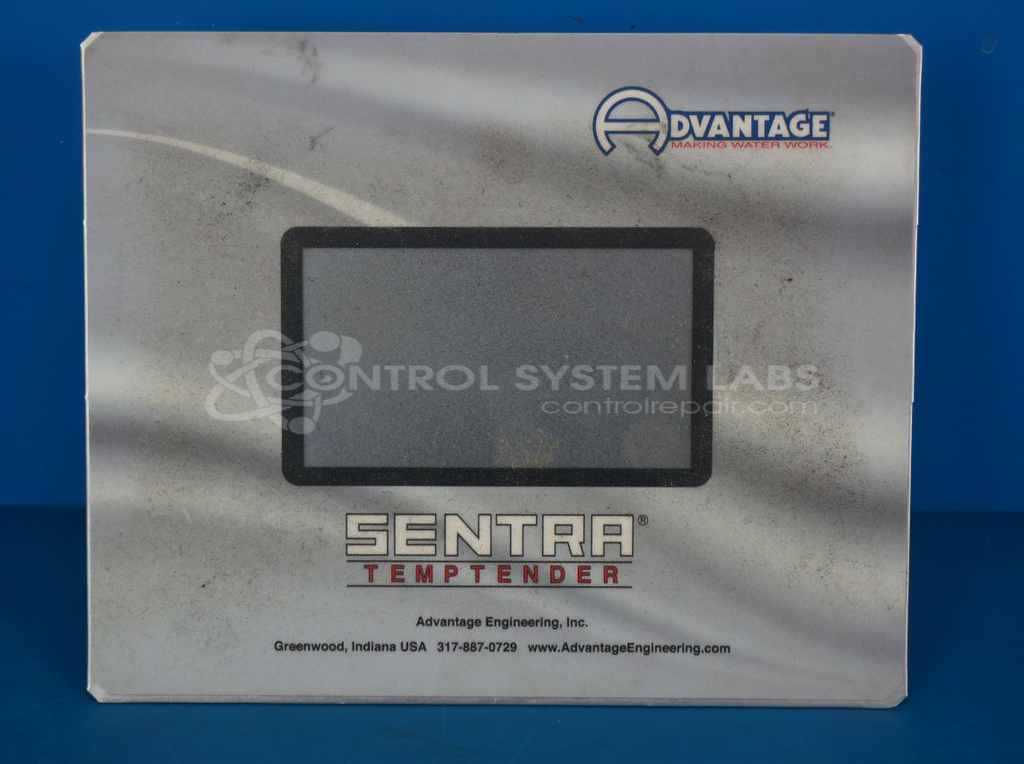
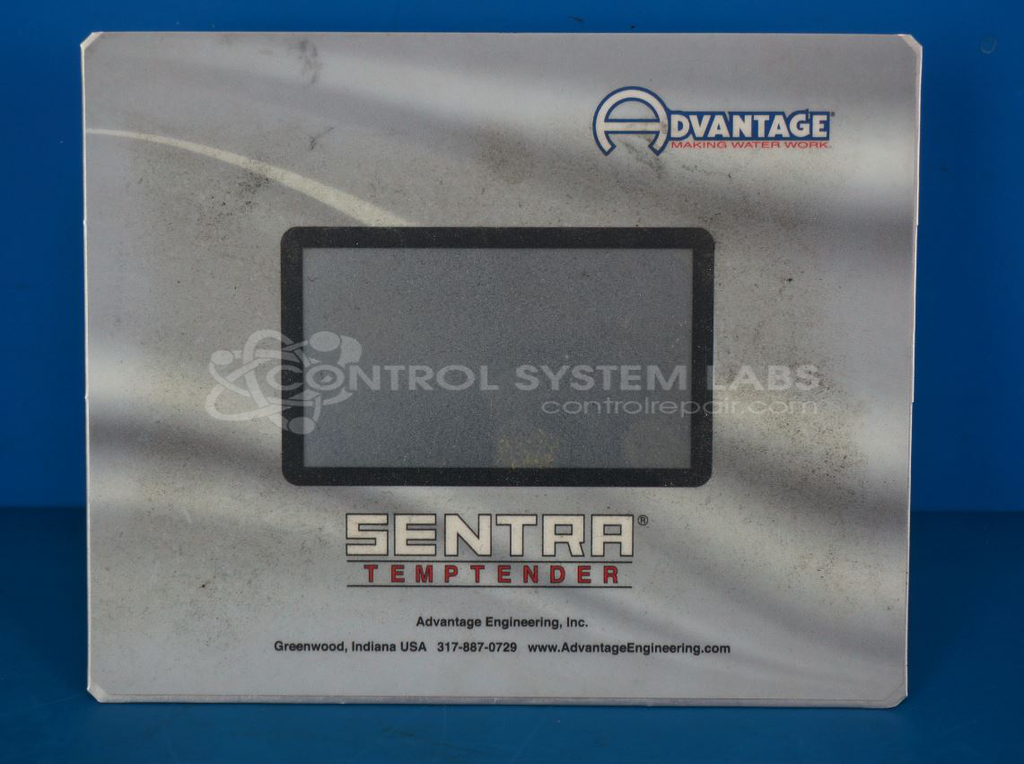
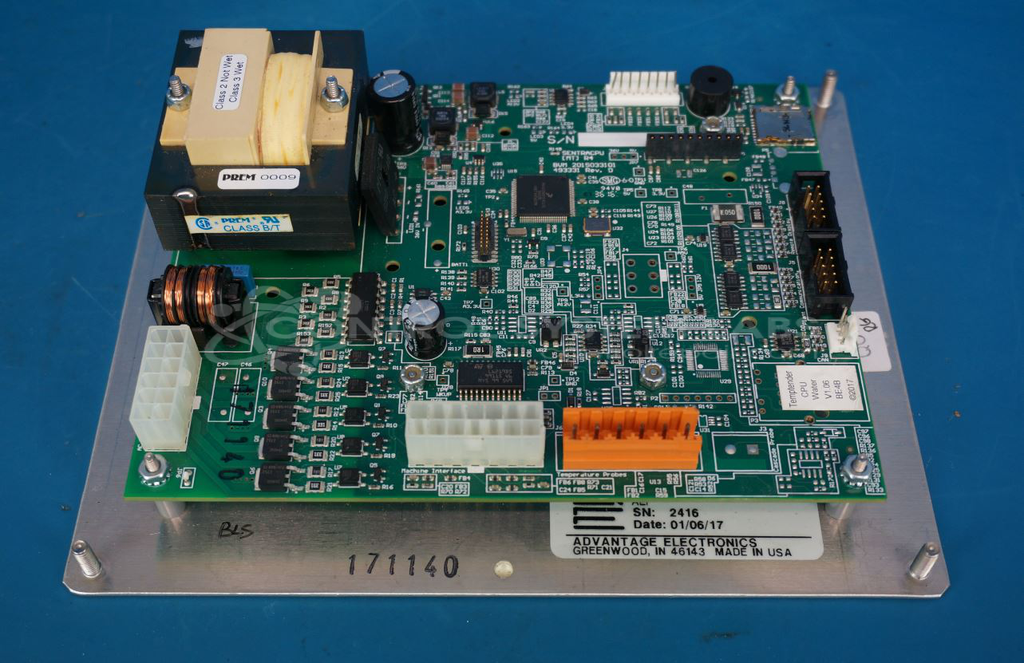
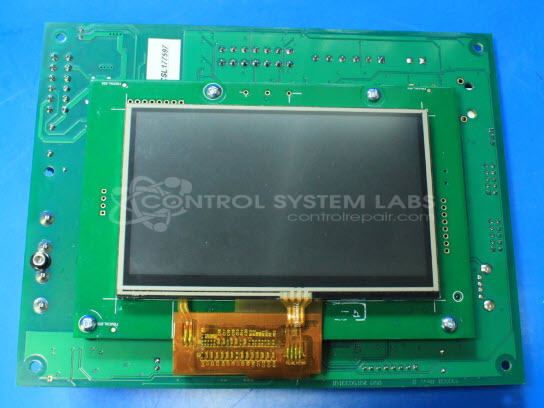
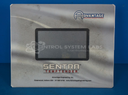
Product Overview: The SENTRA TEMPTENDER Controller is a temperature control system manufactured by Advantage Electronics for managing heating and cooling operations in industrial applications. It features a touchscreen interface for operator input and monitors critical parameters including water pressure and high temperature limits. The controller provides alarm outputs for fault conditions and operates motorized valves to regulate temperature through manual or automatic vent functions. Common applications include process heating and cooling systems where precise temperature management and safety interlocks are required. The unit operates on 120V AC power and integrates sensor inputs for over-temperature protection and water pressure monitoring.
Category: Temperature Control
Manufacturer: Advantage Electronics
Manufacturer Synonyms: Advantage Engineering
Manufacturer Part Number: 276000
Common Failures
Customers have reported issues with temperature deviations, automatic high temperature alarms, and non-functional screens. These symptoms may be caused by faulty electrolytic capacitors or screen malfunctions.
Repair Approach
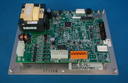
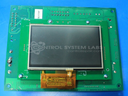
Our standard repair approach includes replacing electrolytic capacitors as a precautionary measure when temperature-related faults are detected. For screens that do not power on, replacement units may be recommended if the issue persists. Some repairs may involve tracing and resolving intermittent connections as necessary.
Testing & Quality
Units undergo thorough testing post-repair to verify all functions, such as display and touch capabilities. We validate alarm outputs and perform manual operations to confirm that the unit operates correctly. All tests are conducted following a structured process.
Service and repair your broken Advantage Electronics part
We can repair your Advantage Electronics model 276000 in our facility. Let our skilled technicians get your Advantage Electronics back in operation quickly.
Step 1 - Click the green 'Repair Now' button above to add the part and then complete the RMA.
Step 2 - The RMA form will be sent to you via email. Print the RMA form and put it in a box with the item(s) for repair.
Step 3 - Ship or mail the box to the address listed on the RMA.
Once the user has seen at least one product this snippet will be visible.