



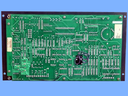
Repair
Repair Price: $ 696.00
Purchase
CSL Part Number: 67342
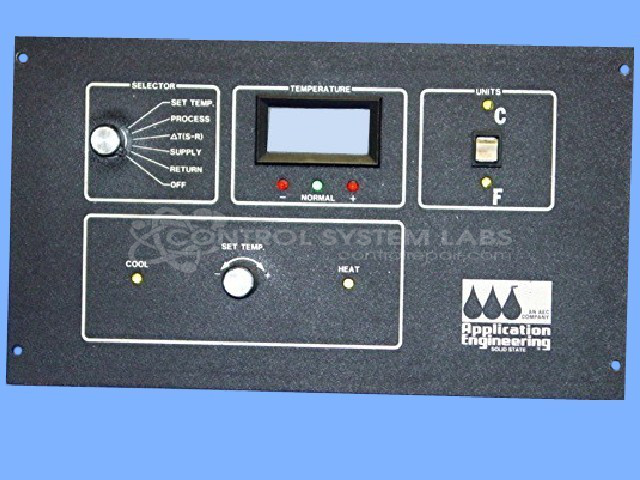
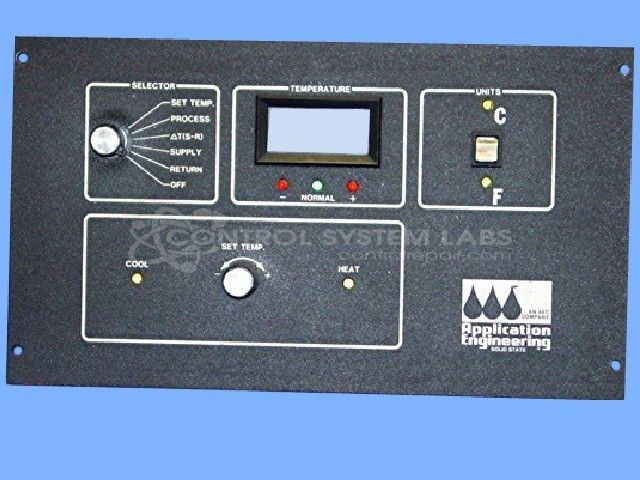
Product Overview: The TDW-1D is a single-zone temperature controller manufactured by AEC for industrial process control applications. It provides both heating and cooling outputs to maintain precise temperature setpoints in manufacturing equipment. Commonly found in paper processing machinery, it features front panel controls for operator adjustment and monitoring. The controller uses analog circuitry with digital logic components to regulate temperature through relay or solid-state outputs based on sensor feedback.
Category: Temperature Control
Manufacturer: AEC
Manufacturer Synonyms: Application Engineering Corporation
Manufacturer Part Number: 512985
Series: TDW--1D Temperature Control
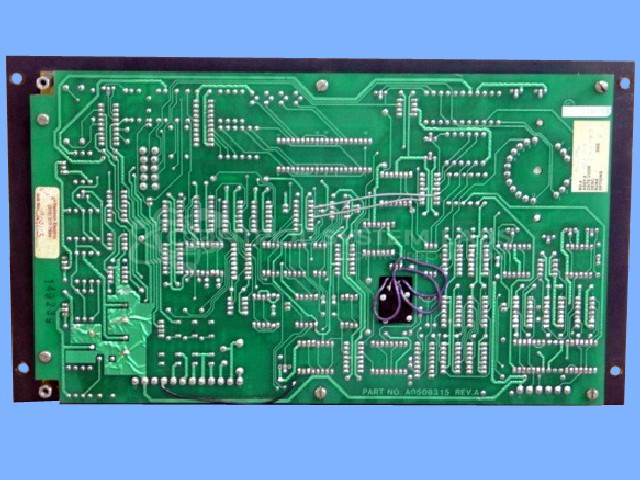
Also Known As(AKA): A0508315 ON BOARD
Repair requires front panel and back board. Repaired as a set.
Common Failures
This product may experience issues with heat mode functionality. Potential causes can include defective heat modules or solder connection issues, which may affect heat and cool functions.
Repair Approach
Repairs may involve replacing aluminum electrolytic capacitors and verifying internal connections. In some cases, circuit configurations are restored to match the original schematic if modifications are found.
Testing & Quality
Units undergo testing to verify functionality following repair. In some instances, units may be returned without repair if issues cannot be economically resolved. Quality checks emphasize the importance of proper design specifications and connection integrity.
Service and repair your broken AEC part
We can repair your AEC model 512985 in our facility. Let our skilled technicians get your AEC back in operation quickly.
Step 1 - Click the green 'Repair Now' button above to add the part and then complete the RMA.
Step 2 - The RMA form will be sent to you via email. Print the RMA form and put it in a box with the item(s) for repair.
Step 3 - Ship or mail the box to the address listed on the RMA.
Once the user has seen at least one product this snippet will be visible.