





Repair
Repair Price: $ 1,256.00
Purchase
CSL Part Number: 71424
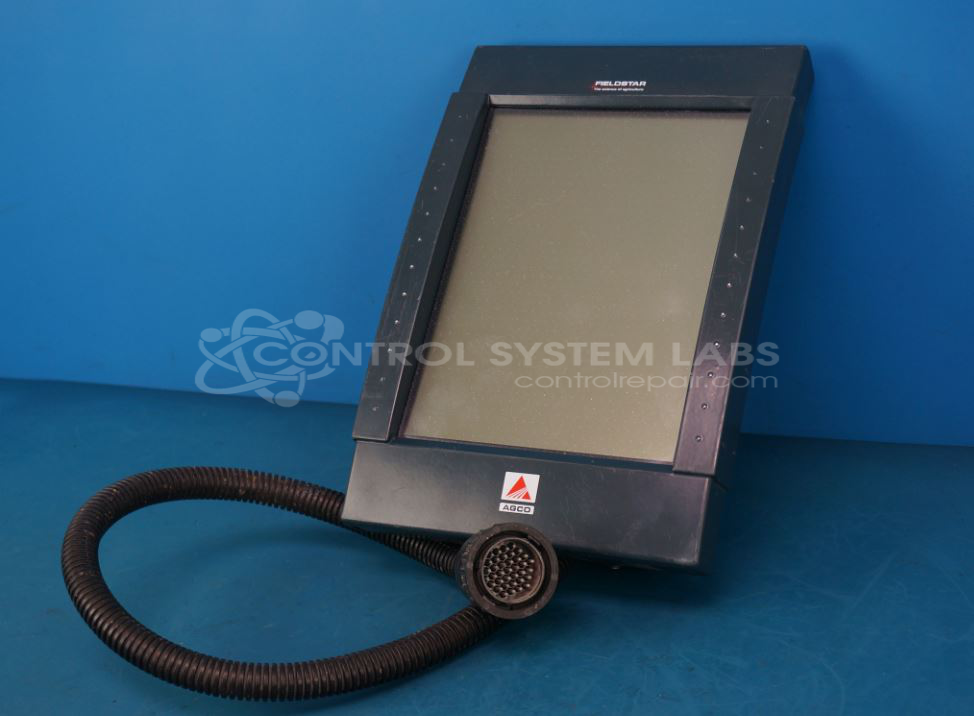
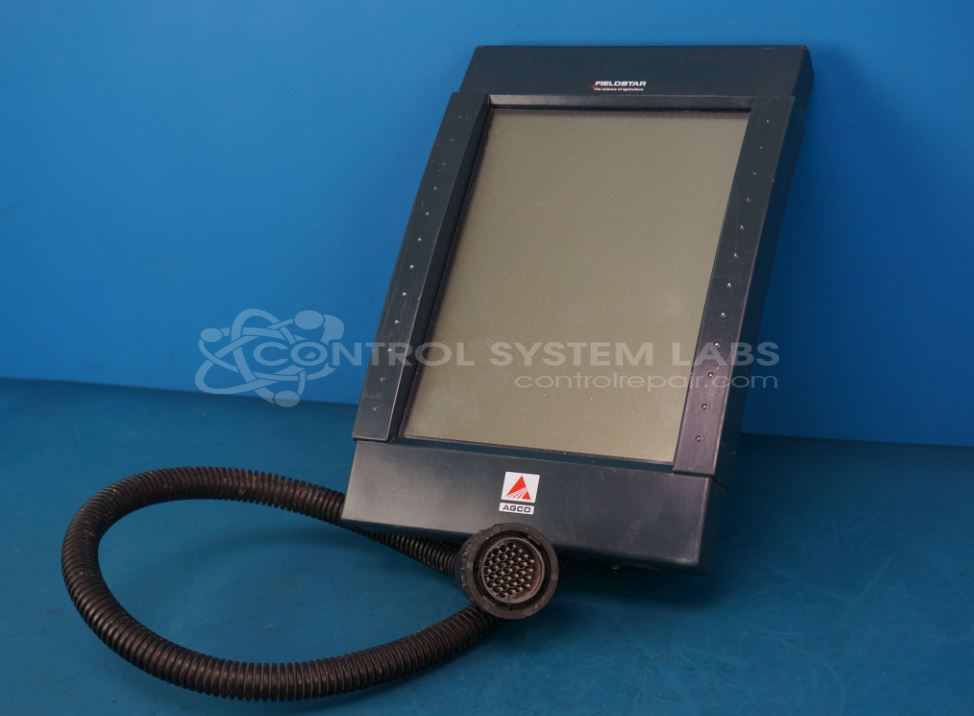
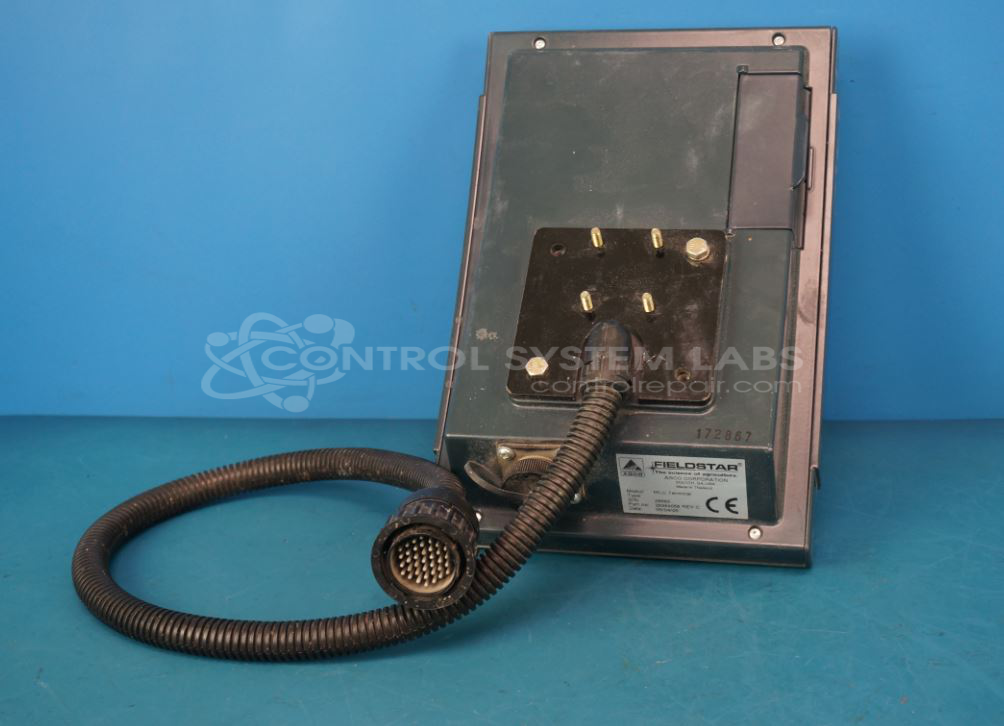
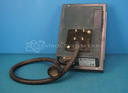
Product Overview: The Agco Fieldstar Monochrome MLU Terminal is an operator interface for agricultural equipment, featuring a 9.4-inch monochrome touchscreen display with 640x480 resolution. This terminal serves as the primary control and monitoring interface in precision farming systems, allowing operators to manage field operations, GPS guidance, and application controls. It connects to tractors and implements via multi-pin connectors and runs on 12 VDC power. The unit includes a touchscreen digitizer for direct input, a main processor board with MC68331 microcontroller, and typically operates in harsh environmental conditions common to farm machinery applications.
Category: Operator & Control Panels
Manufacturer: Agco Corporation
Manufacturer Part Number: 28989058 REV. E
Series: Agco Fieldstar
If required touchscreen replacement is at additional cost.
Common Failures
Common issues reported include non-responsive touchscreens, physical screen damage, displays that go blank or dim over time, overlapping display images, and intermittent power-on difficulties.
Repair Approach
Our typical repair process includes diagnostic testing to identify defective components, followed by replacement of failed parts when appropriate. Units assessed as Beyond Economic Repair due to extensive damage are returned unrepaired. Repairs may also involve rework of defective solder joints or correction of corroded connections.
Testing & Quality
Repaired units are subject to diagnostic testing, calibration, and burn-in procedures to verify proper operation of ports, touchscreen functionality, and overall performance. In some cases, units may be evaluated and found to be not economically repairable.
Service and repair your broken Agco Corporation part
We can repair your Agco Corporation model 28989058 REV. E in our facility. Let our skilled technicians get your Agco Corporation back in operation quickly.
Step 1 - Click the green 'Repair Now' button above to add the part and then complete the RMA.
Step 2 - The RMA form will be sent to you via email. Print the RMA form and put it in a box with the item(s) for repair.
Step 3 - Ship or mail the box to the address listed on the RMA.
Once the user has seen at least one product this snippet will be visible.