



Repair
Repair Price: $ 684.00
Purchase
CSL Part Number: 80512
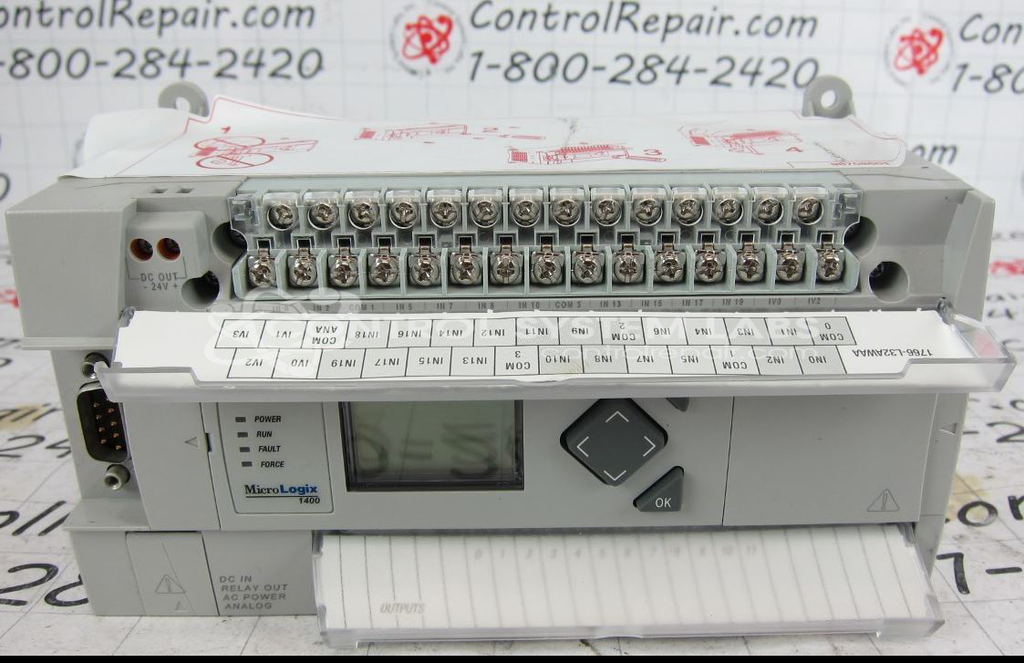
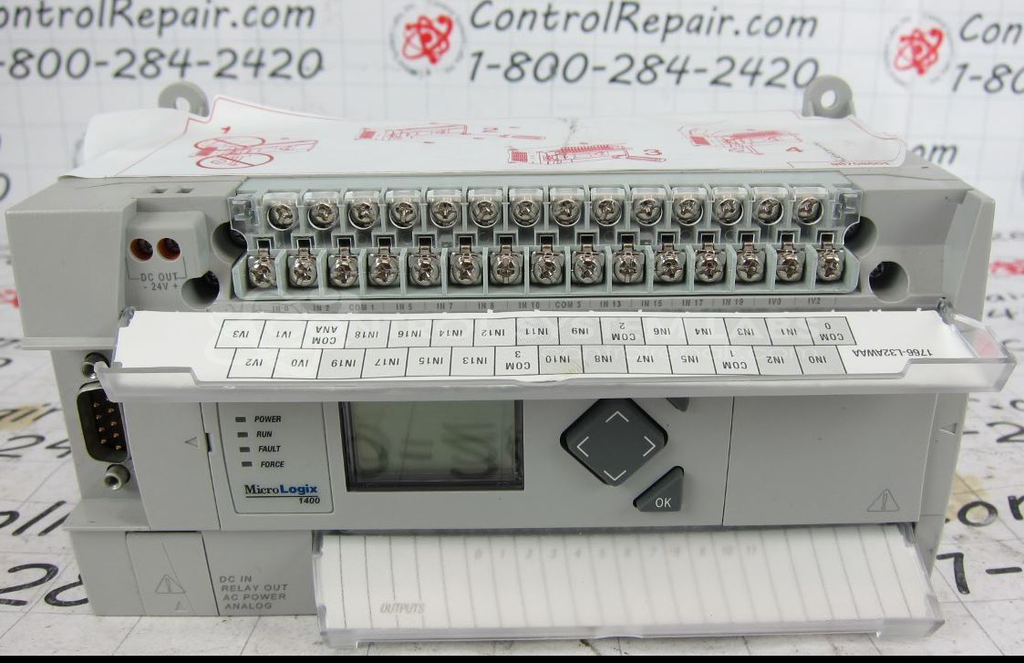
Product Overview: The Allen Bradley 1766-L32AWA is a compact programmable logic controller in the MicroLogix 1400 series. It features 20 digital inputs at 120V AC, 12 relay outputs, and dual power supply compatibility at 100/240V AC. This 32-point base unit does not include analog I/O capability. The controller is commonly used in small to mid-scale industrial automation applications including manufacturing machinery, material handling systems, and process control equipment where reliable discrete I/O control is required.
Category: PLC
Manufacturer: Allen Bradley
Manufacturer Synonyms: Rockwell Automation, allan bradly
Manufacturer Part Number: 1766-L32AWA
Series: MicroLogix 1400 PLC
100/240V AC 20 120V AC Inputs 12 Relay Outputs No Analog I/O
Common Failures
Common failure modes observed have included no display output and overheating conditions. In some instances, the display backlight may flash without visible characters. CPU reset behavior has also been observed, which can indicate internal component concerns requiring evaluation.
Repair Challenges
Some units have been found to be Beyond Economic Repair due to the extent of damage observed. Challenges have included CPU-related issues and limited availability of repair documentation or technical data. In certain cases, units were received with missing covers, which were not included in the original repair scope.
Testing & Quality
Units are subject to diagnostic testing procedures as part of our evaluation process. Testing results have shown symptoms including overheating conditions, display issues, and CPU reset behavior despite acceptable power supply performance. These findings inform our quotation and repair recommendation process.
Service and repair your broken Allen Bradley part
We can repair your Allen Bradley model 1766-L32AWA in our facility. Let our skilled technicians get your Allen Bradley back in operation quickly.
Step 1 - Click the green 'Repair Now' button above to add the part and then complete the RMA.
Step 2 - The RMA form will be sent to you via email. Print the RMA form and put it in a box with the item(s) for repair.
Step 3 - Ship or mail the box to the address listed on the RMA.
Once the user has seen at least one product this snippet will be visible.