



Repair
Repair Price: $ 1,388.00
Purchase
CSL Part Number: 46211
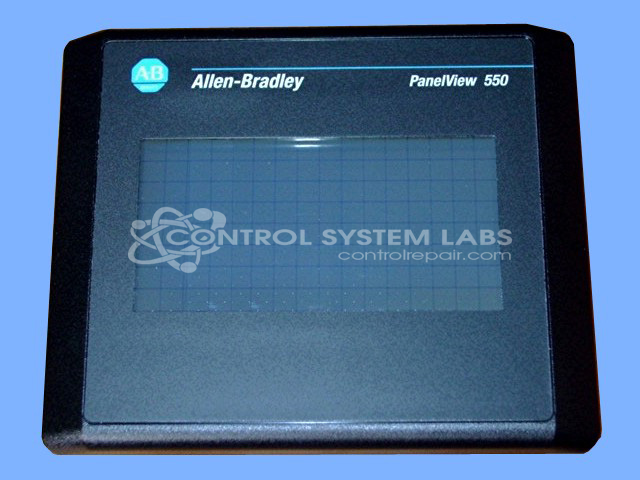
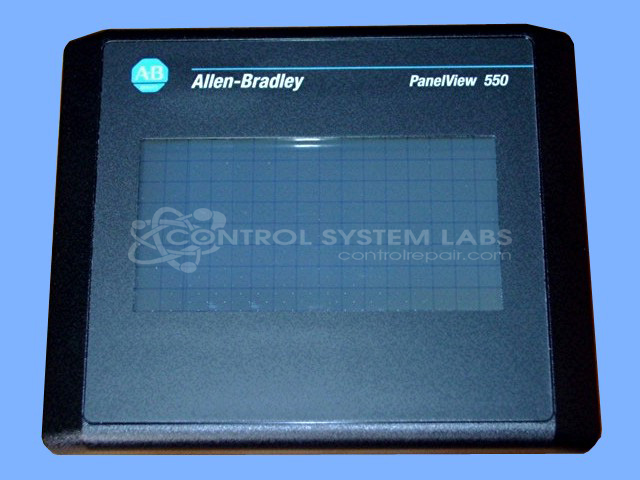
Product Overview: The PanelView 550 is an operator interface terminal from Allen Bradley's PanelView Standard series. It provides a graphical touchscreen interface for monitoring and controlling industrial automation systems. Commonly used in manufacturing, process control, and packaging applications, it connects to Allen Bradley PLCs and other automation devices. The 2711-T5A9L1/B model features a monochrome display with keypad and touch input, operating on 24VDC power. This terminal enables operators to view process data, acknowledge alarms, and input commands for machine or system control.
Category: Operator & Control Panels
Manufacturer: Allen Bradley
Manufacturer Synonyms: Rockwell Automation, allan bradly
Manufacturer Part Number: 2711-T5A9L1/B
Series: PanelView Standard 550 Terminal
Common Failures
The Allen Bradley Panelview 550 may experience issues such as failure to power on or loose internal hardware components that can affect operation. Root causes are determined through evaluation of each individual unit.
Repair Approach
Repairs are performed based on the findings from our evaluation. Common repair activities may include reconnecting power connections and securing internal hardware components. We evaluate each unit and provide a quotation before any repair work begins.
Testing & Quality
Once repairs are completed, the device undergoes testing to verify power-up and touchscreen functionality according to our standard repair procedures.
Service and repair your broken Allen Bradley part
We can repair your Allen Bradley model 2711-T5A9L1/B in our facility. Let our skilled technicians get your Allen Bradley back in operation quickly.
Step 1 - Click the green 'Repair Now' button above to add the part and then complete the RMA.
Step 2 - The RMA form will be sent to you via email. Print the RMA form and put it in a box with the item(s) for repair.
Step 3 - Ship or mail the box to the address listed on the RMA.
Once the user has seen at least one product this snippet will be visible.