



Repair
Repair Price: $ 884.00
Purchase
CSL Part Number: 110634
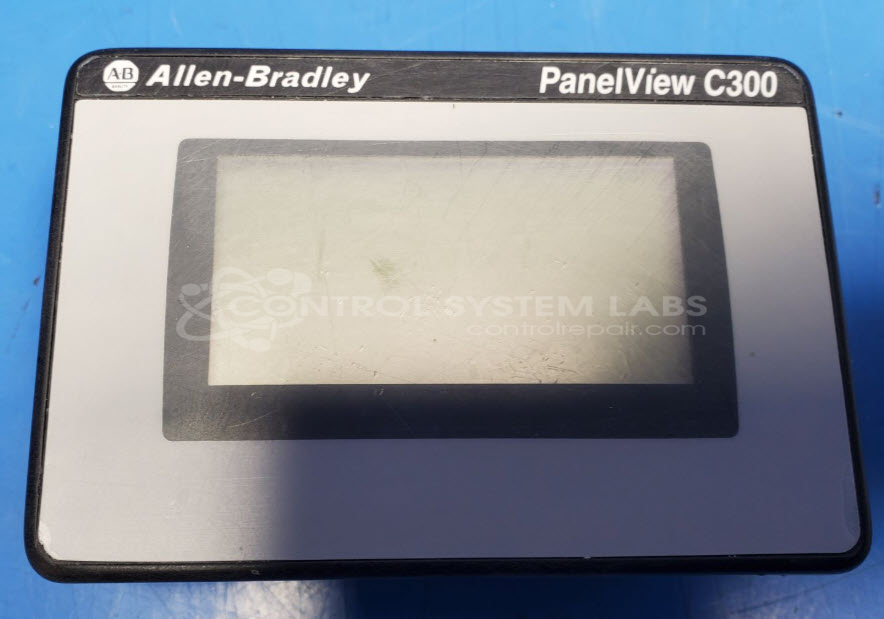
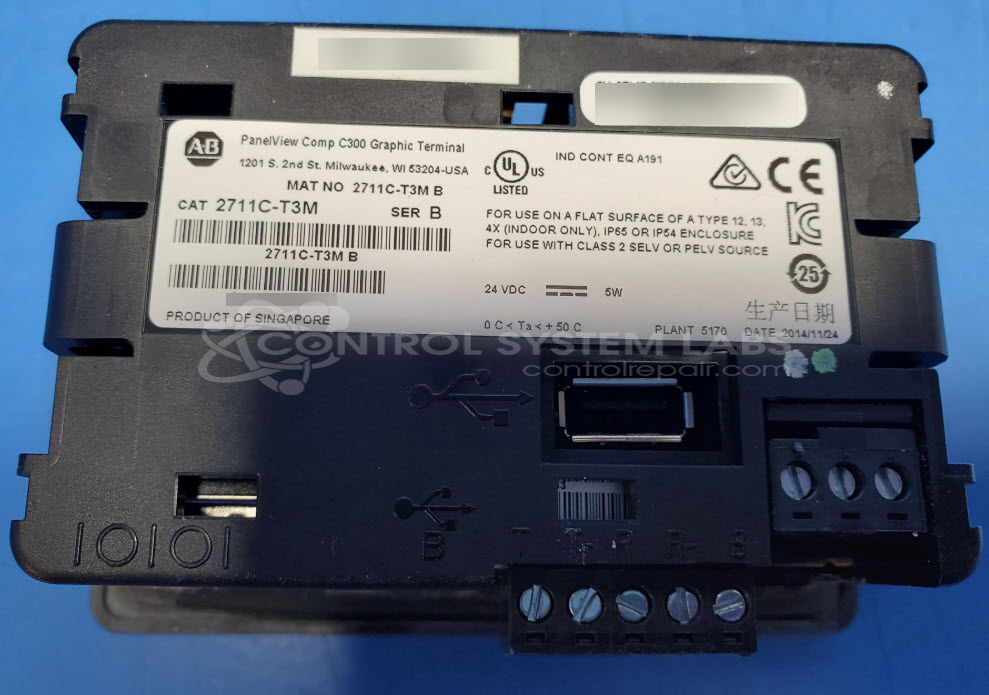
Product Overview: The Allen Bradley 2711C-T3M is a compact graphic operator interface terminal from the PanelView C300 series. It provides touchscreen control and visualization for industrial automation systems, typically used in food processing, packaging, and manufacturing environments. The terminal features a monochrome or color display with communication capabilities via Ethernet and USB ports, running FactoryTalk View ME software for HMI applications. It connects to Allen-Bradley PLCs and other controllers to monitor processes and provide operator input in machine control panels.
Category: Operator & Control Panels
Manufacturer: Allen Bradley
Manufacturer Synonyms: Rockwell Automation, allan bradly
Manufacturer Part Number: 2711C-T3M
Series: C300
We can in most cases copy any saved programs in this to media for an additional charge.
Common Failures
One of the prevalent issues with this product is the screen appearing blank despite the backlight being operational. This is often due to corrosion and oxidation on the main board and screen, which may be caused by exposure to contaminants.
Repair Approach
The typical repair process involves replacing corroded components. When feasible, parts from compatible units may be utilized. Preventative replacements, such as upgrading capacitors, may also be performed based on evaluation findings.
Testing & Quality
Repaired units are subjected to quality testing procedures. Protective measures such as conformal coating of boards may be applied to help protect against future corrosion. Units are evaluated for proper operation before return to the customer.
Service and repair your broken Allen Bradley part
We can repair your Allen Bradley model 2711C-T3M in our facility. Let our skilled technicians get your Allen Bradley back in operation quickly.
Step 1 - Click the green 'Repair Now' button above to add the part and then complete the RMA.
Step 2 - The RMA form will be sent to you via email. Print the RMA form and put it in a box with the item(s) for repair.
Step 3 - Ship or mail the box to the address listed on the RMA.
Once the user has seen at least one product this snippet will be visible.