



Repair
Repair Price: $ 1,856.00
Purchase
CSL Part Number: 72309
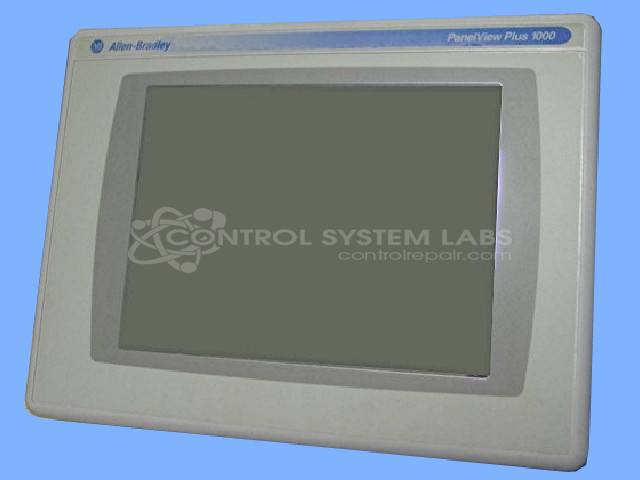
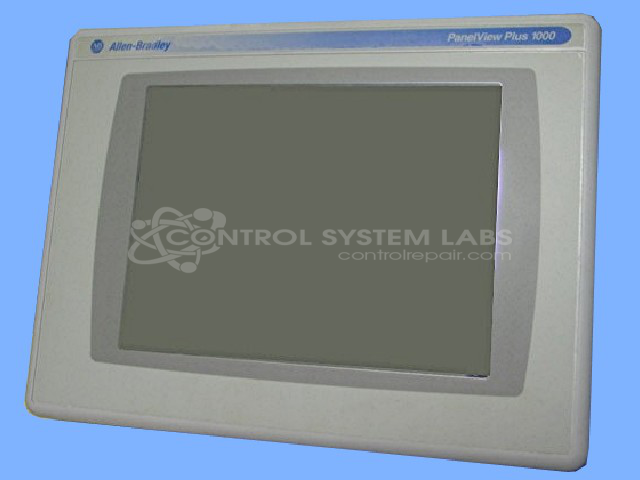
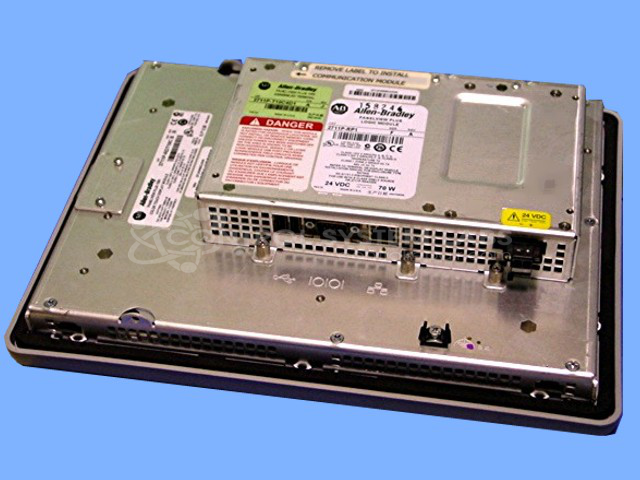
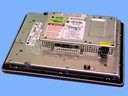
Product Overview: The PanelView Plus 1000 is a 10-inch color touchscreen human-machine interface (HMI) manufactured by Allen Bradley for industrial automation systems. It provides operator control and monitoring capabilities for programmable logic controllers and manufacturing equipment. This compact terminal features configurable graphics displays, alarm management, and data trending functions. Commonly deployed in packaging machinery, material handling systems, and process control applications, it supports communication protocols including EtherNet/IP and runs FactoryTalk View ME software for custom operator interfaces.
Category: Operator & Control Panels
Manufacturer: Allen Bradley
Manufacturer Synonyms: Rockwell Automation, allan bradly
Manufacturer Part Number: 2711P-RDT10C SER B A
Series: PanelView Plus 1000
Common Failures
Some units may exhibit boot issues where the display cycles through the boot sequence and does not start up correctly.
Repair Approach
When we receive a unit for evaluation, we review configuration settings and other potential causes. In some cases, configuration adjustments may resolve the issue, but each unit is evaluated individually to determine the appropriate repair approach.
Testing & Quality
Following repair, the unit is tested for display and touchscreen functionality to confirm proper operation before return.
Service and repair your broken Allen Bradley part
We can repair your Allen Bradley model 2711P-RDT10C SER B A in our facility. Let our skilled technicians get your Allen Bradley back in operation quickly.
Step 1 - Click the green 'Repair Now' button above to add the part and then complete the RMA.
Step 2 - The RMA form will be sent to you via email. Print the RMA form and put it in a box with the item(s) for repair.
Step 3 - Ship or mail the box to the address listed on the RMA.
Once the user has seen at least one product this snippet will be visible.