



Repair
Repair Price: $ 984.00
Purchase
CSL Part Number: 85720
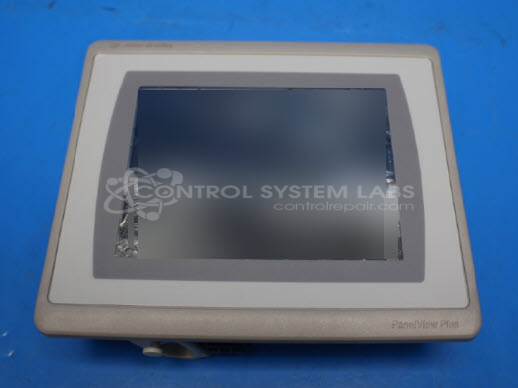
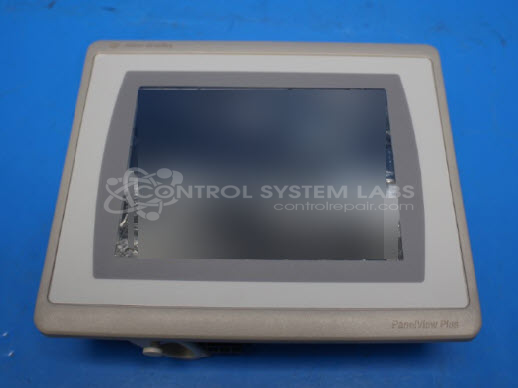
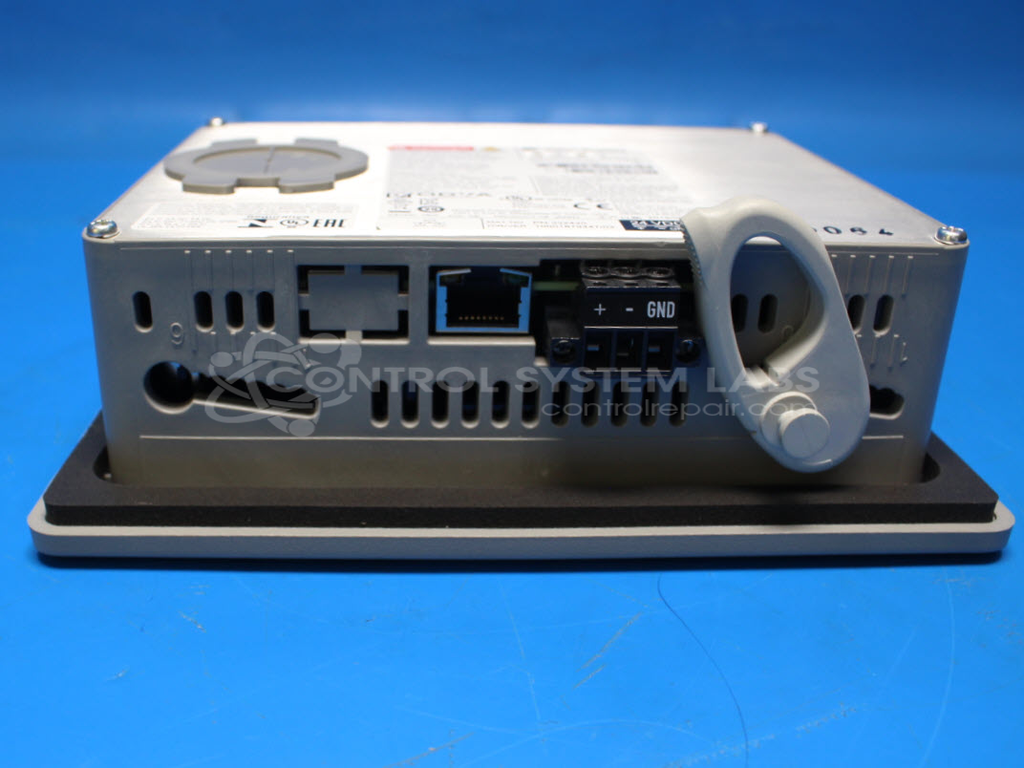
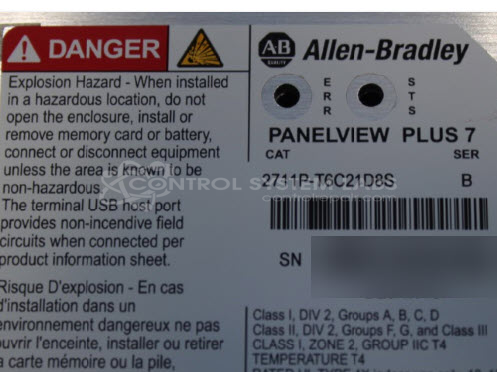
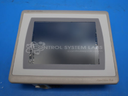
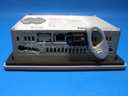
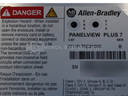
Product Overview: The Allen-Bradley PanelView Plus 7 (model 2711P-T6C21D8S) is a human-machine interface (HMI) used for monitoring and controlling industrial automation systems. This 6.5-inch color touchscreen terminal provides operators with graphical visualization and input capabilities for programmable logic controllers and other automation equipment. It operates on 24V DC power and includes onboard memory for application storage. Common applications include machine control panels, process monitoring stations, and production line interfaces in manufacturing environments. The unit features Ethernet connectivity and supports Allen-Bradley communication protocols for integration with ControlLogix, CompactLogix, and other Rockwell Automation platforms.
Category: Operator / Monitor Workstation
Manufacturer: Allen Bradley
Manufacturer Synonyms: Rockwell Automation, allan bradly
Manufacturer Part Number: 2711P-T6C21D8S
Series: PanelView Plus 7
Common Failures
This product may experience issues with power management and display functionality. Indicators include a non-responsive screen when power is applied, coupled with lights around the connector area turning on. These issues may be linked to capacitor failure and battery-related components.
Repair Approach
We evaluate each unit individually to determine serviceability. In cases where corrosion is present, extensive damage may render the unit beyond economic repair. We can review the item and provide a quotation once evaluation is complete.
Service and repair your broken Allen Bradley part
We can repair your Allen Bradley model 2711P-T6C21D8S in our facility. Let our skilled technicians get your Allen Bradley back in operation quickly.
Step 1 - Click the green 'Repair Now' button above to add the part and then complete the RMA.
Step 2 - The RMA form will be sent to you via email. Print the RMA form and put it in a box with the item(s) for repair.
Step 3 - Ship or mail the box to the address listed on the RMA.
Once the user has seen at least one product this snippet will be visible.