




Repair
Call for price
Purchase
CSL Part Number: 41983
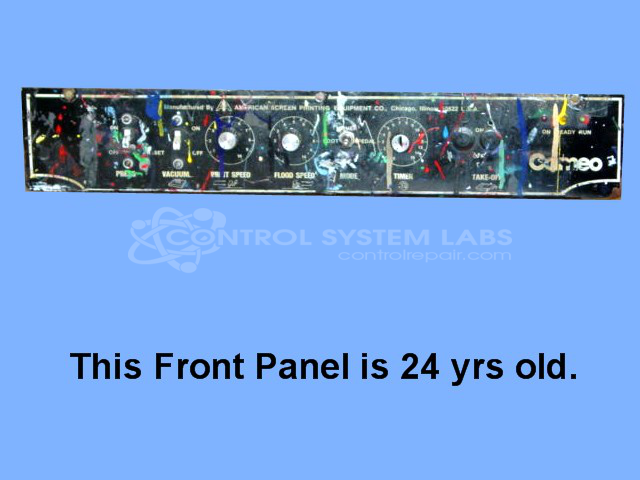
Product Overview: A motor control panel for screen printing presses, regulating flood and print carriage speeds via potentiometers. It supports multiple operating modes including footswitch, timer, and jog control, using timer ICs and voltage regulation to manage AC/DC drive sequencing for automated print cycles.
Category: Motor Controls
Manufacturer: American Screen Printing
Manufacturer Part Number: CAMEO
Common Failures
Common issues encountered with this product include faulty or broken potentiometers, shorted capacitors, and malfunctioning mode switches and transformers. Symptoms typically manifest as control problems, such as the unit failing to enter specific modes and speed adjustment issues.
Repair Approach
Repairs may involve replacing broken or faulty components, such as potentiometers, capacitors, regulators, and integrated circuits. Technicians also address wiring issues and ensure all components are functioning as expected. Specific repairs noted include the replacement of speed potentiometers, mode switches, transformers, and rewiring jog switches.
Testing & Quality
After repairs, thorough testing is performed to verify proper operation. Testing includes ensuring functionality across different modes and conducting extended operation tests. Units are tested according to CSL quality standards to confirm restored performance.
Service and repair your broken American Screen Printing part
We can repair your American Screen Printing model CAMEO in our facility. Let our skilled technicians get your American Screen Printing back in operation quickly.
Step 1 - Click the green 'Repair Now' button above to add the part and then complete the RMA.
Step 2 - The RMA form will be sent to you via email. Print the RMA form and put it in a box with the item(s) for repair.
Step 3 - Ship or mail the box to the address listed on the RMA.
Once the user has seen at least one product this snippet will be visible.