



Repair
Repair Price: $ 2,216.00
Purchase
CSL Part Number: 84262
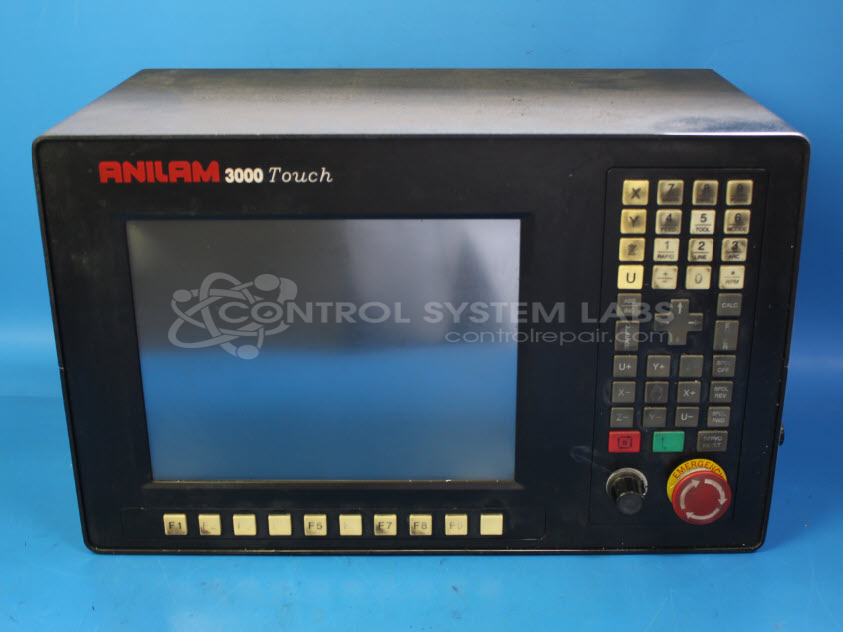
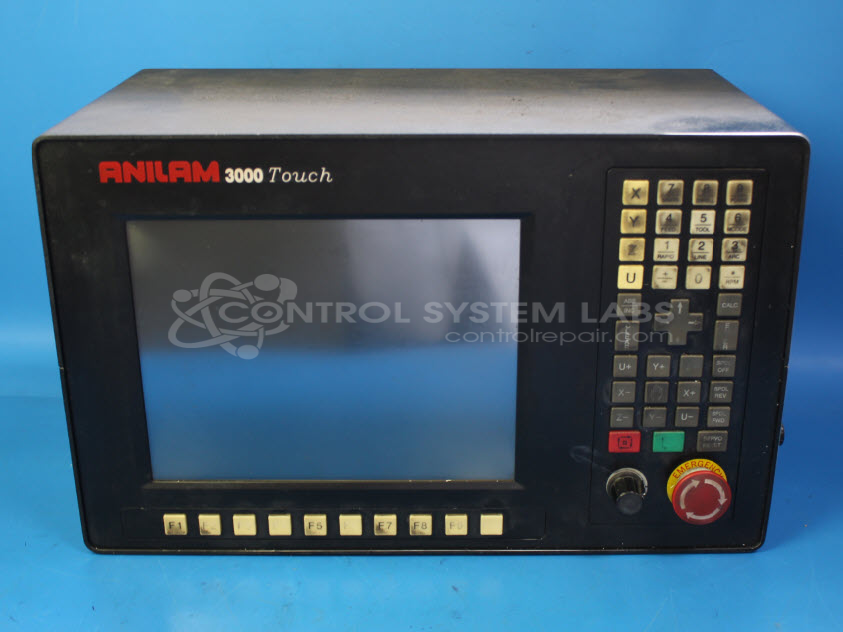
Product Overview: The Anilam 3000 Touch CNC Control is a touchscreen-based computer numerical control system for machine tools. It provides programming, operation, and servo control functions for CNC machining equipment such as mills and lathes. The system features an integrated display with keypad interface, manages axis positioning and motion control, and includes onboard storage for part programs. This all-in-one controller typically connects to servo drives and machine I/O, offering both manual and automatic machining modes with graphical programming support.
Category: Machine Control
Manufacturer: Anilam Electronics
Manufacturer Part Number: A7334029
Common Failures
Common issues reported include units that do not boot despite receiving power, unresponsive screens, and non-functional buttons. In some cases, disconnected fans or cables have been identified during evaluation. Other reported problems have included display failures and servo button malfunctions.
Repair Approach
Repair work may involve reconnecting cables, replacing defective components such as fans, and ensuring all parts are properly secured. Depending on the evaluation findings, installation of replacement parts may be required.
Testing & Quality Assurance
Units are subjected to diagnostic testing, which may include BIOS checks and functional testing, to verify operation following repair work. Each unit is reviewed by CSL staff to support quality standards. If a unit is found to be Beyond Economic Repair, the customer will be notified and options will be provided.
Service and repair your broken Anilam Electronics part
We can repair your Anilam Electronics model A7334029 in our facility. Let our skilled technicians get your Anilam Electronics back in operation quickly.
Step 1 - Click the green 'Repair Now' button above to add the part and then complete the RMA.
Step 2 - The RMA form will be sent to you via email. Print the RMA form and put it in a box with the item(s) for repair.
Step 3 - Ship or mail the box to the address listed on the RMA.
Once the user has seen at least one product this snippet will be visible.