



Repair
Repair Price: $ 840.00
Purchase
CSL Part Number: 80967
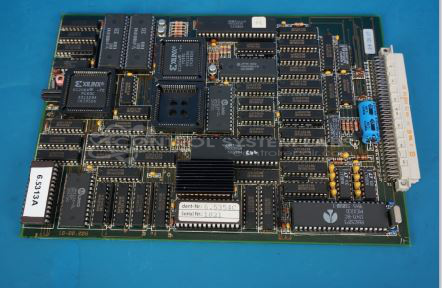
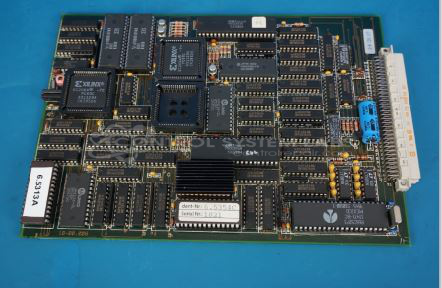
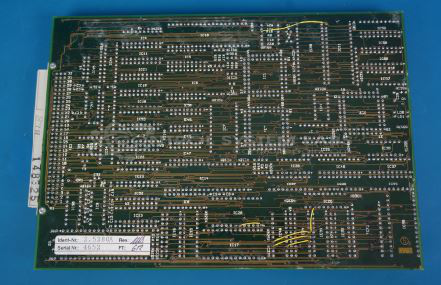
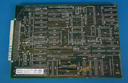
Product Overview: The Arburg 120.527 CPU Card is a central processing control board used in Arburg Multronica Hydronica injection molding machine control systems. It handles core computational and logic functions, coordinating machine operations through integrated EPROM memory, SRAM, multiplexers, latches, and bus transceivers. The board processes operator inputs, executes control algorithms, and manages communication between system components. Common failure modes include overvoltage damage to logic ICs and EPROM configuration issues requiring reprogramming.
Category: Control Board
Manufacturer: Arburg
Manufacturer Part Number: 120.527
Series: Multronica Hydronica
Also Known As(AKA): 2.528
Common Failures
Common issues reported include defective components due to overvoltage and physical damage from bent or loose pins in sockets. These problems can prevent the system from registering key inputs or cause the board to short out. In some cases, power supply components have been found damaged during evaluation, which can contribute to system malfunction.
Repair Approach
Repairs typically involve diagnosing and replacing defective integrated circuits and programming new EPROMs based on the customer's original data. In instances where socket pins are bent or loose, addressing this physical damage is necessary for restoring functionality.
Testing & Quality
Repaired units undergo comprehensive testing to confirm functionality. Some items have been returned unrepaired due to unavailability of parts or the need for further diagnostic requirements. The quality assurance process includes multiple checks before customer return.
Service and repair your broken Arburg part
We can repair your Arburg model 120.527 in our facility. Let our skilled technicians get your Arburg back in operation quickly.
Step 1 - Click the green 'Repair Now' button above to add the part and then complete the RMA.
Step 2 - The RMA form will be sent to you via email. Print the RMA form and put it in a box with the item(s) for repair.
Step 3 - Ship or mail the box to the address listed on the RMA.
Once the user has seen at least one product this snippet will be visible.