



Repair
Repair Price: $ 840.00
Purchase
CSL Part Number: 76493
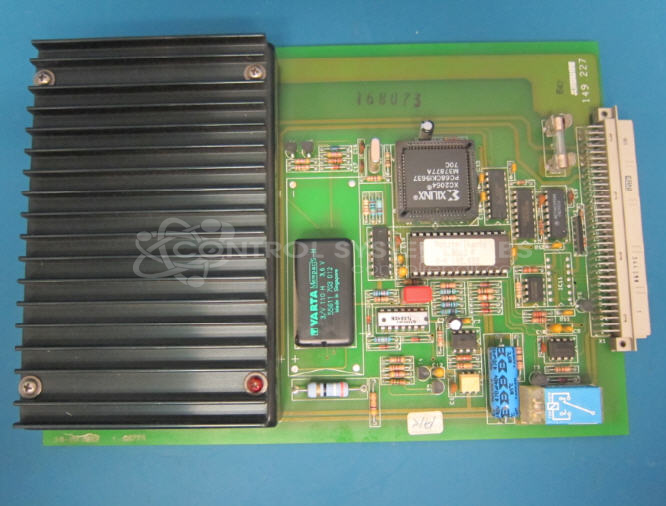
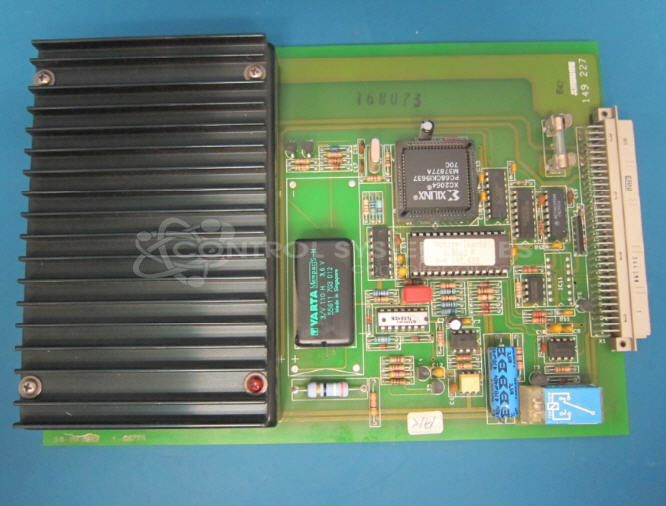
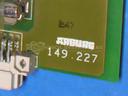
Product Overview: The Multronica Power Supply / Boot Board (Arburg 149.227) is a power supply and control interface board used in Arburg's Multronica and Hydronica injection molding machine control systems. It provides regulated DC voltages and serves as a communication interface between the control system and machine subsystems. The board features multiple voltage regulation stages, relay control circuits, and RS422/RS485 differential line drivers for serial communication. It uses standard DIP-packaged ICs including voltage supervisors, shift registers, and line drivers, with various electrolytic capacitors for power filtering and regulation stability.
Category: Power Supply
Manufacturer: Arburg
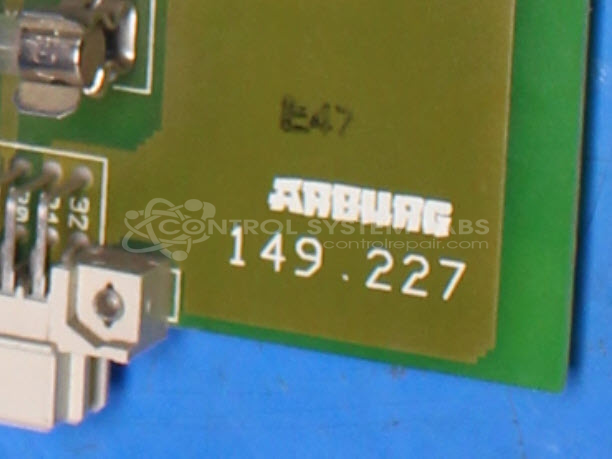
Manufacturer Part Number: 149.227
Series: Multronica Hydronica
Also Known As(AKA): 2.5303 A
We repair this card. There are no new cards available and no Arburg repair.
Common Failures
Frequent issues identified during evaluation have included defective relays, integrated circuits, and capacitors requiring replacement.
Repair Approach
The repair process typically involves replacing defective components such as relays, integrated circuits, and capacitors. In some cases, capacitors on both the primary board and internal supply module have been replaced.
Testing & Quality
After repairs are completed, units undergo testing to verify functionality. Components are inspected for physical damage and tested to confirm proper operation before the unit is approved for return.
Service and repair your broken Arburg part
We can repair your Arburg model 149.227 in our facility. Let our skilled technicians get your Arburg back in operation quickly.
Step 1 - Click the green 'Repair Now' button above to add the part and then complete the RMA.
Step 2 - The RMA form will be sent to you via email. Print the RMA form and put it in a box with the item(s) for repair.
Step 3 - Ship or mail the box to the address listed on the RMA.
Once the user has seen at least one product this snippet will be visible.