



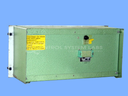
Repair
Repair Price: $ 1,996.00
Purchase
CSL Part Number: 19175
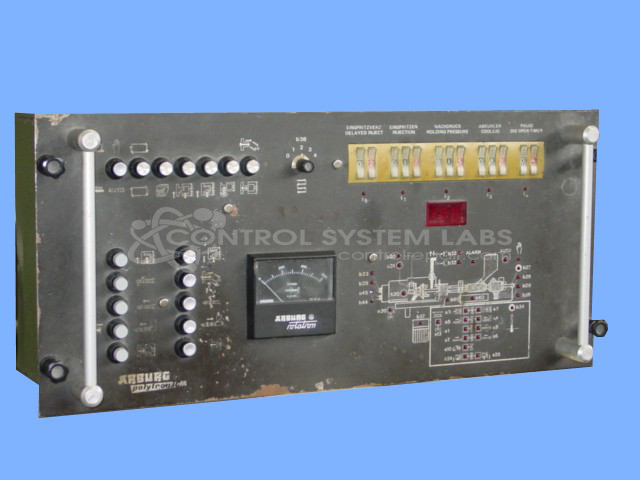
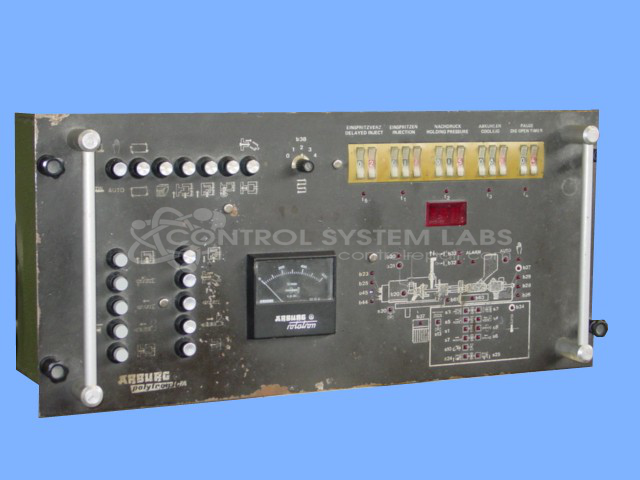
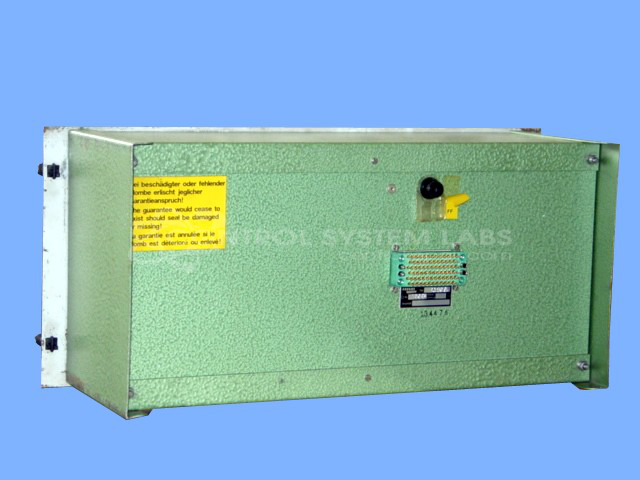
Product Overview: The Polytronica Control Panel is an Arburg machine control system used in plastic injection molding presses. It integrates multiple circuit boards to manage press operations, including safety monitoring circuits, hand/auto mode selection, and PLC interfacing. The panel contains power supply sections, relay-based control logic, and operator interface components such as pushbuttons and indicator lights. This controller coordinates essential press functions and safety interlocks required for normal operation of Arburg injection molding equipment.
Category: Machine Control
Manufacturer: Arburg
Manufacturer Part Number: 41781
Series: Polytronica
We are THE primary source for end-of-life Arburg repair and have repaired this type of panel since 1996!
Common Failures
Two primary issues have been observed with this product. The first problem involves a light in the safety monitor circuit, which can affect system function. This issue has been traced to a relay in the hand circuit. The second issue involves a push button that can affect user operation.
Repair Approach
For the light issue, the relay within the hand circuit is identified and replaced when defective. During evaluation, capacitors in the power supply may be replaced as needed. For the push button issue, the pushbutton switch is replaced and boards are reinstalled as required.
Testing & Quality
Repairs undergo testing procedures to verify quality and reliability. Testing includes burn-in tests with loads and diagnostics using test jigs and procedures to confirm that repairs meet CSL standards. Repairs are reviewed by qualified personnel as part of our quality process.
Service and repair your broken Arburg part
We can repair your Arburg model 41781 in our facility. Let our skilled technicians get your Arburg back in operation quickly.
Step 1 - Click the green 'Repair Now' button above to add the part and then complete the RMA.
Step 2 - The RMA form will be sent to you via email. Print the RMA form and put it in a box with the item(s) for repair.
Step 3 - Ship or mail the box to the address listed on the RMA.
Once the user has seen at least one product this snippet will be visible.