



Repair
Call for price
Purchase
CSL Part Number: 86756
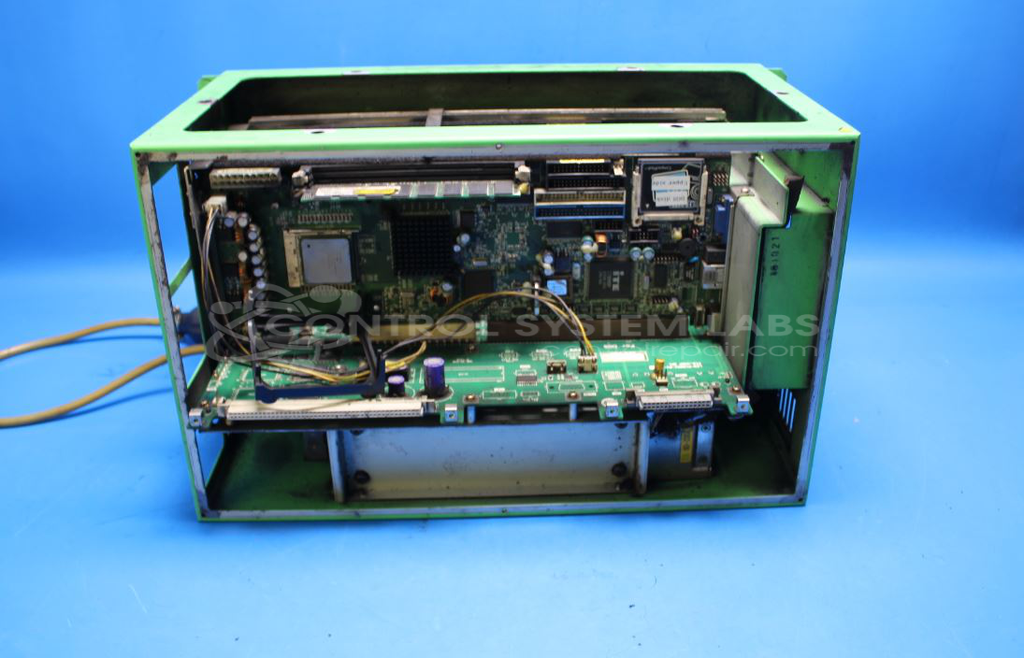
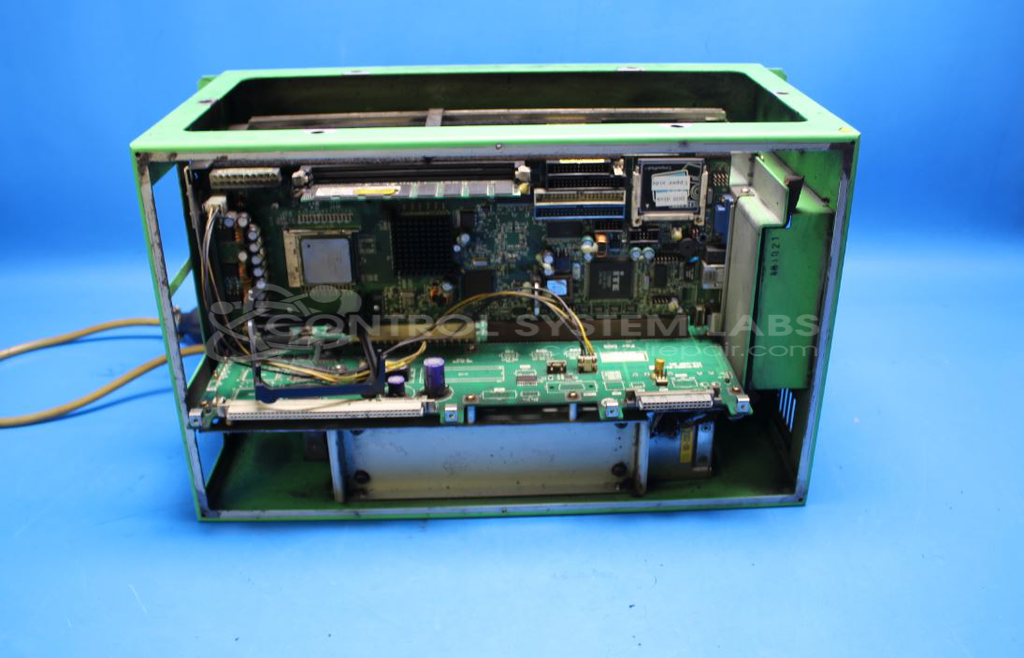
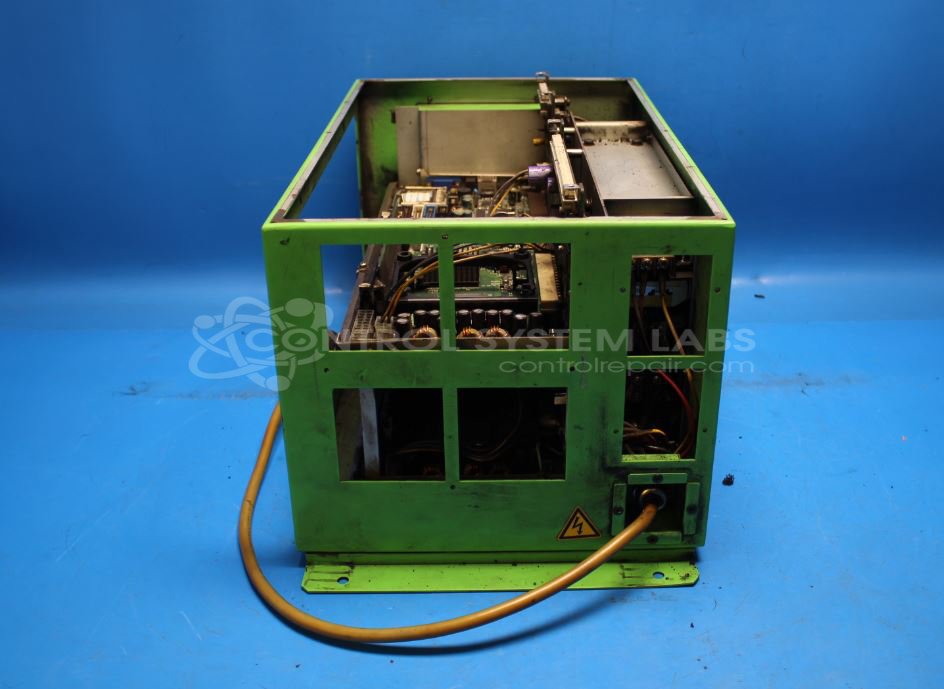
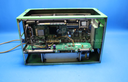
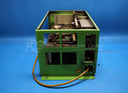
Product Overview: The CFX-5 Control Unit is an industrial PC-based control assembly manufactured by Asahi Seiki for packaging machinery applications. It features dual CPU architecture with separate Windows 2000 and DOS processor boards connected via backplane, utilizing CompactFlash cards for data storage. The unit integrates power supply, cooling fans, and display interface in a single enclosure. Commonly found in Asahi Seiki PC-2 packaging equipment, it manages machine sequencing and operator interface functions.
Category: Control Assembly
Manufacturer: Asahi Seiki
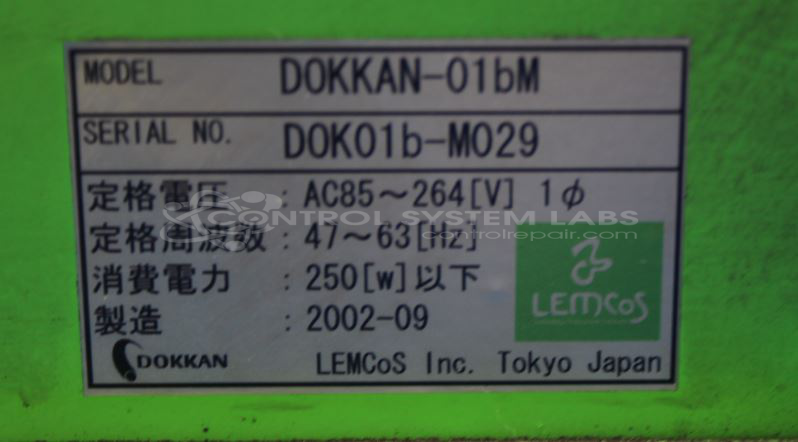
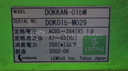
Manufacturer Part Number: Dokkan-01bm
Please include card cage and wiring diagrams when sending in.
Common Failures
A frequently reported issue is that the equipment fails to start up, and there is no image on the control screen. This is often accompanied by defects in key components like CPU fans and capacitors on the CPU cards, which can lead to overheating and eventual shutdown.
Repair Approach
Repairs typically involve replacing defective components such as CPU fans, electrolytic capacitors, and FETs on the CPU cards. Preventive maintenance is also conducted by replacing CMOS batteries, cleaning card edge connectors, and changing air filters. Mechanical integrity is often restored by addressing any loose physical connections.
Testing & Quality
Post-repair, extensive testing procedures are followed. Items are verified to boot correctly and are subjected to rigorous burn-in tests. Successful repairs see both CPU cards booting cleanly, although not all functions may be tested due to the nature of module-level repair work.
Repair your broken Asahi Seiki part
We can repair your Asahi Seiki model Dokkan-01bm .
Please note: our repair turnaround time may be longer than our standard lead times for this item.
Step 1 -
Click the green button above, "Repair Now," and add to your RMA.
Step 2 -
Print the RMA form that is emailed to you, and put it in a box with the parts for repair.
Step 3 -
Mail the box to the address on the RMA.
You will be sent an authorization for repair via email. Your approval is needed before any work is started.
Once the user has seen at least one product this snippet will be visible.