



Repair
Repair Price: $ 1,594.00
Purchase
CSL Part Number: 87658
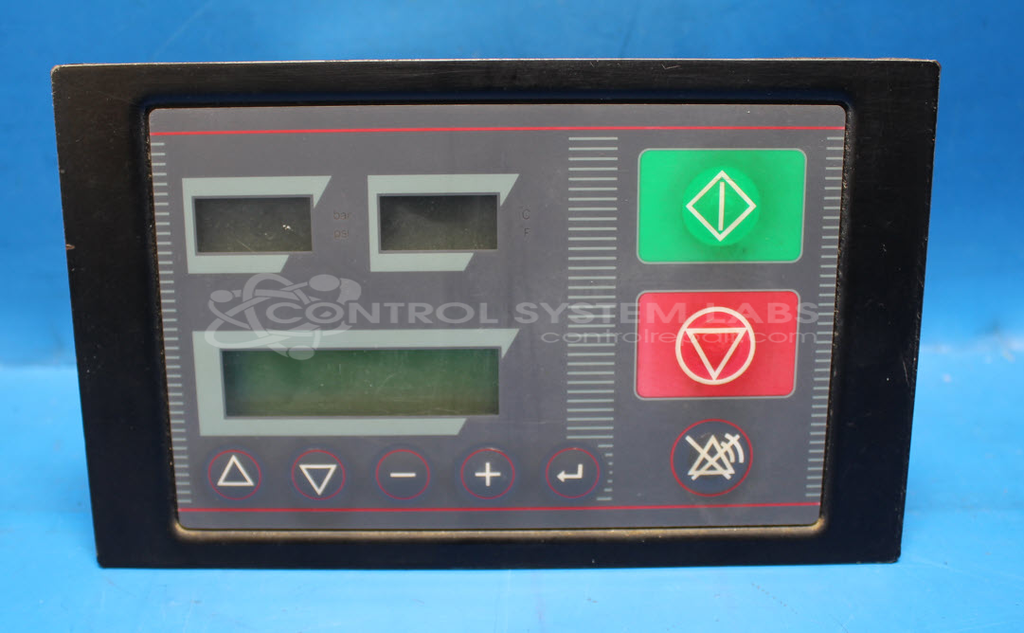
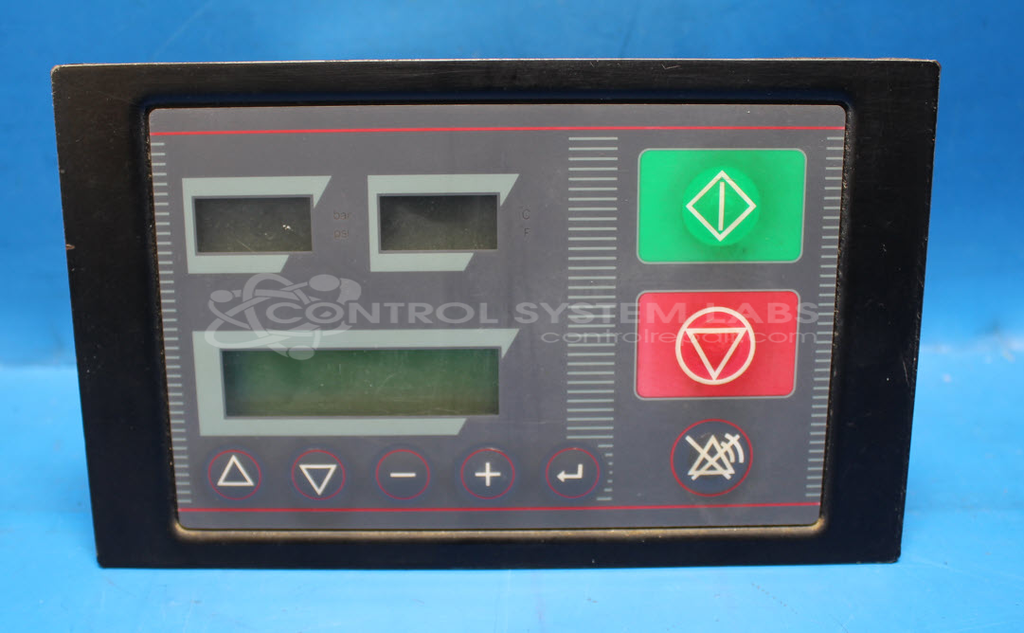
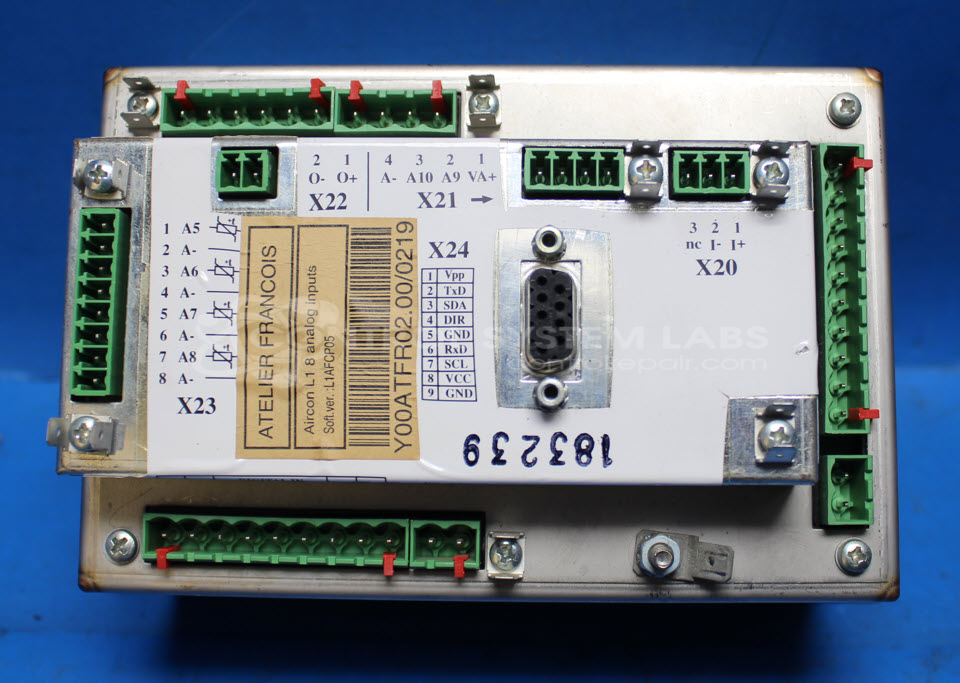
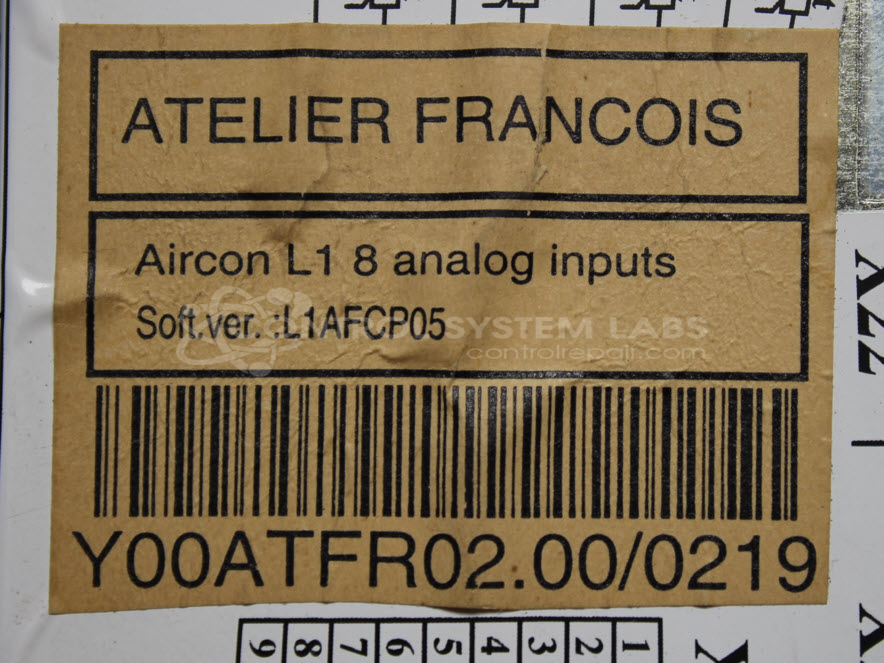
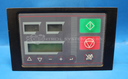
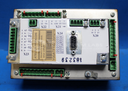
Product Overview: The Ateliers François Y00ATFR02.00/0219 is a control panel assembly designed to monitor and regulate compressor operations. It features multiple displays for real-time status monitoring and process parameters. Commonly used in paper manufacturing facilities, it integrates with industrial compressor systems to provide operational control and feedback. The panel operates on 24VAC input power and includes adjustable contrast controls for display visibility in various lighting conditions.
Category: Control Assembly
Manufacturer: Ateliers François
Manufacturer Synonyms: AF Compressors
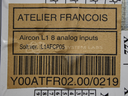
Manufacturer Part Number: Y00ATFR02.00/0219
Common Failures
Common issues reported include the display not illuminating properly, resulting in a faint display. Defective contrast potentiometers and related components have been identified during evaluation as potential causes affecting display contrast control.
Repair Approach
Repairs may involve replacing faulty components such as resistors and potentiometers. When the backlight does not illuminate, the defective resistor is typically replaced. The contrast potentiometer is also inspected and replaced if necessary to restore proper functionality.
Testing & Quality
Upon repair completion, each unit undergoes testing, including power-on tests and burn-in tests, to verify reliability and performance standards before the product is returned to the customer.
Service and repair your broken Ateliers François part
We can repair your Ateliers François model Y00ATFR02.00/0219 in our facility. Let our skilled technicians get your Ateliers François back in operation quickly.
Step 1 - Click the green 'Repair Now' button above to add the part and then complete the RMA.
Step 2 - The RMA form will be sent to you via email. Print the RMA form and put it in a box with the item(s) for repair.
Step 3 - Ship or mail the box to the address listed on the RMA.
Once the user has seen at least one product this snippet will be visible.