



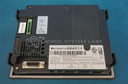
Repair
Repair Price: $ 1,320.00
Purchase
CSL Part Number: 82467
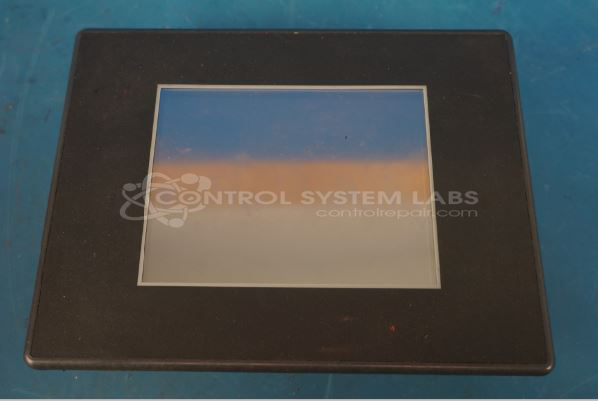
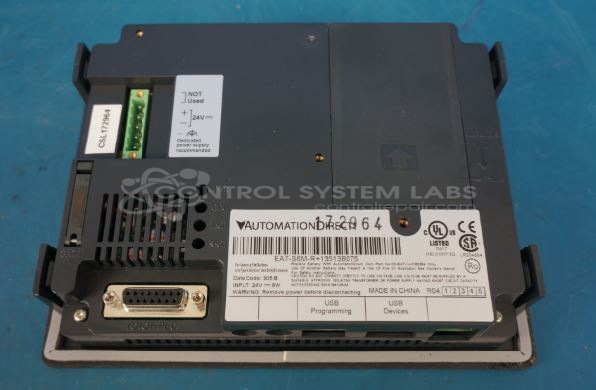
Product Overview: The EA7-S6M-R is a 6-inch touchscreen human-machine interface (HMI) manufactured by Automation Direct, part of their EA7 series. It provides operator control and monitoring capabilities for industrial automation systems, commonly used in manufacturing equipment, process control applications, and machine interfaces. The unit features a color TFT display with resistive touch technology for user input and can be programmed to display process data, alarms, and control functions. It typically connects to PLCs and other industrial controllers via standard communication protocols.
Category: Touch Panel
Manufacturer: Automation Direct
Manufacturer Synonyms: AutomationDirect
Manufacturer Part Number: EA7-S6M-R
Series: EA7 Touchscreen HMI
Also Known As(AKA): +13513B075
Refurbished and new are available upon request, prices do not include program transfer or new programming,
Common Failures
Units may exhibit symptoms such as failure to power on or unresponsive displays. Issues can include failure to power the display or damaged touch screens that prevent normal operation.
Repair Approach
We evaluate each unit to determine the scope of repair. In some cases, parts availability or technical limitations may prevent a successful repair. When parts are unavailable or repair is not feasible, we will inform the customer and discuss available options.
Testing & Quality
Units are tested upon receipt and after any repair work. If a unit does not meet our testing standards or cannot be repaired within the scope of our services, we will notify the customer and provide recommendations based on the evaluation findings.
Service and repair your broken Automation Direct part
We can repair your Automation Direct model EA7-S6M-R in our facility. Let our skilled technicians get your Automation Direct back in operation quickly.
Step 1 - Click the green 'Repair Now' button above to add the part and then complete the RMA.
Step 2 - The RMA form will be sent to you via email. Print the RMA form and put it in a box with the item(s) for repair.
Step 3 - Ship or mail the box to the address listed on the RMA.
Once the user has seen at least one product this snippet will be visible.