



Repair
Repair Price: $ 2,924.00
Purchase
CSL Part Number: 84012
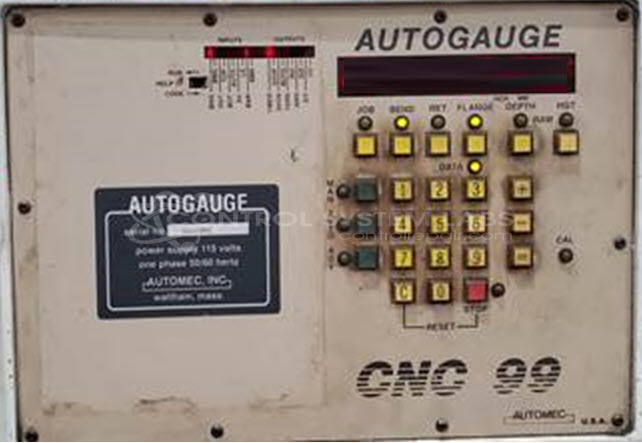
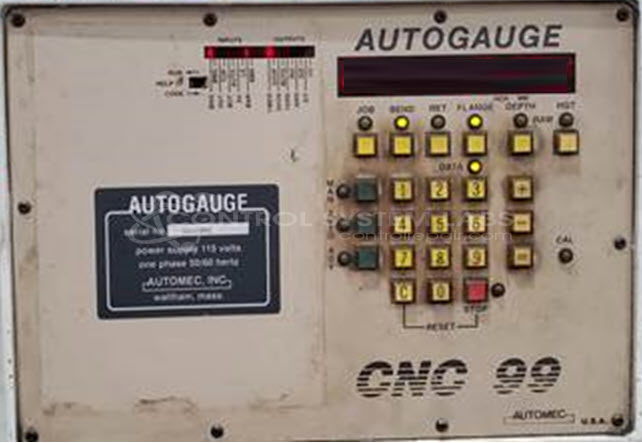
Product Overview: The Automec CNC 99, also known as PIRANHA, is a backgage control system for press brakes. It manages the automated positioning of the backgage during sheet metal bending operations. The unit features a numeric keypad and display for programming and monitoring backgage movements. It includes a rechargeable battery for memory retention and operates with selectable measurement units (inches or millimeters). The system connects to servo or stepper motor drives that control the physical backgage positioning on press brake equipment.
Category: Control Assembly
Manufacturer: AUTOMEC
Manufacturer Part Number: CNC 99
Series: Press Press Brake Control
Also Known As(AKA): PIRANHA
Common Failures
Common symptoms reported include fluctuating battery voltage, corroded vias near the battery area, defective solder joints that may result in power loss or display malfunctions, and stuck display or controls.
Repair Approach
Repairs may involve replacing defective components such as batteries and capacitors. Cleaning and re-soldering of joints is performed as needed to address identified issues. Specific attention is given to removing solder bridges and ensuring proper board cleaning. Calibration errors may require reference to the operator's manual for guidance.
Testing & Quality
Repaired units are tested to verify button and display functionality. Burn-in tests are performed to evaluate reliability over extended operation periods. Final system testing should be performed by the customer once the unit is reinstalled in the complete machine setup.
Service and repair your broken AUTOMEC part
We can repair your AUTOMEC model CNC 99 in our facility. Let our skilled technicians get your AUTOMEC back in operation quickly.
Step 1 - Click the green 'Repair Now' button above to add the part and then complete the RMA.
Step 2 - The RMA form will be sent to you via email. Print the RMA form and put it in a box with the item(s) for repair.
Step 3 - Ship or mail the box to the address listed on the RMA.
Once the user has seen at least one product this snippet will be visible.