




Repair
Repair Price: $ 1,994.00
Purchase
CSL Part Number: 106854
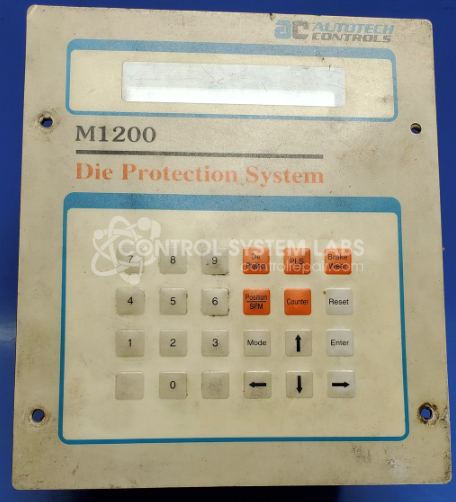
Product Overview: The Autotech Controls SAC-M1206-00E is a programmable limit switch controller from the ARC-TROL Die Protection System Control series. It monitors rotary position using a resolver input and provides programmable switching outputs for machine control and die protection applications. The unit features a digital display showing position information, a front-panel keypad for programming setpoints, and relay outputs for controlling equipment based on angular position. Commonly used in stamping presses, forming machines, and other industrial equipment requiring precise position-based control and safety interlocks.
Category: Machine Control
Manufacturer: Autotech Controls
Manufacturer Synonyms: AVG Automation
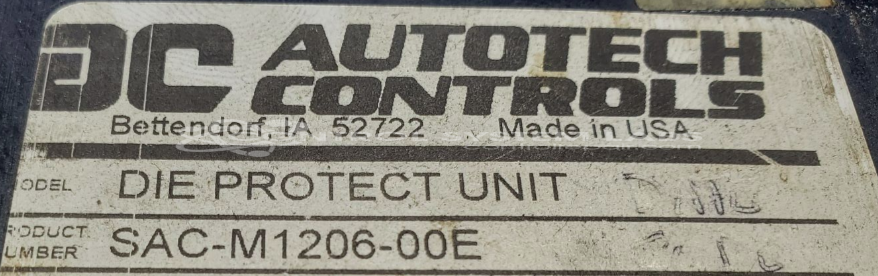
Manufacturer Part Number: SAC-M1206-00E
Series: ARC-TROL Die Protection System Control
Please include a specific problem description with wiring diagrams.
Common Failures
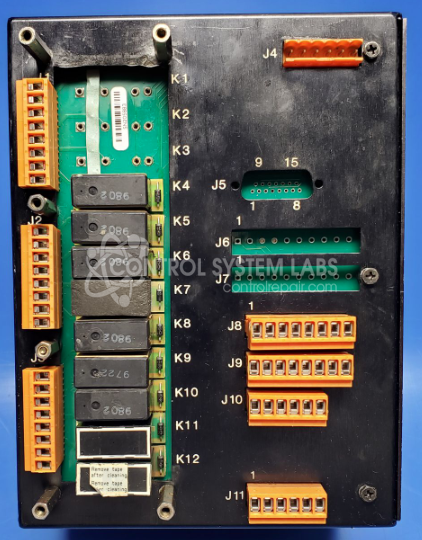
Common issues with the Autotech limit switch may include power supply-related concerns. Typical causes can include worn relays or degraded capacitors in the power section.
Repair Approach
Our repair process may include replacing worn relays and degraded capacitors as needed. Additional capacitors may be replaced as a precaution to support long-term reliability.
Testing & Quality
After repairs are completed, the unit undergoes diagnostic testing to verify proper operation. Testing may include display functionality checks, front switch verification, and confirmation of proper operation with power and resolver connections. Additional burn-in testing may be performed to support quality standards.
Service and repair your broken Autotech Controls part
We can repair your Autotech Controls model SAC-M1206-00E in our facility. Let our skilled technicians get your Autotech Controls back in operation quickly.
Step 1 - Click the green 'Repair Now' button above to add the part and then complete the RMA.
Step 2 - The RMA form will be sent to you via email. Print the RMA form and put it in a box with the item(s) for repair.
Step 3 - Ship or mail the box to the address listed on the RMA.
Once the user has seen at least one product this snippet will be visible.