



Repair
Call for price
Purchase
CSL Part Number: 88591
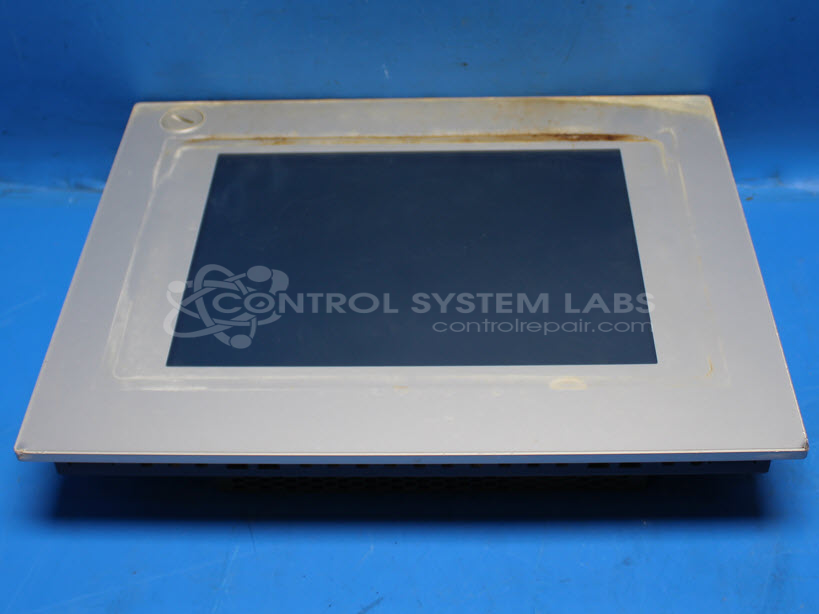
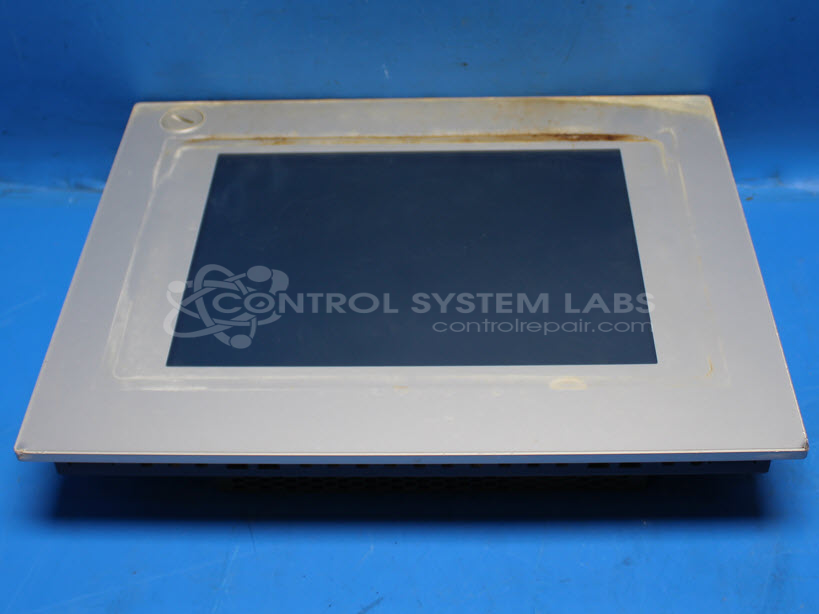
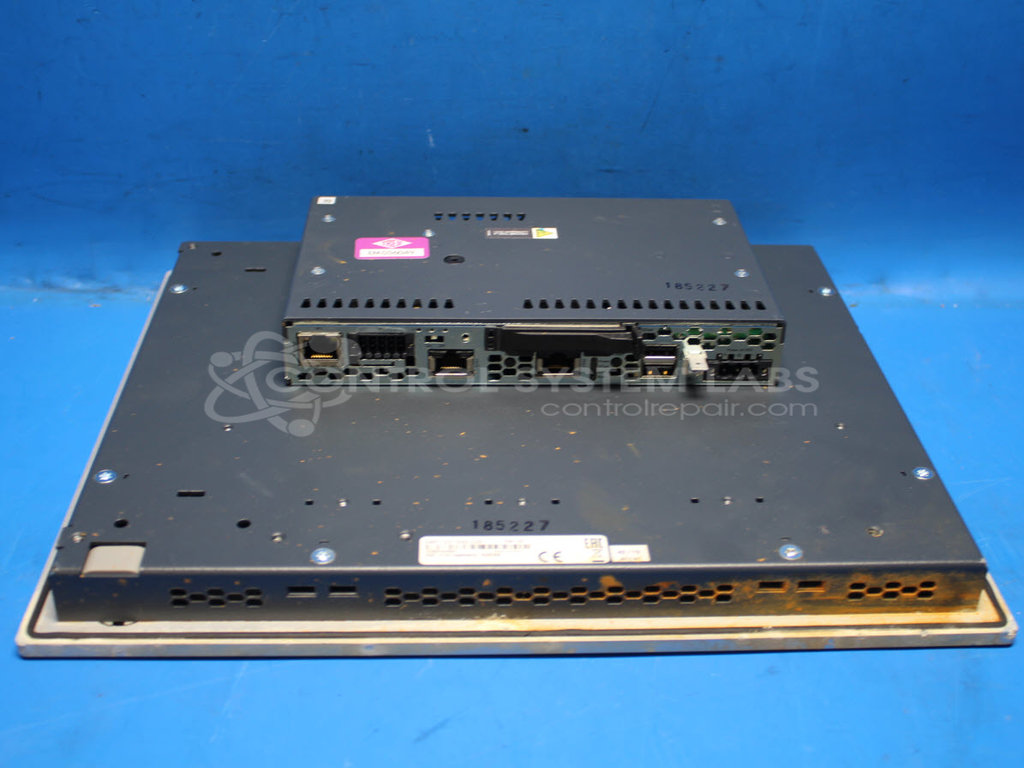
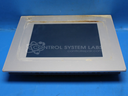
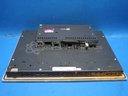
Product Overview: The 5AP1120.1043-C03 is a 10.4-inch LCD touchscreen operator panel from B&R Industrial Automation. It serves as a human-machine interface (HMI) for industrial control systems, allowing operators to monitor processes and input commands. The unit features a CPU section with integrated processing capabilities and uses CompactFlash (CF) card storage for program loading and configuration. It is commonly deployed in manufacturing automation, packaging lines, and other industrial machinery where real-time operator interaction with control systems is required.
Category: Operator & Control Panels
Manufacturer: B&R Industrial Automation
Manufacturer Synonyms: B & R, B & R Auto, B and R, B & R Automation, BR-Automation
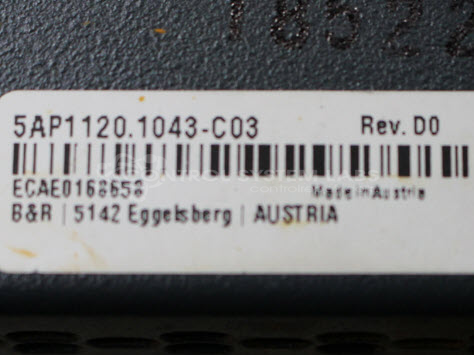
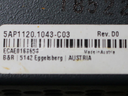
Manufacturer Part Number: 5AP1120.1043-C03
Also Known As(AKA): 5W3Z0000C21307-002
Common Failures
A common issue reported for this product is non-functioning due to overheating. The primary cause often identified is a dried or cracked thermal pad in the CPU section.
Repair Approach
The repair process typically involves disassembling the CPU section and replacing the thermal pad. This replacement can restore the unit's functionality.
Testing & Quality
Post-repair, units undergo testing to verify functionality. This includes verifying the LCD display and ensuring the unit boots correctly. Tests confirm that the product operates without displaying error messages before the unit is returned.
Repair your broken B&R Industrial Automation part
We can repair your B&R Industrial Automation model 5AP1120.1043-C03 .
Please note: our repair turnaround time may be longer than our standard lead times for this item.
Step 1 -
Click the green button above, "Repair Now," and add to your RMA.
Step 2 -
Print the RMA form that is emailed to you, and put it in a box with the parts for repair.
Step 3 -
Mail the box to the address on the RMA.
You will be sent an authorization for repair via email. Your approval is needed before any work is started.
Once the user has seen at least one product this snippet will be visible.