



Repair
Call for price
Purchase
CSL Part Number: 114250
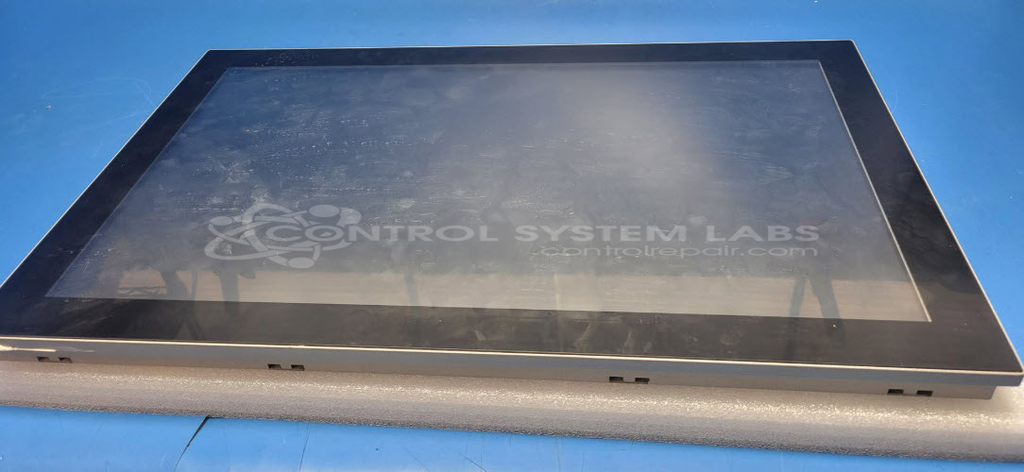
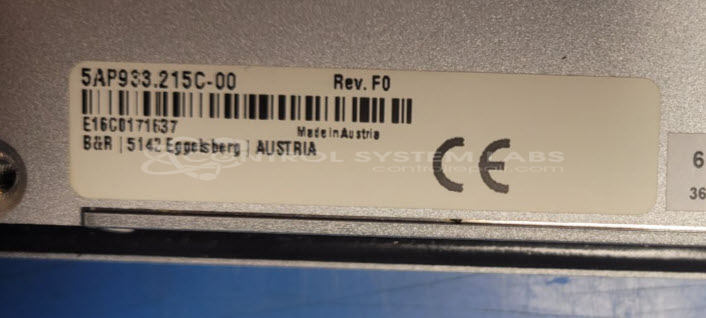
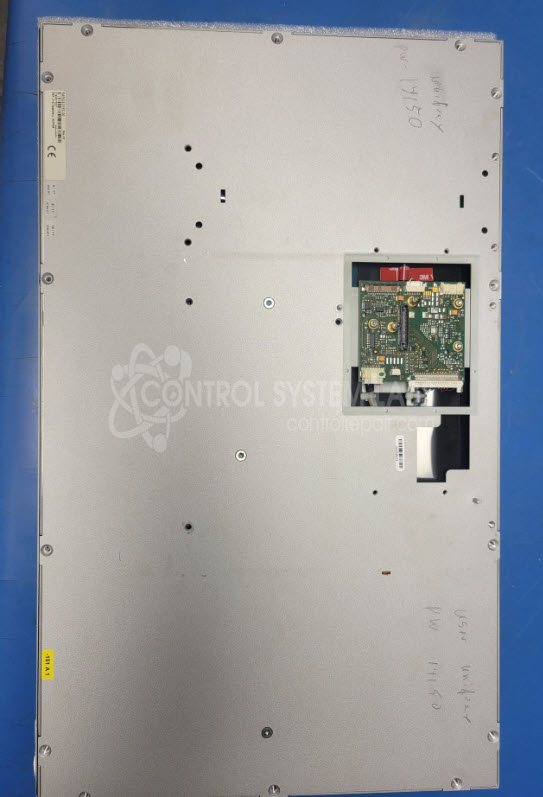
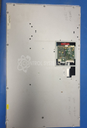
Product Overview: The B&R 5AP933.215C-00 is a 21.5-inch industrial touchscreen display panel designed to work with a separate B&R computer module that mounts to the rear of the unit. It features a 1920x1080 resolution LED-backlit LCD with dual-channel LVDS interface and integrated touch functionality. This display panel is commonly used in B&R automation panel PC systems for machine control, process visualization, and HMI applications in industrial manufacturing environments. The unit requires the matching B&R computer module for operation and system testing.
Category: Operator / Monitor Workstation
Manufacturer: B&R Industrial Automation
Manufacturer Synonyms: B & R, B & R Auto, B and R, B & R Automation, BR-Automation
Manufacturer Part Number: 5AP933.215C-00
Please include the computer that attaches to the back of he monitor when sending in for repairs, or our testing will be limited.
Common Failures
One frequent issue with this product is the "No Display" symptom, even though the unit is powered. A defective LCD screen has been identified as a common cause in units we have evaluated.
Repair Approach
The repair typically involves replacing the LCD screen. During the replacement process, appropriate adhesive materials are used to ensure stability. It is important to note that without the main computer or additional system components, CSL's ability to perform comprehensive testing may be limited.
Testing & Quality
When system components necessary for full testing are not available, CSL performs power-up and visual inspection testing before return. Customers should conduct full system tests on-site once the main computer and related components are reconnected to verify proper operation.
Limited Repair
The B&R Industrial Automation part number is only available as a limited repair at our facility. Repairs to this item may be limited due to several reasons:
- Availability of parts
- Less than 100% test ability due to required support equipment
To have us attempt a repair on your B&R Industrial Automation part follow these steps:
Step 1 -
Click the Repair Now button above to add the part and complete the RMA form.
Step 2 -
Print the RMA form that is sent to your email, and put it in the box with the parts for repair.
Step 3 -
Mail the box to the address on the RMA.
After we receive your item, we will perform an inspection and an authorization to repair will be sent for your approval. Work will begin after your authorization is received.
Once the user has seen at least one product this snippet will be visible.