




Repair
Repair Price: $ 6,072.00
Purchase
CSL Part Number: 71667
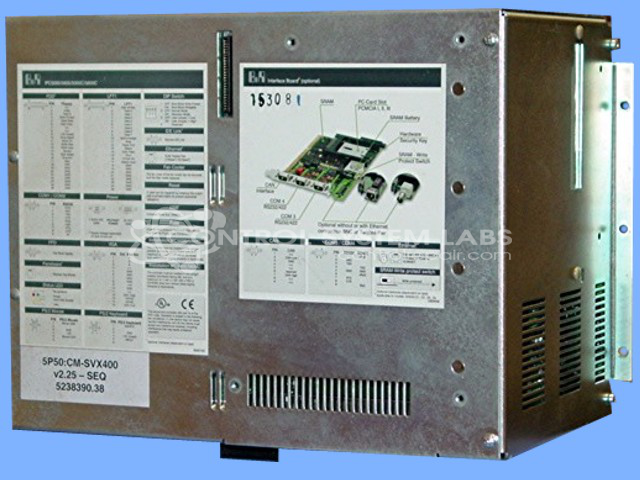
Product Overview: A computerized sequencer control base unit used in industrial automation systems to manage programmed sequential operations and process control. Built around a CPU with active fan cooling and an onboard power supply, it serves as the central controller for machine and equipment sequencing applications.
Category: Sequencer
Manufacturer: B&R Industrial Automation
Manufacturer Synonyms: B & R, B & R Auto, B and R, B & R Automation, BR-Automation
Manufacturer Part Number: 5P50:CM-SVX400
Also Known As(AKA): 5C5001.11 BASE UNIT
Please indicate control problem with the repair.
Common Failures
Units may exhibit issues such as unexpected shutdown during operation or delays during boot, including a message stating "Waiting on boot server."
Repair Approach
Repairs may involve replacing the CPU fan, applying new thermal grease to the CPU and heat sink, and replacing electrolytic capacitors in the power supply. In some cases, units may be evaluated and tested without replicating the reported concern, which can indicate intermittent faults.
Testing & Quality
Repaired units are subject to extensive testing, which may include a burn-in period with memory tests and CPU stress tests, to help ensure reliability before units are returned.
Service and repair your broken B&R Industrial Automation part
We can repair your B&R Industrial Automation model 5P50:CM-SVX400 in our facility. Let our skilled technicians get your B&R Industrial Automation back in operation quickly.
Step 1 - Click the green 'Repair Now' button above to add the part and then complete the RMA.
Step 2 - The RMA form will be sent to you via email. Print the RMA form and put it in a box with the item(s) for repair.
Step 3 - Ship or mail the box to the address listed on the RMA.
Once the user has seen at least one product this snippet will be visible.