



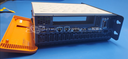
Repair
Repair Price: $ 1,748.00
Purchase
CSL Part Number: 106443
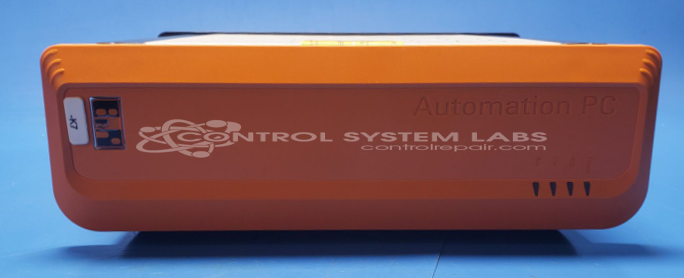
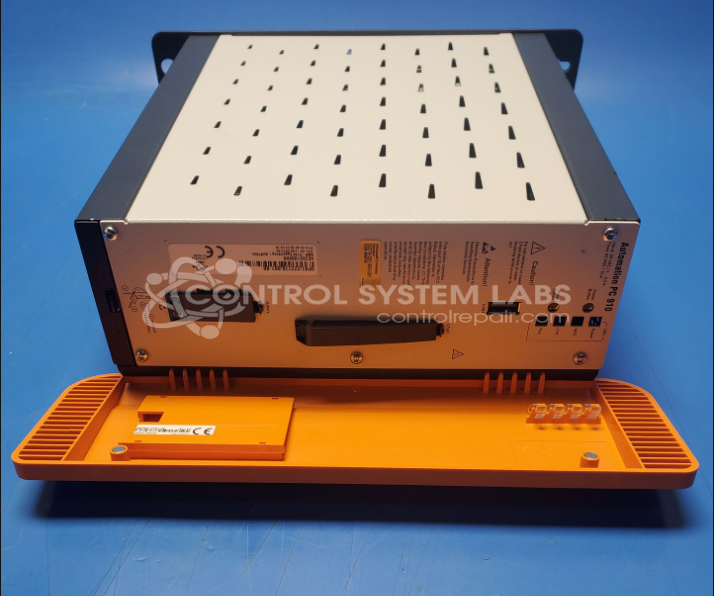
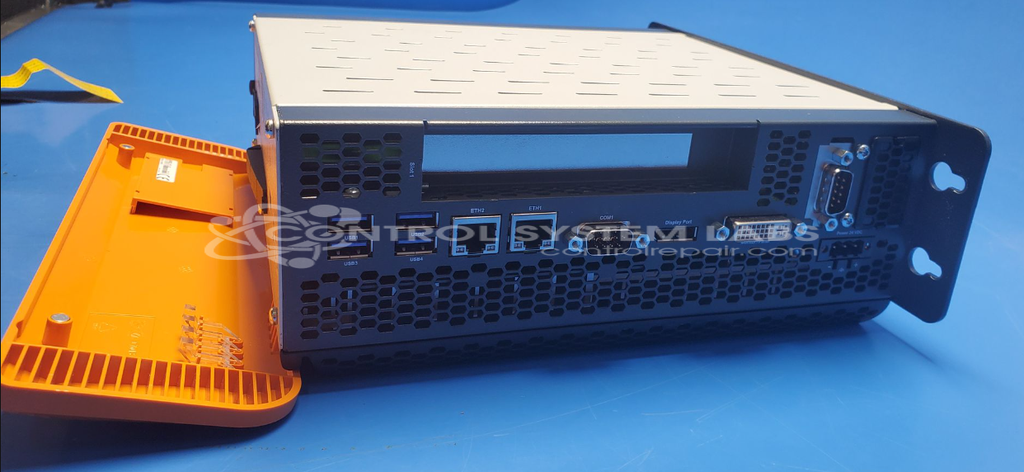
Product Overview: The Automation PC 910 (5PC910.SX01-00) is an industrial PC manufactured by B&R Industrial Automation for use in factory automation and machine control applications. It is designed as a rugged computer system for industrial environments, combining standard PC functionality with industrial-grade reliability. The unit operates on 24VDC power and features a modular design with CPU board, hard drive capability, and standard industrial I/O interfaces. Common applications include programmable automation controllers, HMI systems, and process control workstations in manufacturing facilities.
Category: Computer Items
Manufacturer: B&R Industrial Automation
Manufacturer Synonyms: B & R, B & R Auto, B and R, B & R Automation, BR-Automation
Manufacturer Part Number: 5PC910.SX01-00
Brand: Automation PC 910
Also Known As(AKA): 5P91:222176.001-00; KE350168686
Please include the SD card with the the computer.
Common Failures
Two notable issues have been observed with this product. First, missing power and reset buttons have led to the inability to boot the PC. Additionally, there have been cases where the red power LED was lit, but the PC would not power on, often due to a defective CPU board.
Repair Approach
For the missing buttons, replacements can be installed and traces near the reset switch can be examined to help ensure the system exits the reset state. For units with defective CPU boards, various diagnostic tests can be conducted. In some cases, issues may be resolved by ensuring correct voltage levels and checking all connections for functionality.
Limited Repair
The B&R Industrial Automation part number is only available as a limited repair at our facility. Repairs to this item may be limited due to several reasons:
- Availability of parts
- Less than 100% test ability due to required support equipment
To have us attempt a repair on your B&R Industrial Automation part follow these steps:
Step 1 -
Click the Repair Now button above to add the part and complete the RMA form.
Step 2 -
Print the RMA form that is sent to your email, and put it in the box with the parts for repair.
Step 3 -
Mail the box to the address on the RMA.
After we receive your item, we will perform an inspection and an authorization to repair will be sent for your approval. Work will begin after your authorization is received.
Once the user has seen at least one product this snippet will be visible.