


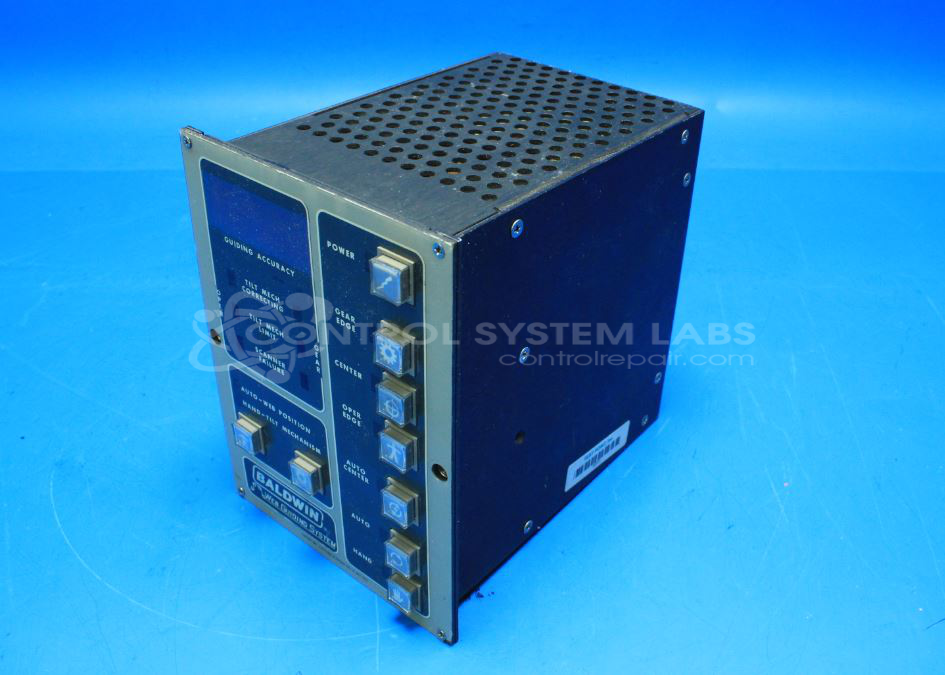


Repair
Repair Price: $ 1,728.00
Purchase
CSL Part Number: 84507
Product Overview: An analog web guiding system controller that maintains proper lateral alignment of moving material by driving a steering motor based on scanner head sensor feedback. Used in printing and paper web-handling equipment, it features pushbutton operation, hand/auto modes, and regulated +/-15V and +/-5V supplies.
Category: Operator & Control Panels
Manufacturer: Baldwin
Manufacturer Part Number: 902
Common Failures
This product has exhibited several recurring issues including steering faults, motor oscillation, alignment problems, power issues, and erratic operation in auto and manual modes. Root causes have often involved out-of-specification components such as voltage regulators, electrolytic capacitors, and connection issues including cold solder joints.
Repair Approach
Repairs typically include inspection and replacement of suspect components such as voltage regulators, capacitors, and relays. Preventative component replacements may be performed to improve reliability, and connections are resoldered as needed to address intermittent issues. Testing includes checking voltages, component functionality, and ensuring solid board connector contacts.
Testing & Quality
Following repairs, testing is conducted to verify power stability and component function. This includes burn-in tests, checking power supplies, and ensuring correct signal outputs at test points. All boards are inspected and connections are confirmed to be secure with correct input and output readings.
Service and repair your broken Baldwin part
We can repair your Baldwin model 902 in our facility. Let our skilled technicians get your Baldwin back in operation quickly.
Step 1 - Click the green 'Repair Now' button above to add the part and then complete the RMA.
Step 2 - The RMA form will be sent to you via email. Print the RMA form and put it in a box with the item(s) for repair.
Step 3 - Ship or mail the box to the address listed on the RMA.
Once the user has seen at least one product this snippet will be visible.