



Repair
Repair Price: $ 380.00
Purchase
CSL Part Number: 542
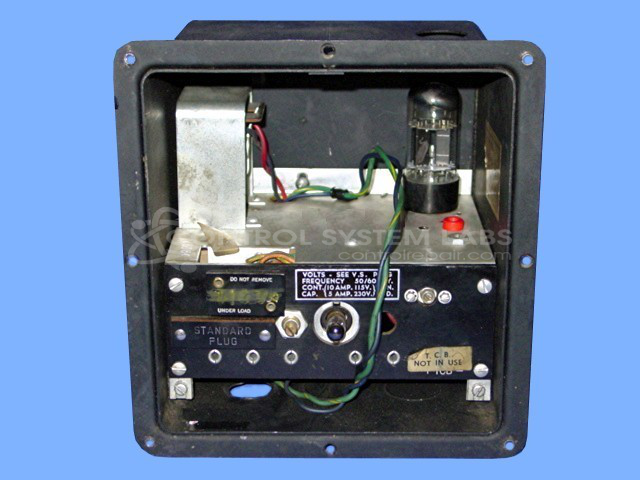
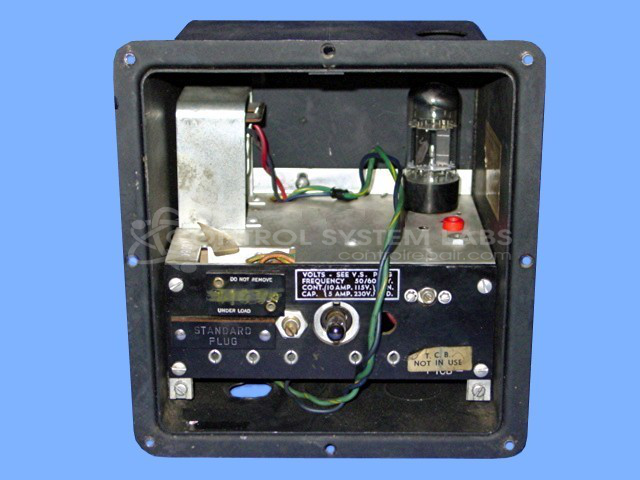
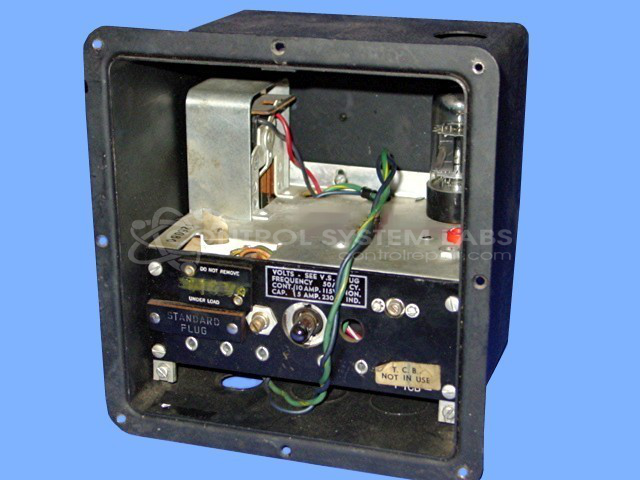
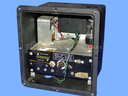
Product Overview: The Barber-Colman 297C Series is a temperature control chassis used in industrial process control applications. It provides precision temperature monitoring and regulation, commonly employed in paper manufacturing and other continuous process industries. The unit accepts thermocouple inputs (including J-type) and can control temperatures across a wide range, often from 0 to 800 degrees Fahrenheit. This chassis-only configuration requires separate sensors and may interface with pneumatic or electronic output devices for temperature regulation.
Category: Temperature Control
Manufacturer: Barber-Colman
Manufacturer Synonyms: Barber Coleman, Barbercolman, Invensys
Manufacturer Part Number: 297C SERIES
Brand: Barber-Colman
Common Failures
This product commonly experiences failures related to capacitor components. Capacitor issues are a known cause of failure and may require replacement during repair.
Repair Approach
The repair process typically involves inspection, cleaning, and replacement of faulty capacitors. In some instances, additional capacitor components may be replaced as needed. After component replacement, calibration is verified to ensure operational accuracy.
Testing & Quality
After repairs, units undergo testing under load conditions to validate performance. The product is tested to ensure it meets quality benchmarks before being returned to service.
Service and repair your broken Barber-Colman part
We can repair your Barber-Colman model 297C SERIES in our facility. Let our skilled technicians get your Barber-Colman back in operation quickly.
Step 1 - Click the green 'Repair Now' button above to add the part and then complete the RMA.
Step 2 - The RMA form will be sent to you via email. Print the RMA form and put it in a box with the item(s) for repair.
Step 3 - Ship or mail the box to the address listed on the RMA.
Once the user has seen at least one product this snippet will be visible.