



Repair
Call for price
Purchase
CSL Part Number: 71548
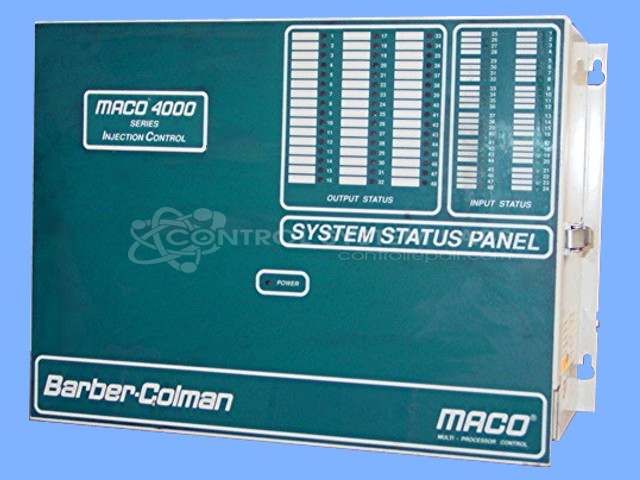
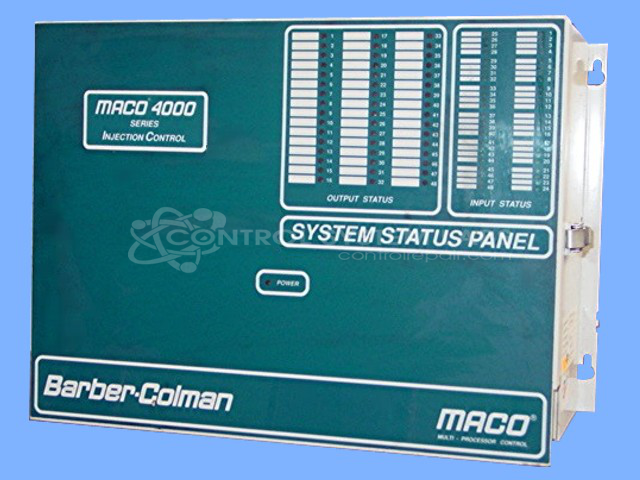
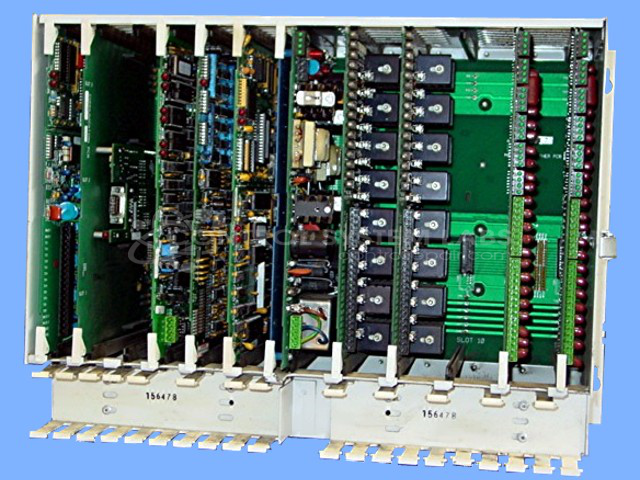
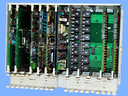
Product Overview: The Maco 4000 Injection Control is a modular industrial controller manufactured by Barber-Colman for precise process control in plastic injection molding applications. It features a backplane architecture with multiple plug-in cards including power supply, data handling, and communication modules. The system uses an integrated HMI interface and supports RS422/RS485 communication protocols for monitoring and controlling injection molding machine parameters such as temperature, pressure, and timing sequences.
Category: Barber Colman MACO Controls
Manufacturer: Barber-Colman
Manufacturer Synonyms: Barber Coleman, Barbercolman, Invensys
Manufacturer Part Number: 40BA-211BC-C0A-A-00
Series: MACO 4000
Brand: Barber-Colman
Common Failures
Intermittent communication issues between the Human-Machine Interface (HMI) and Programmable Logic Controller (PLC) have been reported. These problems may be related to faults in the power supply or data handling cards. Additionally, issues with HMI switches, noisy fans, and damaged connectors have been observed.
Repair Approach
Repairs are conducted based on diagnostic evaluations. Key repairs may include replacing defective backplanes and power supply components, updating capacitors, and repairing pin connectors. This approach is aimed at resolving communication failures and supporting the reliable operation of the electronic systems.
Testing & Quality
Repairs undergo testing, including burn-in tests and co-checks, to support quality and reliability. Diagnostics confirm the symptoms before repairs, and post-repair testing verifies that issues have been addressed. An evaluation fee is applied to cover the cost of diagnosis and repair quoting.
Service and repair your broken Barber-Colman part
We can repair your Barber-Colman model 40BA-211BC-C0A-A-00 in our facility. Let our skilled technicians get your Barber-Colman back in operation quickly.
Step 1 - Click the green 'Repair Now' button above to add the part and then complete the RMA.
Step 2 - The RMA form will be sent to you via email. Print the RMA form and put it in a box with the item(s) for repair.
Step 3 - Ship or mail the box to the address listed on the RMA.
Once the user has seen at least one product this snippet will be visible.