


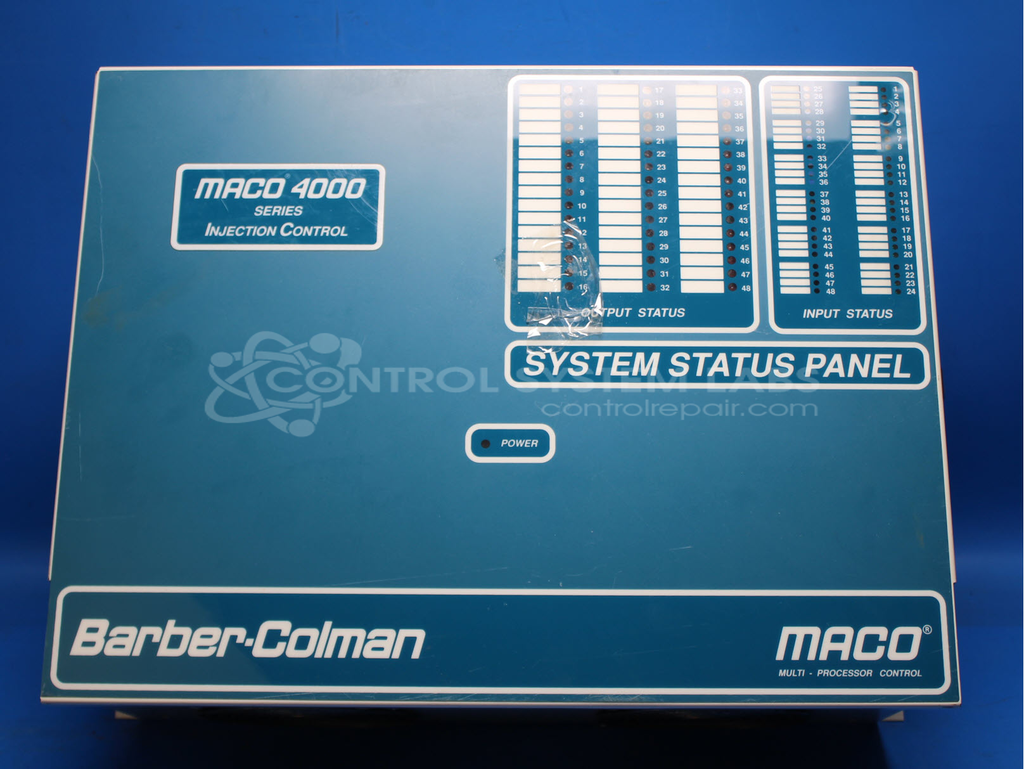


Repair
Call for price
Purchase
CSL Part Number: 88012
Category: Barber Colman MACO Controls
Manufacturer: Barber-Colman
Manufacturer Synonyms: Barber Coleman, Barbercolman, Invensys
Manufacturer Part Number: 40BA-411BD-DC0-B-00
Series: MACO 4000
Brand: Barber-Colman
Common Failures
Units have been received with reported issues including no communication to the Human-Machine Interface (HMI) on power-up and fail lights on cards. In some cases, findings have included cards placed in incorrect slots or corrupted files within the Data Handler Board affecting User SPC labels and User Config.
Repair Approach
When card placement issues are identified, cards are reconfigured into their correct slots to restore communication with the HMI. Socket installations and EEPROM replacements may be performed as needed to support proper functionality. For cases involving file corruption, reloading files via floppy disks or memory cartridge modules may be required. In some instances, the lack of customer-provided backup memory has resulted in units being classified as Beyond Economic Repair (BER).
Testing & Quality
Testing is performed to verify communication with the HMI following repair work. This includes testing the Data Handler Board, checking battery health, and verifying that connections and configurations are functioning correctly before the unit is returned.
Service and repair your broken Barber-Colman part
We can repair your Barber-Colman model 40BA-411BD-DC0-B-00 in our facility. Let our skilled technicians get your Barber-Colman back in operation quickly.
Step 1 - Click the green 'Repair Now' button above to add the part and then complete the RMA.
Step 2 - The RMA form will be sent to you via email. Print the RMA form and put it in a box with the item(s) for repair.
Step 3 - Ship or mail the box to the address listed on the RMA.
Once the user has seen at least one product this snippet will be visible.