



Repair
Repair Price: $ 3,516.00
Purchase
CSL Part Number: 35243
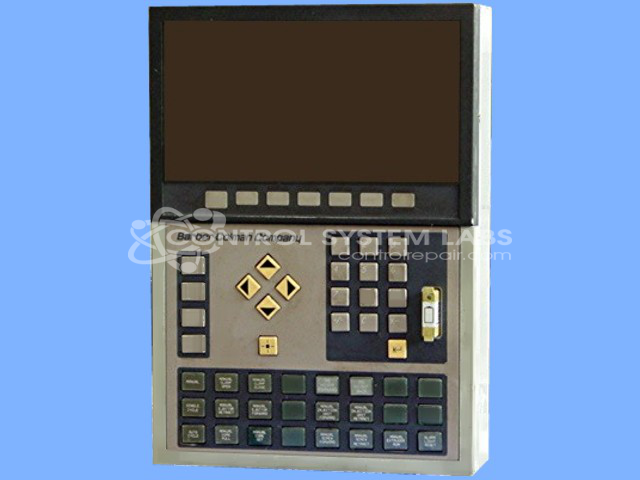
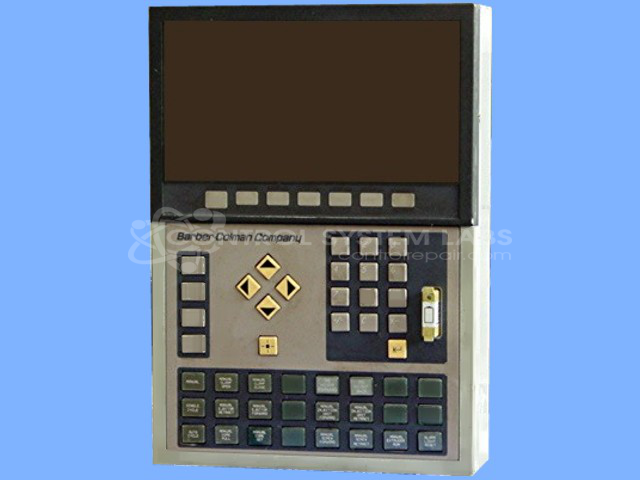
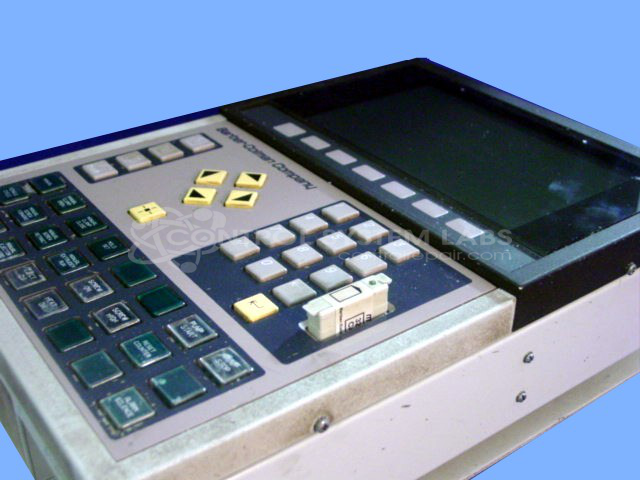
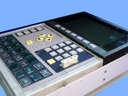
Product Overview: The HPM Command 4500 is a MACO Lumitech operator interface panel featuring a 9-inch display for human-machine interaction. Part of the Barber-Colman 41AA series, it provides monitoring and control functions in industrial automation systems. Commonly found in paper manufacturing and processing equipment, it allows operators to view process data and input commands through its keypad interface. The unit integrates display electronics with control logic and RS485 communication capability for networked industrial control applications.
Category: Operator Interface
Manufacturer: Barber-Colman
Manufacturer Synonyms: Barber Coleman, Barbercolman, Invensys
Manufacturer Part Number: 41AA-22003-200-1-00
Series: MACO 41AA Operator Interface
Brand: Barber-Colman
Common Failures
Common issues reported include non-functional buttons on the keypad and defective components on the power supply module, such as capacitors and LEDs. These problems may present as button failures or power inconsistencies.
Repair Approach
The repair process typically involves replacing defective capacitors and LEDs. Technicians may also repair or replace specific components on the keypad as needed. In some cases, additional components are addressed during the repair process.
Testing & Quality Assurance
After repairs, units undergo testing with load to verify functionality and performance. The testing phase is designed to confirm operational reliability under typical conditions. Testing protocols are applied to verify that the repairs meet CSL standards before the unit is returned.
Service and repair your broken Barber-Colman part
We can repair your Barber-Colman model 41AA-22003-200-1-00 in our facility. Let our skilled technicians get your Barber-Colman back in operation quickly.
Step 1 - Click the green 'Repair Now' button above to add the part and then complete the RMA.
Step 2 - The RMA form will be sent to you via email. Print the RMA form and put it in a box with the item(s) for repair.
Step 3 - Ship or mail the box to the address listed on the RMA.
Once the user has seen at least one product this snippet will be visible.