




Repair
Repair Price: $ 2,656.00
Purchase
CSL Part Number: 81920
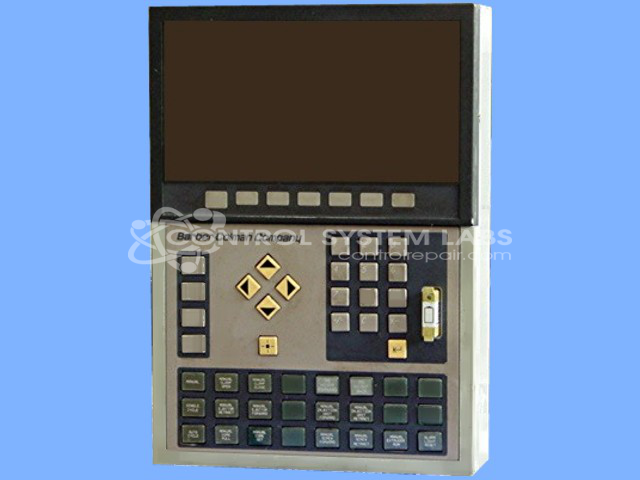
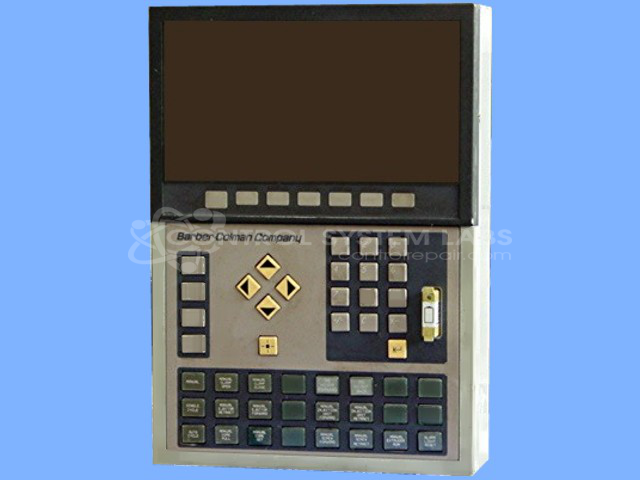
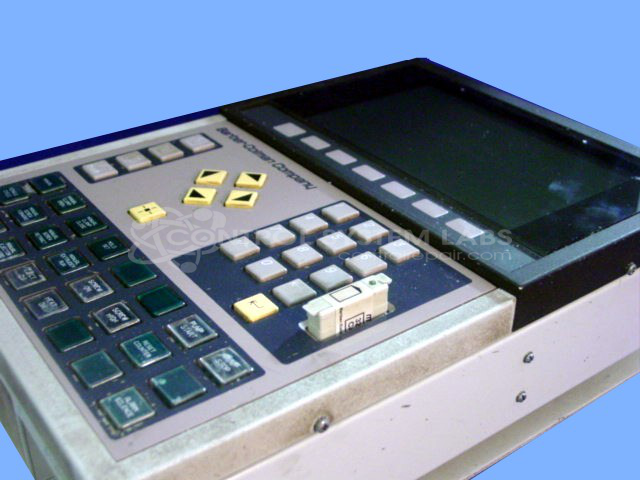
Product Overview: The MACO 4000 OPtima AC Operator Station is a human-machine interface featuring a 640x480 pixel 16-color LCD display and integrated keypad assembly. Manufactured by Barber Colman (now Eurotherm), this operator interface is commonly used in paper manufacturing and industrial process control applications. The 41AC series provides visualization and control input for automated production systems, allowing operators to monitor processes and adjust parameters through its graphical display and button controls.
Category: Operator Interface
Manufacturer: Barber-Colman
Manufacturer Synonyms: Barber Coleman, Barbercolman, Invensys
Alternate Manufacturer Names: Eurotherm
Manufacturer Part Number: 41AC-25103-214-1-00
Series: MACO 4000 Operator Station
Brand: Barber-Colman
Also Known As(AKA): 41AC
Other Synonyms: Eurotherm
If buying one, you need software for your specific machine.
```html
Common Failures
One of the reported issues with this product is related to the cooling system, specifically the failure of the internal fan.
Repair Approach
The standard repair procedure for this issue involves replacing the faulty brushless fan. This helps ensure the product remains properly cooled, preventing overheating and maintaining optimal performance.
Testing & Quality
After repairs, units undergo testing to verify functionality. Tests include operating the display and verifying button responses to confirm proper operation before return.
```Service and repair your broken Barber-Colman part
We can repair your Barber-Colman model 41AC-25103-214-1-00 in our facility. Let our skilled technicians get your Barber-Colman back in operation quickly.
Step 1 - Click the green 'Repair Now' button above to add the part and then complete the RMA.
Step 2 - The RMA form will be sent to you via email. Print the RMA form and put it in a box with the item(s) for repair.
Step 3 - Ship or mail the box to the address listed on the RMA.
Once the user has seen at least one product this snippet will be visible.