



Repair
Repair Price: $ 384.00
Purchase
CSL Part Number: 30139
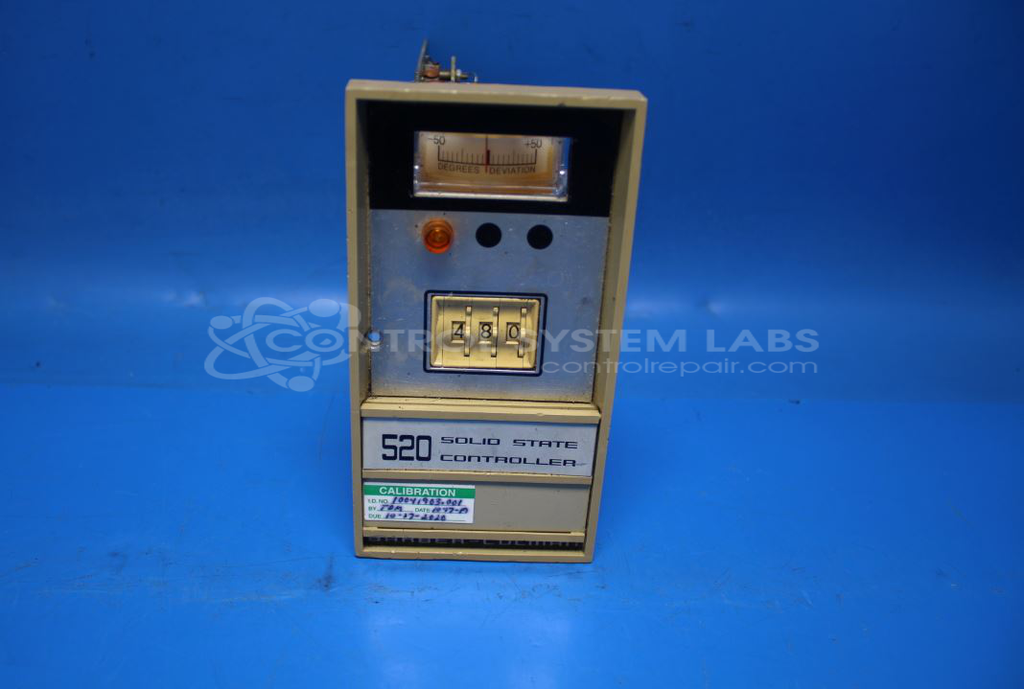
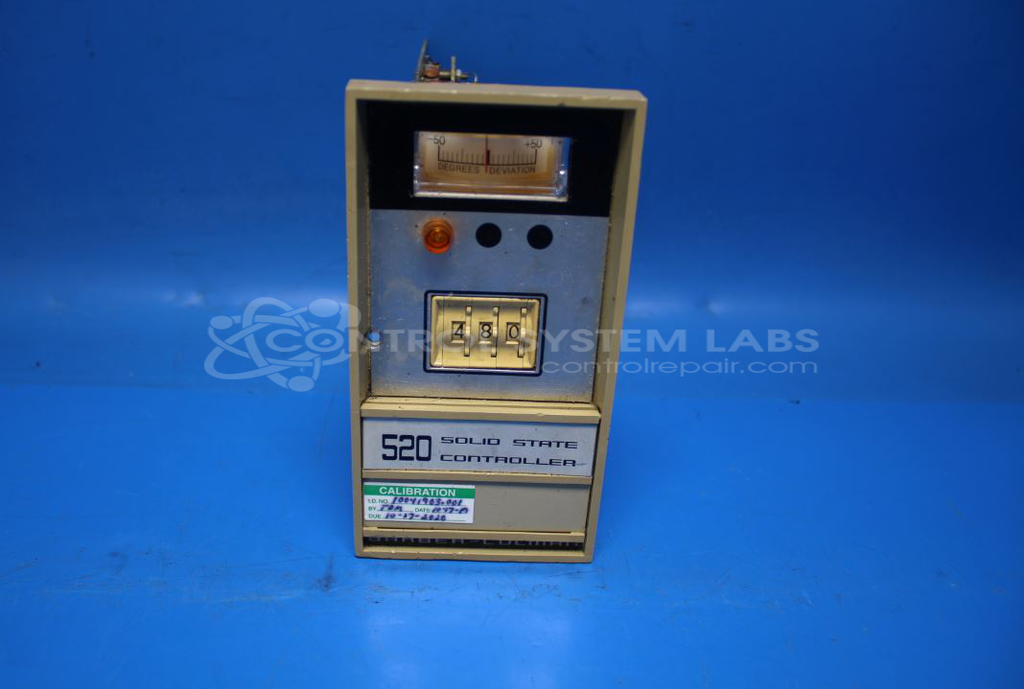
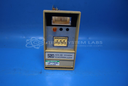
Product Overview: The Barber-Colman 523B is a digital setpoint temperature controller from the 520 series that provides proportional plus integral (PI) control with time proportioning outputs. It features digital setpoint entry and deviation readout for precise temperature management. Commonly used in industrial heating applications including plastic injection molding and thermoforming equipment, particularly in paper manufacturing processes. The controller accepts thermocouple inputs and maintains temperature stability through continuous PI control algorithms, making it suitable for applications requiring tight temperature regulation with minimal overshoot.
Category: Temperature Control
Manufacturer: Barber-Colman
Manufacturer Synonyms: Barber Coleman, Barbercolman, Invensys
Manufacturer Part Number: 523B-40016-011-0-00
Series: 520 Series Digital Setpoint Controller
Brand: Barber-Colman
Common Failures
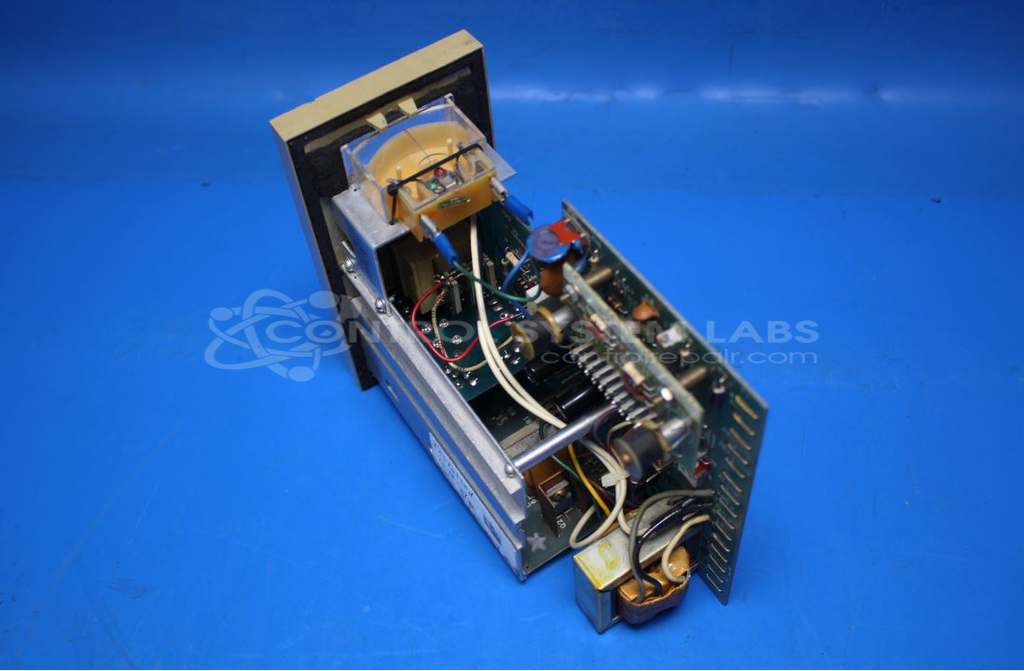
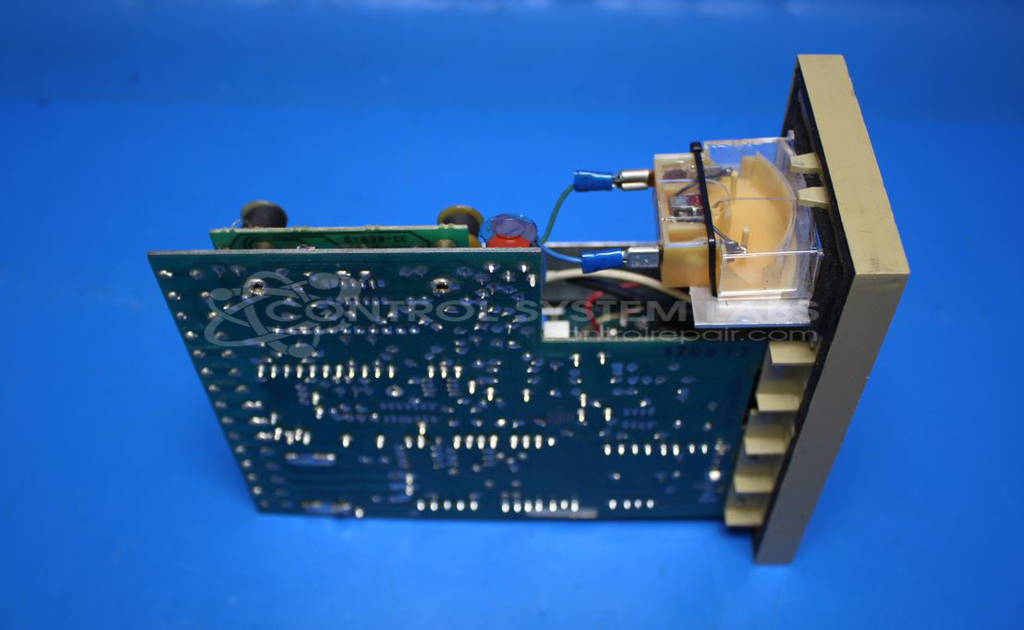
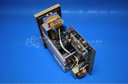
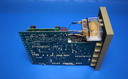
Two primary issues are commonly reported for this product. The first is an excessive temperature swing, ranging from 20 to 25 degrees, which may arise from solder joint issues. The second involves component fit within the casing.
Repair Approach
Repairs may involve replacing capacitors and addressing solder joints. Additionally, adjustments may be made to ensure components fit correctly within their designated spaces. The repair process may include cleaning, resoldering, and recalibration as needed.
Testing & Quality
Post-repair, units undergo testing to verify functionality. This may include burn-in tests with load and temperature control fixtures. Each unit is subject to our standard testing protocols and inspection procedures to verify quality and performance.
Service and repair your broken Barber-Colman part
We can repair your Barber-Colman model 523B-40016-011-0-00 in our facility. Let our skilled technicians get your Barber-Colman back in operation quickly.
Step 1 - Click the green 'Repair Now' button above to add the part and then complete the RMA.
Step 2 - The RMA form will be sent to you via email. Print the RMA form and put it in a box with the item(s) for repair.
Step 3 - Ship or mail the box to the address listed on the RMA.
Once the user has seen at least one product this snippet will be visible.