


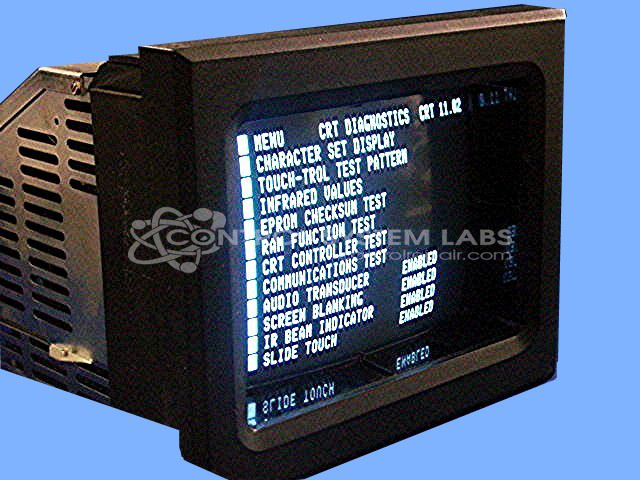
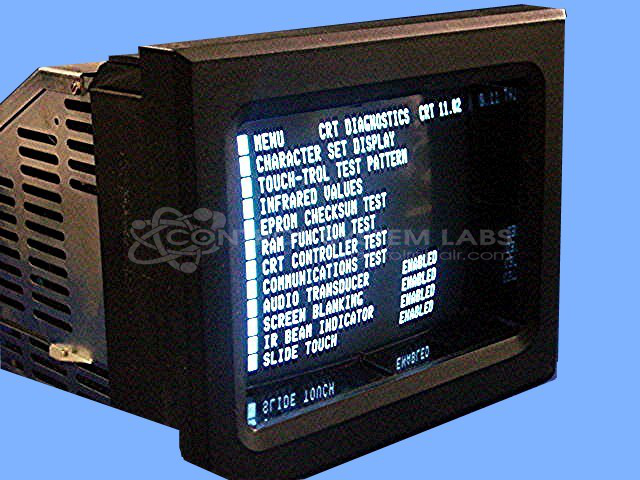

Repair
Repair Price: $ 1,432.00
Purchase
CSL Part Number: 26412
Category: Barber Colman MACO Controls
Manufacturer: Barber-Colman
Manufacturer Synonyms: Barber Coleman, Barbercolman, Invensys
Manufacturer Part Number: 80AA-10007-000-V-00
Series: MACO 8000 Injection Molding Controls
Brand: Barber-Colman
Price is for a normal repair. Contact us for bezel repair or replacement.
Common Failures
This product has experienced several common issues over its repair history. Frequent problems include screen failures, touchscreen response issues, and display defects with vertical lines. Additionally, infrared lens damage and related infrared value concerns have been reported, as well as bezel damage and dim displays.
Repair Approach
Repairs have commonly involved replacing defective components such as capacitors, displays, and infrared lenses. Cleaning and adjustments are also routine, with issues like vertical size calibration and picture alignment being addressed. For touchscreen malfunctions, LED replacements and foam adjustments around the display have been part of the resolutions.
Testing & Quality
Quality assurance includes comprehensive testing with extended burn-in sessions and communication verifications. Units are tested for functionality and reliability. This process is designed to help reduce recurring issues and support product longevity.
Service and repair your broken Barber-Colman part
We can repair your Barber-Colman model 80AA-10007-000-V-00 in our facility. Let our skilled technicians get your Barber-Colman back in operation quickly.
Step 1 - Click the green 'Repair Now' button above to add the part and then complete the RMA.
Step 2 - The RMA form will be sent to you via email. Print the RMA form and put it in a box with the item(s) for repair.
Step 3 - Ship or mail the box to the address listed on the RMA.
Once the user has seen at least one product this snippet will be visible.