



Repair
Repair Price: $ 1,364.00
Purchase
CSL Part Number: 10123
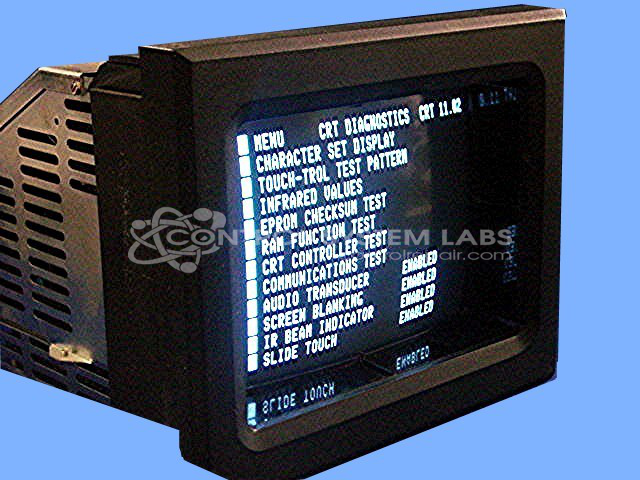
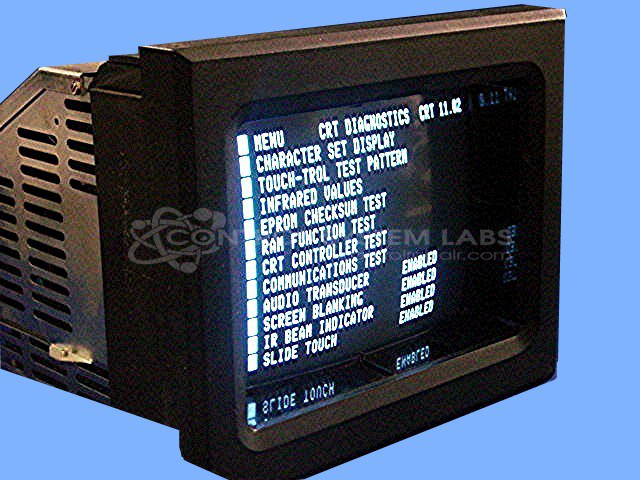
Product Overview: The Maco 8000 Monochrome Operator Station without Touchscreen (model 80AA-11010-000-V-03) is a non-touch human-machine interface for injection molding machine control. Part of Barber Colman's MACO 8000 series, it provides process monitoring, parameter adjustment, and system status display through a monochrome screen. The operator station communicates with injection molding controllers and requires an external keyboard for user input and configuration. It features switching power supply circuitry and supports various software versions for different machine configurations.
Category: Barber Colman MACO Controls
Manufacturer: Barber-Colman
Manufacturer Synonyms: Barber Coleman, Barbercolman, Invensys
Manufacturer Part Number: 80AA-11010-000-V-03
Series: MACO 8000 Injection Molding Controls
Brand: Barber-Colman
Common Failures
Common issues reported include display problems and component-level failures. Additionally, keyboard connection issues have been noted, which may affect input functionality.
Repair Approach
Repairs typically involve component-level work, including replacement of failed parts and circuit board repair as needed. For keyboard issues, cable inspection and reconnection are performed to restore functionality. Each repair is evaluated based on the specific unit condition.
Testing & Quality
Diagnostic testing is conducted to verify communication capabilities and proper operation. Post-repair, units undergo testing to confirm functionality before release.
Service and repair your broken Barber-Colman part
We can repair your Barber-Colman model 80AA-11010-000-V-03 in our facility. Let our skilled technicians get your Barber-Colman back in operation quickly.
Step 1 - Click the green 'Repair Now' button above to add the part and then complete the RMA.
Step 2 - The RMA form will be sent to you via email. Print the RMA form and put it in a box with the item(s) for repair.
Step 3 - Ship or mail the box to the address listed on the RMA.
Once the user has seen at least one product this snippet will be visible.