



Repair
Repair Price: $ 2,136.00
Purchase
CSL Part Number: 16645
Category: Barber Colman MACO Controls
Manufacturer: Barber-Colman
Manufacturer Synonyms: Barber Coleman, Barbercolman, Invensys
Manufacturer Part Number: 80AG-10002-000-0-00
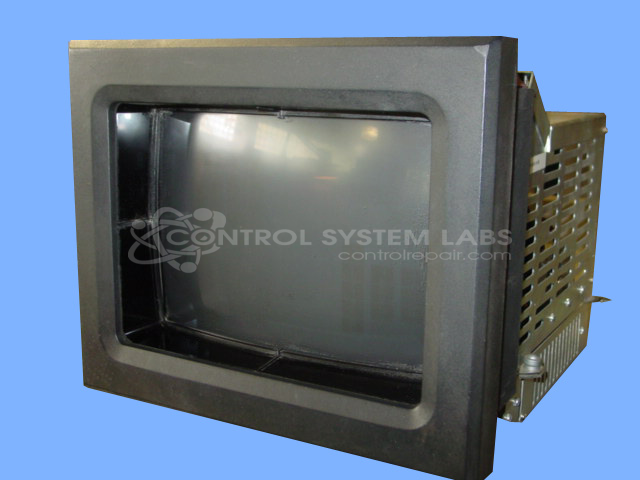
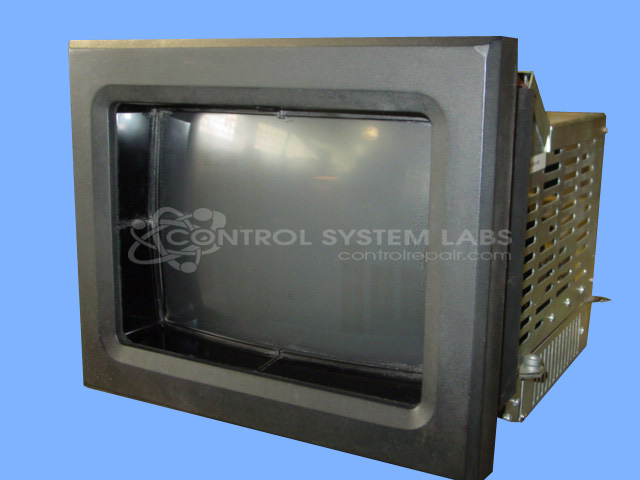
Series: MACO 8000 CRT Monitor
Brand: Barber-Colman
Repair price could increase if CRT and/or Flyback transformer is bad.
Common Failures
Frequent issues with this product include graphics display errors, corrupted EEPROM graphics checksums, defective flyback transformers, and problems with touchscreen operation. Other reported issues include non-functional or intermittent CRT boards and image burns on the screen.
Repair Approach
Repairs may involve cleaning infrared emitters and detectors, aligning screens, and modifying components to resolve compatibility issues. Key components such as flyback transformers, resistors, transistors, and ICs are often replaced when found to be defective. In some cases, graphics screens or original programs may need to be reloaded after repairs are completed.
Testing & Quality
Repaired units undergo extensive burn-in testing lasting from several hours to several days. This process verifies communication functions and overall unit stability. Additionally, any damaged areas are thoroughly insulated and resoldered to help prevent future failures.
Service and repair your broken Barber-Colman part
We can repair your Barber-Colman model 80AG-10002-000-0-00 in our facility. Let our skilled technicians get your Barber-Colman back in operation quickly.
Step 1 - Click the green 'Repair Now' button above to add the part and then complete the RMA.
Step 2 - The RMA form will be sent to you via email. Print the RMA form and put it in a box with the item(s) for repair.
Step 3 - Ship or mail the box to the address listed on the RMA.
Once the user has seen at least one product this snippet will be visible.