



Repair
Repair Price: $ 2,136.00
Purchase
CSL Part Number: 16643
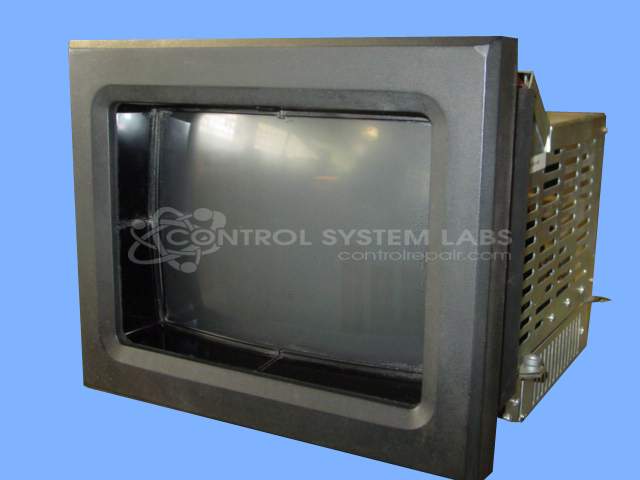
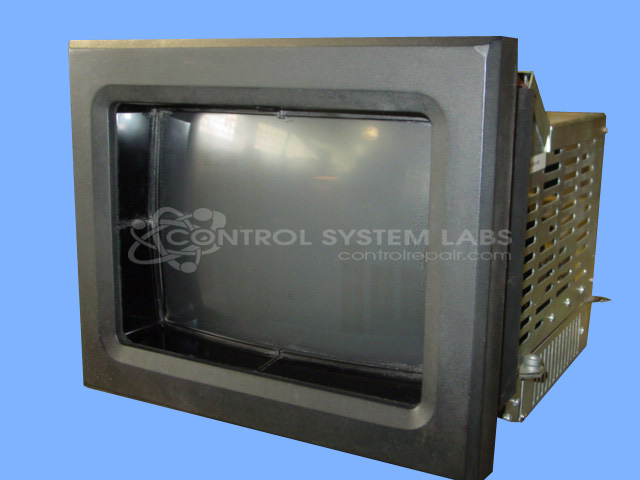
Product Overview: A touch screen color CRT operator interface monitor used in industrial process control systems. It provides a graphical display and operator input for machine control applications, commonly paired with programmable automation controllers in paper manufacturing and related continuous process equipment. Features serial communication for data exchange with the host control.
Category: Barber Colman MACO Controls
Manufacturer: Barber-Colman
Manufacturer Synonyms: Barber Coleman, Barbercolman, Invensys
Manufacturer Part Number: 80AG-11002-000-0-00
Series: MACO 8000 CRT Monitor
Brand: Barber-Colman
Repair price could increase if CRT and/or Flyback transformer is bad.
Common Failures
Common issues with this product include no communication, burnt components on the CRT I/O Board, and screen not displaying video despite auditory feedback. These issues are often caused by defective components on various boards, including the control, base, and power supply boards.
Repair Approach
Repairs typically involve replacing various integrated circuits, capacitors, and transistors. Preventative maintenance may include replacing components such as capacitors on the processor board. Specific damaged components are replaced as needed to restore function.
Testing & Quality
After repairs, products undergo testing, including burn-in periods ranging from overnight to 48 hours. This process helps verify that functionalities are restored and performance is reliable post-repair.
Service and repair your broken Barber-Colman part
We can repair your Barber-Colman model 80AG-11002-000-0-00 in our facility. Let our skilled technicians get your Barber-Colman back in operation quickly.
Step 1 - Click the green 'Repair Now' button above to add the part and then complete the RMA.
Step 2 - The RMA form will be sent to you via email. Print the RMA form and put it in a box with the item(s) for repair.
Step 3 - Ship or mail the box to the address listed on the RMA.
Once the user has seen at least one product this snippet will be visible.