



Repair
Repair Price: $ 664.00
Purchase
CSL Part Number: 6191
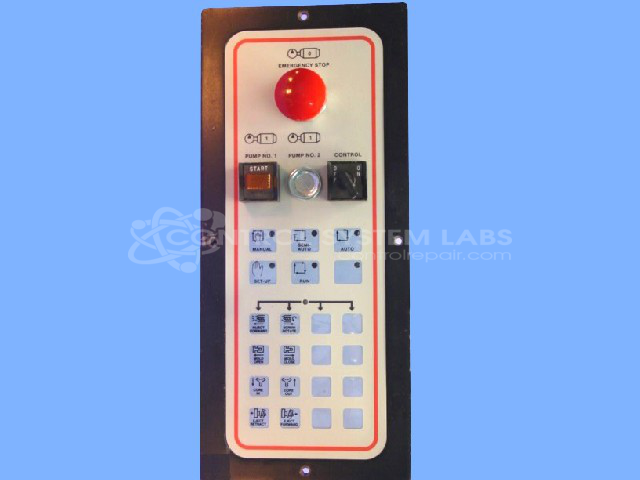
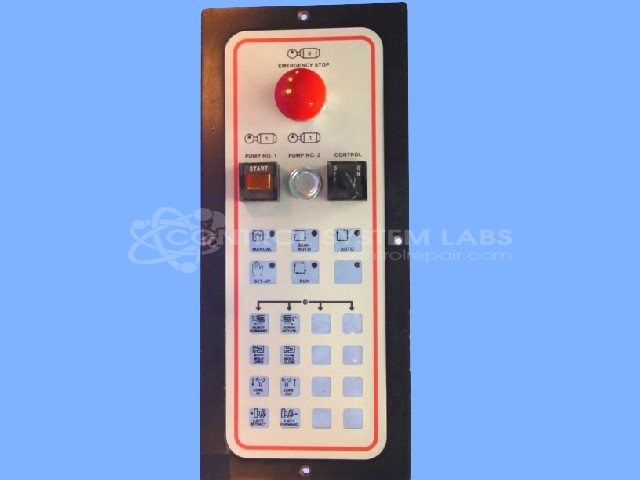
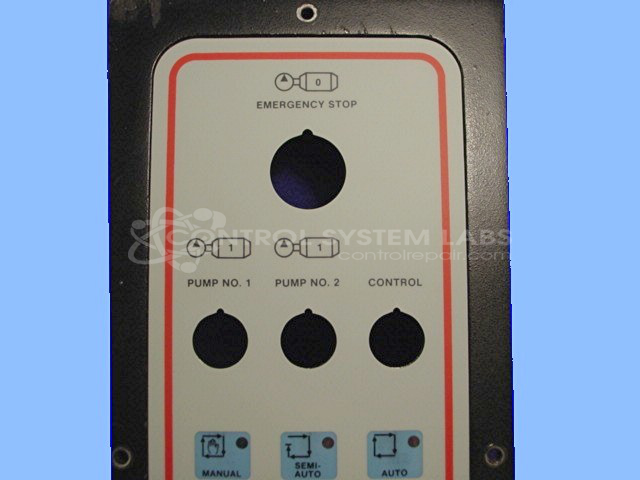
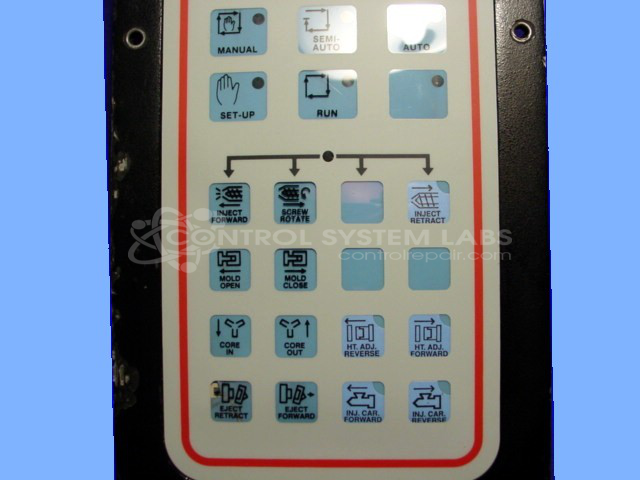
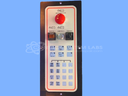
Product Overview: The Barber Colman MACO 8000 Remote I/O Station (model 80PA-00001-002-V-01) is a control panel interface designed for injection molding machine systems. It provides operator access and distributed I/O connectivity, communicating via RS-422/485 serial protocol with the main MACO 8000 controller. The unit features membrane keypad controls, terminal blocks for field wiring connections, and an integrated power supply for communication circuits. It serves as a remote operator station for monitoring and adjusting process parameters on plastic injection molding equipment.
Category: Operator & Control Panels
Manufacturer: Barber-Colman
Manufacturer Synonyms: Barber Coleman, Barbercolman, Invensys
Manufacturer Part Number: 80PA-00001-002-V-01
Series: MACO 8000 Injection Molding Controls
Brand: Barber-Colman
Keypad replacement if required is additional.
Common Failures
Some of the most frequently reported issues with this product include non-functional pushbuttons due to defective components such as line transceivers and terminal blocks. Additionally, physical damage such as broken terminal strip separators has been noted.
Repair Approach
Repairs typically involve replacing defective components, including line transceivers and terminal blocks, and addressing physical damage such as broken transformer pins or missing hardware. In some cases, overlay replacement on keypads is conducted to restore functionality.
Testing & Quality
Repaired units undergo burn-in testing with loads to verify communication functionality. Tests are conducted to confirm that repaired products meet CSL quality standards before return to customers.
Service and repair your broken Barber-Colman part
We can repair your Barber-Colman model 80PA-00001-002-V-01 in our facility. Let our skilled technicians get your Barber-Colman back in operation quickly.
Step 1 - Click the green 'Repair Now' button above to add the part and then complete the RMA.
Step 2 - The RMA form will be sent to you via email. Print the RMA form and put it in a box with the item(s) for repair.
Step 3 - Ship or mail the box to the address listed on the RMA.
Once the user has seen at least one product this snippet will be visible.