



Repair
Repair Price: $ 368.00
Purchase
CSL Part Number: 29914
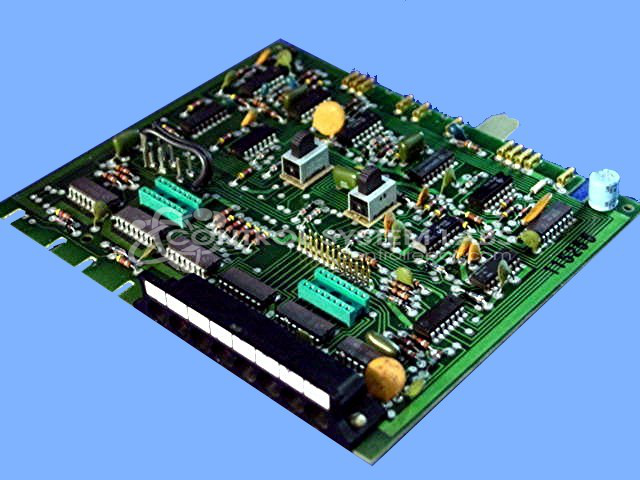
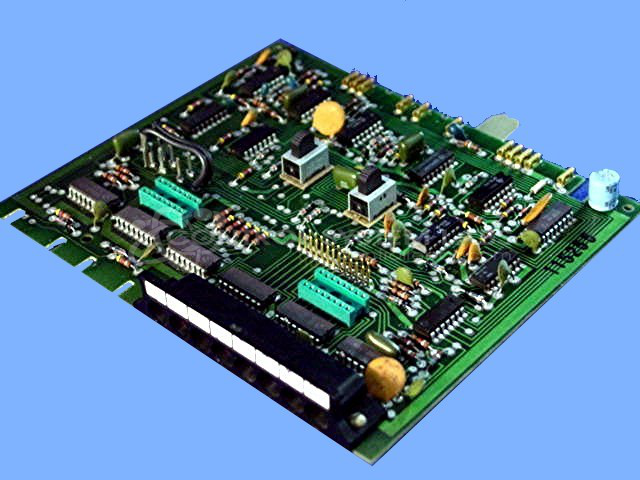
Product Overview: The Maco III and IV Digital Timer Card (A-11362) is a programmable timing control module designed for industrial automation applications. It provides precise time-delay functions for controlling sequences in process equipment, commonly found in paper manufacturing and other continuous production environments. The card features dual timer channels with selector switches for configuration, allowing operators to set timing parameters for automated process control. It interfaces with Barber Colman MACO control systems to manage equipment start/stop cycles, sequencing operations, and timed process stages.
Category: Barber Colman MACO Controls
Manufacturer: Barber-Colman
Manufacturer Synonyms: Barber Coleman, Barbercolman, Invensys
Manufacturer Part Number: A-11362
Series: MACO III IV
Brand: Barber-Colman
Common Failures
Issues with this product commonly include the device being permanently stuck on or not functioning at all. Common findings may include defective selector switches.
Repair Approach
Our repair process involves thorough diagnostic testing to identify failed components, which are then replaced as needed. This approach is intended to restore the functionality of the device.
Testing & Quality
After repair, all devices undergo testing to verify that circuits function correctly. Each item is checked to confirm quality and reliability.
Service and repair your broken Barber-Colman part
We can repair your Barber-Colman model A-11362 in our facility. Let our skilled technicians get your Barber-Colman back in operation quickly.
Step 1 - Click the green 'Repair Now' button above to add the part and then complete the RMA.
Step 2 - The RMA form will be sent to you via email. Print the RMA form and put it in a box with the item(s) for repair.
Step 3 - Ship or mail the box to the address listed on the RMA.
Once the user has seen at least one product this snippet will be visible.