



Repair
Repair Price: $ 520.00
Purchase
CSL Part Number: 66493
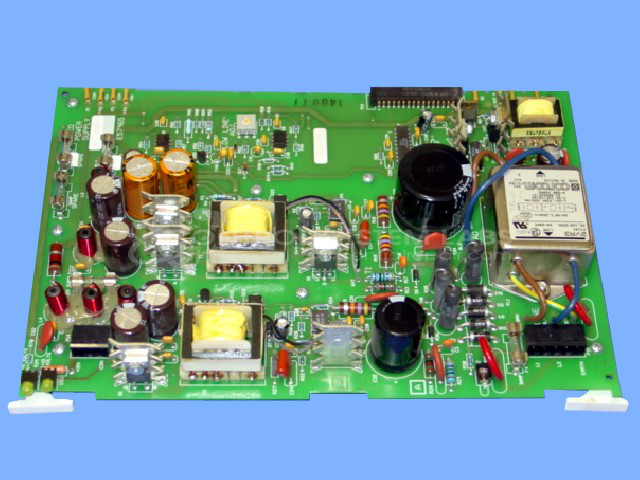
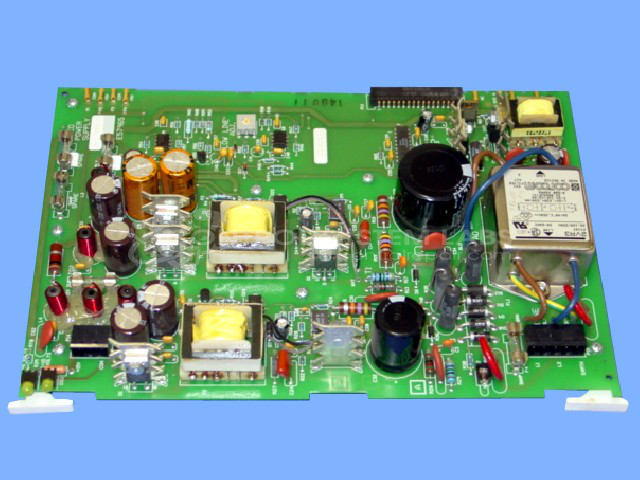
Product Overview: The Maco 4000 Power Supply Board is a multi-output switching power supply designed for the Barber-Colman Maco 4000 industrial control system. It provides +5VDC, +15VDC, and a 40kHz switched output at 60V peak-to-peak to power the main control unit and I/O cards. This board is essential for machine control applications in paper processing and other industrial automation systems where Maco 4000 controllers are deployed.
Category: Power Supply
Manufacturer: Barber-Colman
Manufacturer Synonyms: Barber Coleman, Barbercolman, Invensys
Manufacturer Part Number: A-13395-7
Series: MACO 4000
Brand: Barber-Colman
Common Failures
Common issues identified in the Maco 6500 power supply include no voltage output, often associated with capacitor degradation and LED indicator failures.
Repair Approach
Our repair process addresses identified defects through component replacement as needed. A typical preventative maintenance procedure may include replacing electrolytic capacitors where parts are available. Components are tested to verify functionality before the unit is returned to service.
Testing & Quality
Following repair, power supplies undergo testing to verify proper operation. This includes burn-in testing under load and verification that the unit outputs the specified voltage levels. Units that pass testing are returned as serviceable.
Service and repair your broken Barber-Colman part
We can repair your Barber-Colman model A-13395-7 in our facility. Let our skilled technicians get your Barber-Colman back in operation quickly.
Step 1 - Click the green 'Repair Now' button above to add the part and then complete the RMA.
Step 2 - The RMA form will be sent to you via email. Print the RMA form and put it in a box with the item(s) for repair.
Step 3 - Ship or mail the box to the address listed on the RMA.
Once the user has seen at least one product this snippet will be visible.