



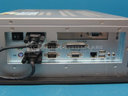
Repair
Repair Price: $ 2,804.00
Purchase
CSL Part Number: 76011
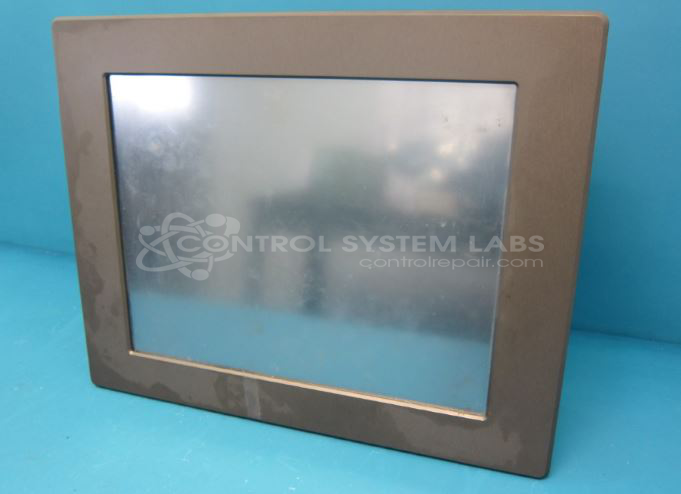
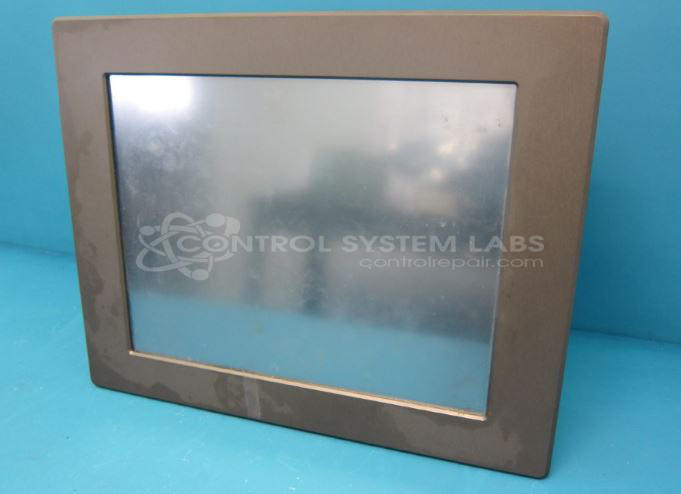
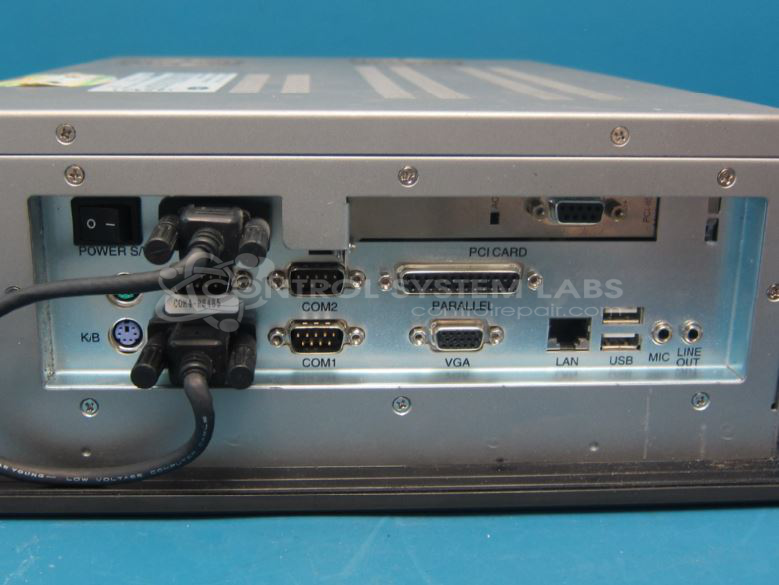
Product Overview: The Optima Touch PC is a 15-inch TFT LCD operator/monitor workstation manufactured by Barber Colman, part of the DSE5 series. It features a touch interface designed for industrial applications, supporting Modulebus communications. Commonly used in automation and control systems, it integrates into PC-based operator stations for various industrial environments.
Category: Operator / Monitor Workstation
Manufacturer: Barber-Colman
Manufacturer Synonyms: Barber Coleman, Barbercolman, Invensys
Alternate Manufacturer Names: EUROTHERM INVENSYS
Manufacturer Part Number: DSE5-12101-5A0-0-10
Series: DSE5
Brand: Barber-Colman
Other Synonyms: EUROTHERM INVENSYS
Common Failures
The Optima Touch PC may exhibit issues such as a blank touch screen or a failure to power on. These symptoms can stem from defective components such as capacitors or issues with the processor's core voltage.
Repair Approach
Repairs may involve replacing defective electrolytic capacitors, power supply components, batteries, or addressing connectivity issues with the RS232 interface for display and touchscreen functions. The specific repair approach depends on the results of our evaluation.
Testing & Quality
Units are evaluated and tested to identify the source of the problem. Once repairs are completed, units undergo standard testing to verify functionality. We will provide a quotation for any required repairs before work begins.
Service and repair your broken Barber-Colman part
We can repair your Barber-Colman model DSE5-12101-5A0-0-10 in our facility. Let our skilled technicians get your Barber-Colman back in operation quickly.
Step 1 - Click the green 'Repair Now' button above to add the part and then complete the RMA.
Step 2 - The RMA form will be sent to you via email. Print the RMA form and put it in a box with the item(s) for repair.
Step 3 - Ship or mail the box to the address listed on the RMA.
Once the user has seen at least one product this snippet will be visible.