



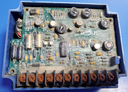
Repair
Call for price
Purchase
CSL Part Number: 106940
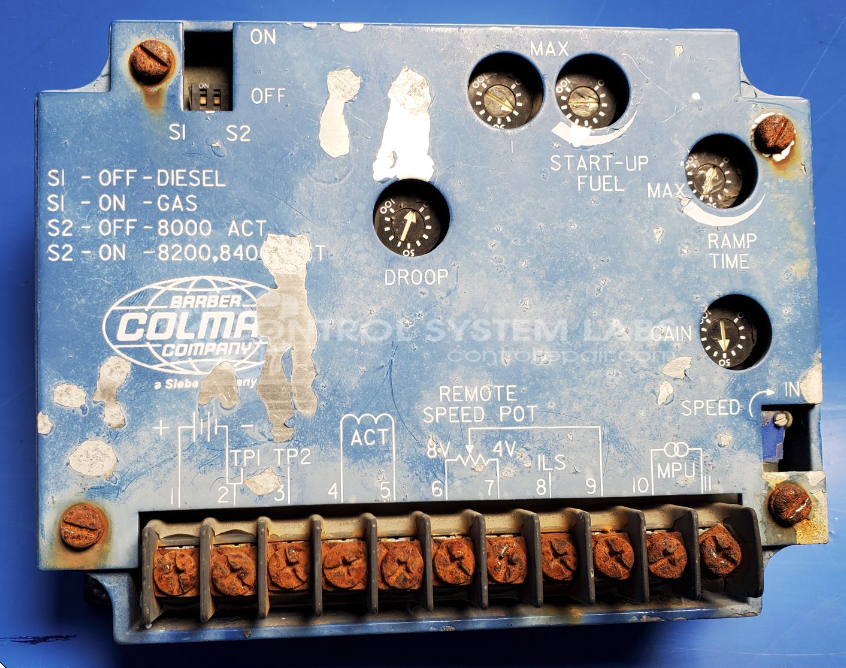
Product Overview: The Barber Colman DYNA 8000 Controller is a programmable engine or process control assembly used primarily in industrial oven and heating applications. It manages temperature control, timing sequences, and operational parameters through configurable programming. The unit features multiple terminal connections for sensor inputs and output control of heating elements or actuators. Common applications include bakery ovens, heat treat furnaces, and other temperature-critical industrial processes requiring precise automated control.
Category: Control Assembly
Manufacturer: Barber-Colman
Manufacturer Synonyms: Barber Coleman, Barbercolman, Invensys
Manufacturer Part Number: DYNA 8000 Controller
Also Known As(AKA): DYNI 10651X, DYN1 1068X
Please send in with its wiring, wiring diagrams, remote speed pot (if used), engine sensors and actuator to be tested together with this.
Common Failures
Oven control panels may experience corrosion affecting terminal screws and strips. Over time, this corrosion can compromise the panel's reliability and functionality.
Repair Approach
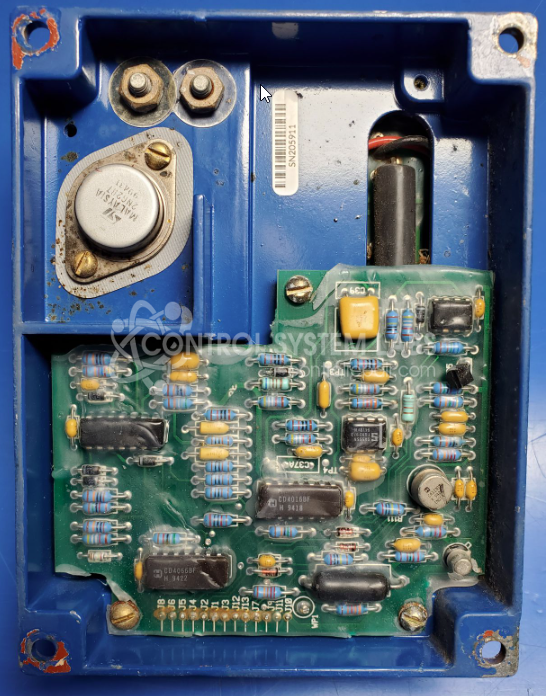
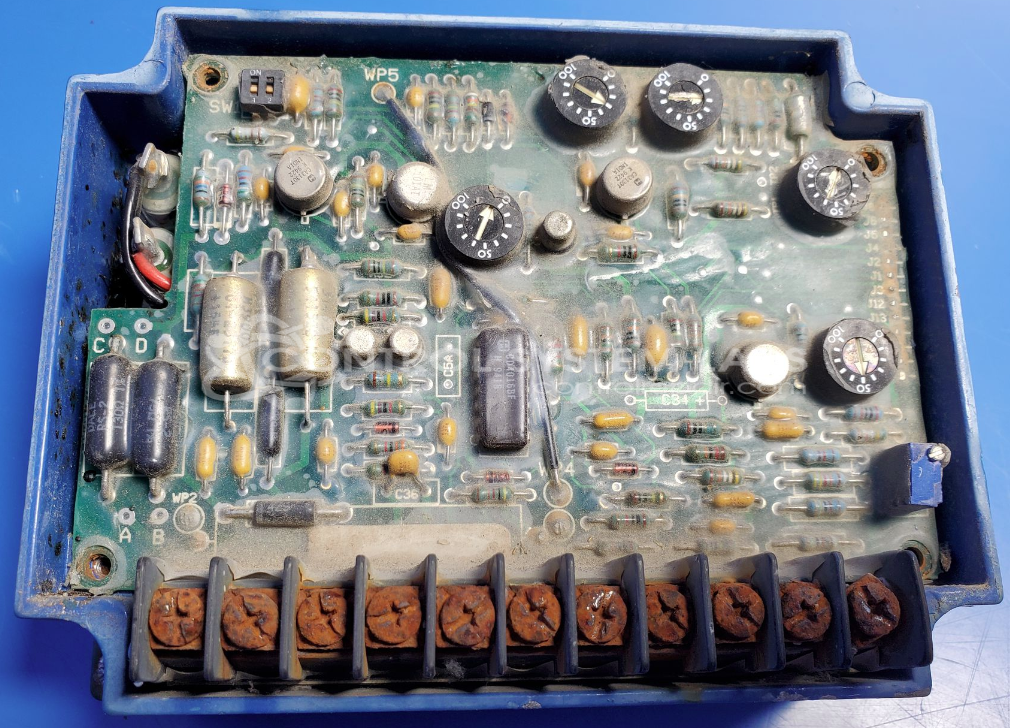
Repairs may involve replacing corroded terminal strips and hardware. Stainless steel screws may be used to help prevent future corrosion. Potting removal and re-application may be necessary depending on the unit's condition.
Testing & Quality
After repairs, control panels undergo testing, which may include a burn-in test with a resistive load. Panels are verified to meet quality standards before return.
Service and repair your broken Barber-Colman part
We can repair your Barber-Colman model DYNA 8000 Controller in our facility. Let our skilled technicians get your Barber-Colman back in operation quickly.
Step 1 - Click the green 'Repair Now' button above to add the part and then complete the RMA.
Step 2 - The RMA form will be sent to you via email. Print the RMA form and put it in a box with the item(s) for repair.
Step 3 - Ship or mail the box to the address listed on the RMA.
Once the user has seen at least one product this snippet will be visible.