


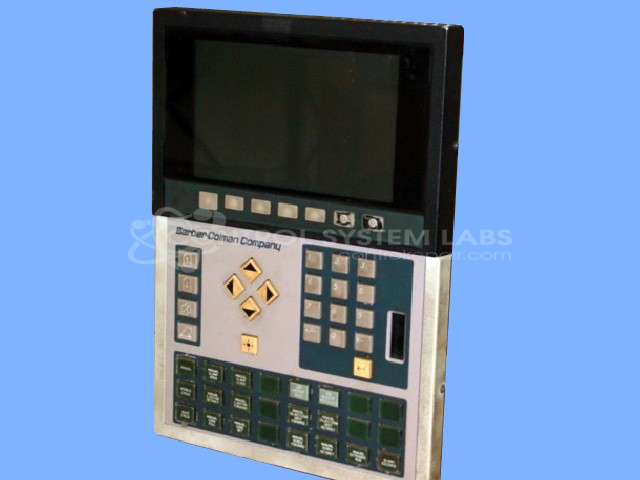


Repair
Call for price
Purchase
CSL Part Number: 25808
Category: Operator & Control Panels
Manufacturer: Barber-Colman
Manufacturer Synonyms: Barber Coleman, Barbercolman, Invensys
Manufacturer Part Number: MACO 4000 FRONT PANEL
Series: MACO 4000
Brand: Barber-Colman
Common Failures
Customers have reported issues with the unit not starting, experiencing intermittent failures, and displaying incorrectly. In some cases, the screen does not power up, and functionality may be affected when certain buttons are pressed.
Repair Approach
When units are received for repair, we conduct thorough testing, including verification of keypad and display functionality and testing under temperature extremes to ensure reliable operation. In some cases, our evaluation finds No Fault Detected, where the unit performs correctly during extensive testing.
Service and repair your broken Barber-Colman part
We can repair your Barber-Colman model MACO 4000 FRONT PANEL in our facility. Let our skilled technicians get your Barber-Colman back in operation quickly.
Step 1 - Click the green 'Repair Now' button above to add the part and then complete the RMA.
Step 2 - The RMA form will be sent to you via email. Print the RMA form and put it in a box with the item(s) for repair.
Step 3 - Ship or mail the box to the address listed on the RMA.
Once the user has seen at least one product this snippet will be visible.