



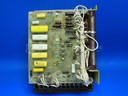
Repair
Repair Price: $ 1,264.00
Purchase
CSL Part Number: 84886
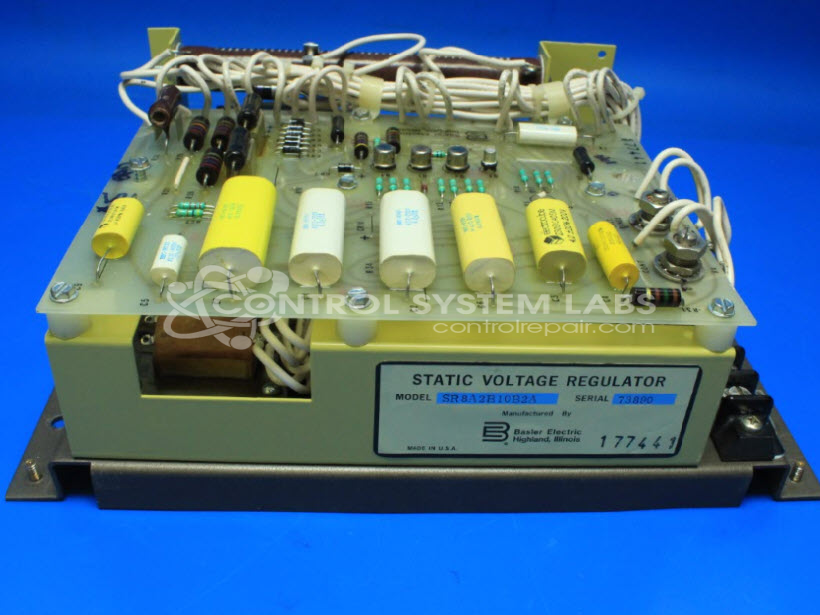
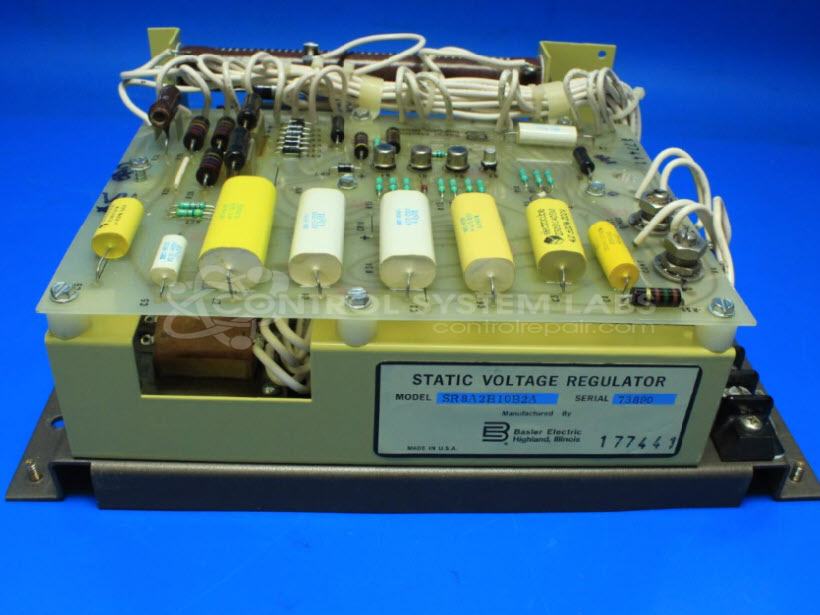
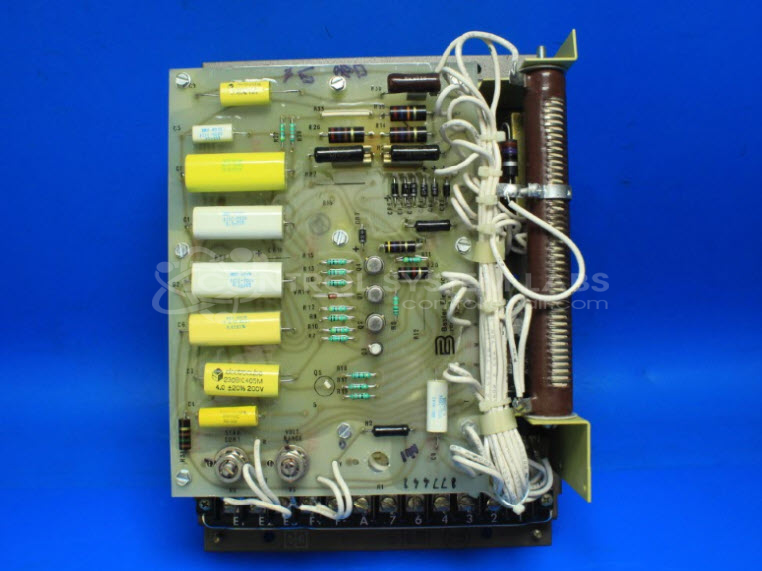
Product Overview: The Basler Electric SR8A2B10B2A is a static voltage regulator used to control and stabilize generator output voltage in marine and industrial power generation systems. It continuously monitors and adjusts excitation to maintain consistent voltage levels despite load variations. This model features adjustable voltage and stability range controls, typically requiring field calibration to match specific generator characteristics. The SR8A series is known for solid-state design, providing reliable regulation without moving parts in applications such as shipboard power systems and standby generators.
Category: Control Assembly
Manufacturer: Basler Electric
Manufacturer Part Number: SR8A2B10B2A
Series: SR8A Voltage Regulator
```html
Common Failures
Customers have reported that the unit can output low and unstable voltage. This issue is often traced back to defective stabilization and voltage range controls.
Repair Approach
In cases where voltage instability is observed, it may be necessary to address components such as potentiometers. While cleaning may temporarily improve performance, replacement is often recommended for long-term stability. The unit should be calibrated to the generator upon installation to ensure optimal function.
Testing & Quality
Repairs are verified through comprehensive testing procedures to ensure functionality aligns with manufacturer standards. Each unit undergoes testing by qualified technicians.
```Service and repair your broken Basler Electric part
We can repair your Basler Electric model SR8A2B10B2A in our facility. Let our skilled technicians get your Basler Electric back in operation quickly.
Step 1 - Click the green 'Repair Now' button above to add the part and then complete the RMA.
Step 2 - The RMA form will be sent to you via email. Print the RMA form and put it in a box with the item(s) for repair.
Step 3 - Ship or mail the box to the address listed on the RMA.
Once the user has seen at least one product this snippet will be visible.