



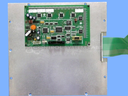
Repair
Repair Price: $ 1,504.00
Purchase
CSL Part Number: 37462
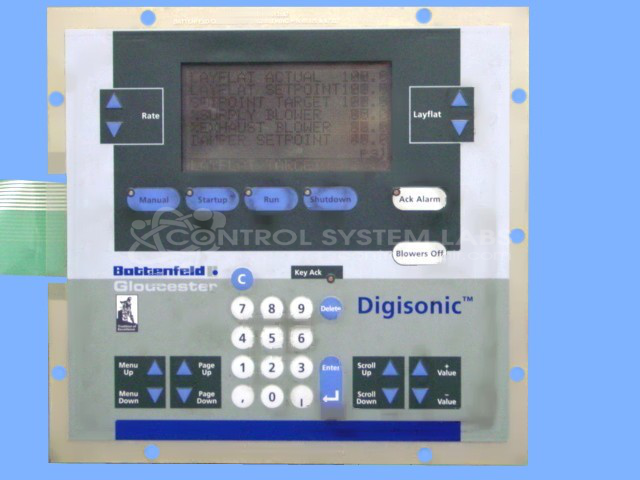
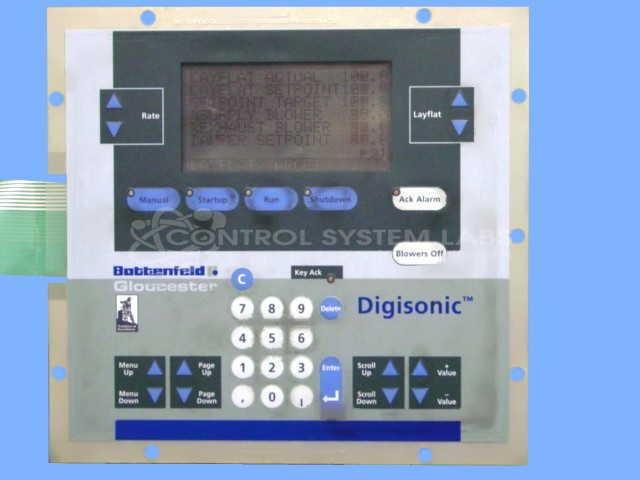
Product Overview: The Digisonic IBC Display Keyboard Assembly is an operator interface panel used on Battenfeld Gloucester injection molding machines. It combines a display screen with an integrated membrane keypad for machine control and parameter entry. This assembly serves as the primary human-machine interface, allowing operators to monitor process data, adjust settings, and control machine functions. It is part of the Digisonic control system series commonly found in plastics processing equipment.
Category: Operator & Control Panels
Manufacturer: Battenfeld Gloucester
Manufacturer Part Number: 67327
Series: Digisonic
Also Known As(AKA): 71189
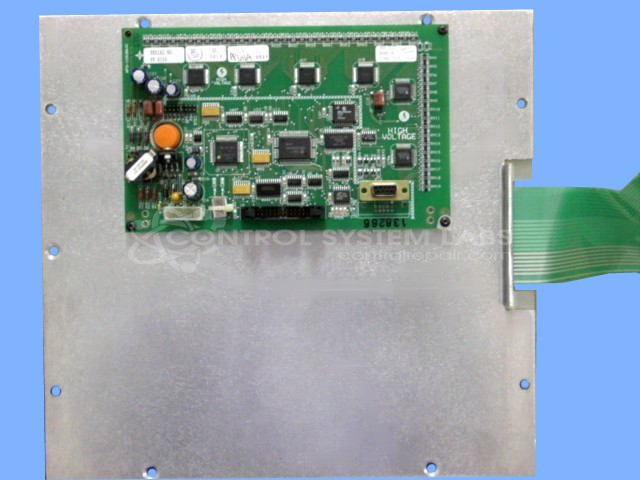
Repair price is the base price for the repair of the unit. Replacement membrane keyboards and displays are available for this unit at additional cost. The unit will be evaluated when received to determine if replacement parts are required.
Common Failures
One common issue reported is the device quitting unexpectedly, with the screen going blank. This problem has been traced to a defective keypad component in some units.
Repair Approach
To address the issue, a specialized electronic test fixture is used, and the defective keypad is replaced. Subsequent testing includes verifying the display functionality and performing a two-day burn-in test.
Testing & Quality
All repaired units undergo functionality testing, including co-checking procedures, to confirm repair. This approach supports quality standards before units are returned.
Service and repair your broken Battenfeld Gloucester part
We can repair your Battenfeld Gloucester model 67327 in our facility. Let our skilled technicians get your Battenfeld Gloucester back in operation quickly.
Step 1 - Click the green 'Repair Now' button above to add the part and then complete the RMA.
Step 2 - The RMA form will be sent to you via email. Print the RMA form and put it in a box with the item(s) for repair.
Step 3 - Ship or mail the box to the address listed on the RMA.
Once the user has seen at least one product this snippet will be visible.