



Repair
Call for price
Purchase
CSL Part Number: 105317
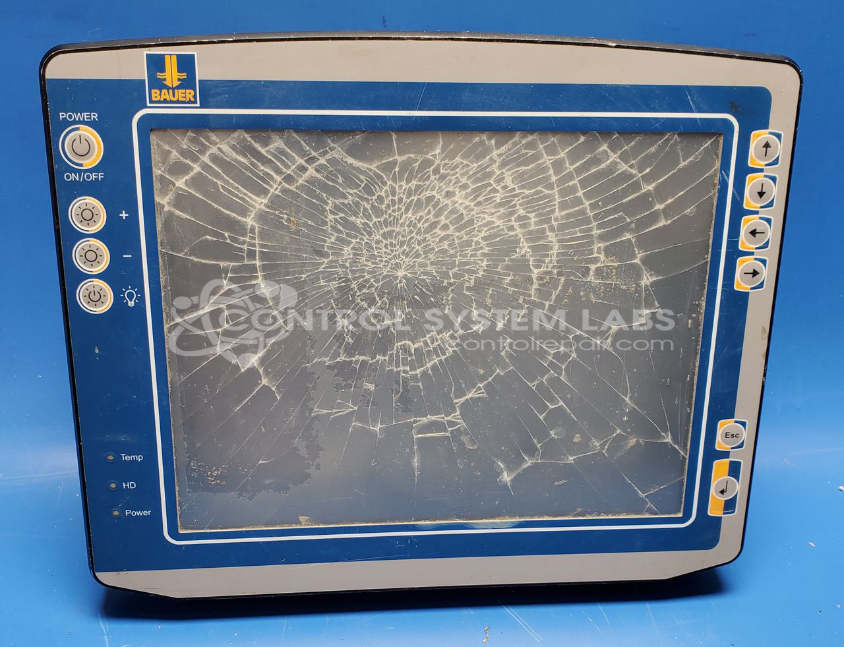
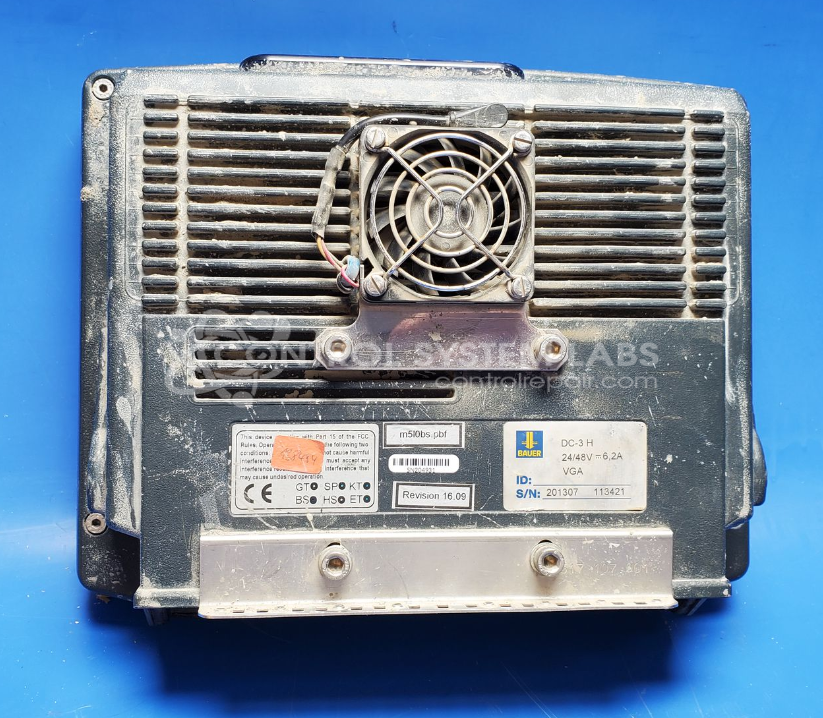
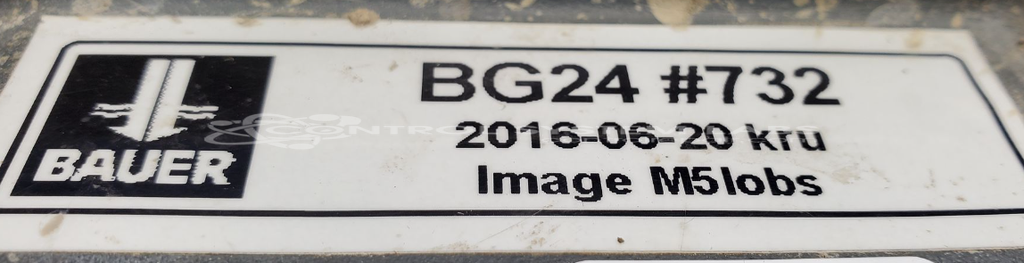
Product Overview: The Bauer AG DC-3 H (also known as BG24) is a ruggedized touch screen LCD display computer designed for use in Bauer BG24 drilling rigs. It serves as the primary human-machine interface for monitoring and controlling drilling operations in construction and foundation engineering applications. The unit combines an industrial-grade LCD panel with resistive touch screen technology in a compact housing suitable for harsh jobsite environments. It provides real-time operational data and control access to drilling parameters.
Category: Touch Screen LCD Monitor
Manufacturer: Bauer AG
Manufacturer Part Number: DC-3 H
Also Known As(AKA): BG24
Common Failures
The most common failure reported for this product is a broken or unresponsive touch screen, which may indicate being touched even when not in use. This is often due to physical damage, such as a damaged screen.
Repair Approach
Repairs typically involve replacing the damaged touch screen. Extended cleaning is often necessary to remove debris. Full calibration may not be possible due to certain functions being behind password-protected menus.
Testing & Quality
After repair, the device undergoes testing to verify touch screen functionality. Some functions, such as adjusting contrast, may remain inaccessible due to password protection. Additional service may be needed in the future if membrane switch concerns develop.
Service and repair your broken Bauer AG part
We can repair your Bauer AG model DC-3 H in our facility. Let our skilled technicians get your Bauer AG back in operation quickly.
Step 1 - Click the green 'Repair Now' button above to add the part and then complete the RMA.
Step 2 - The RMA form will be sent to you via email. Print the RMA form and put it in a box with the item(s) for repair.
Step 3 - Ship or mail the box to the address listed on the RMA.
Once the user has seen at least one product this snippet will be visible.