



Repair
Repair Price: $ 644.00
Purchase
CSL Part Number: 87390
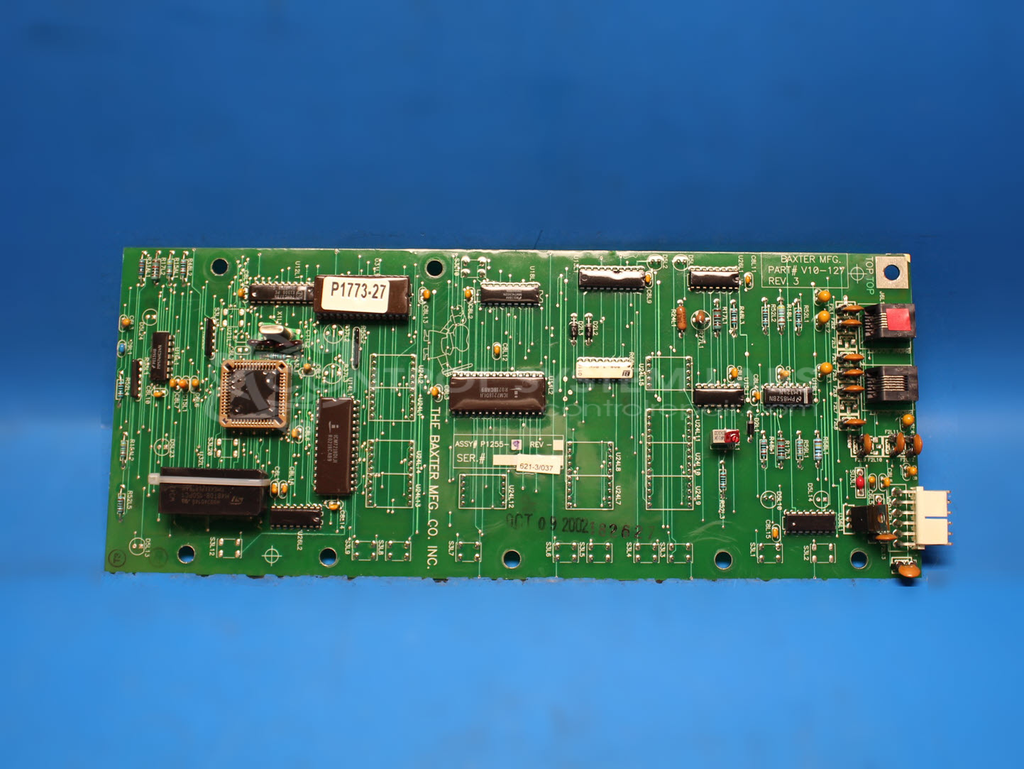
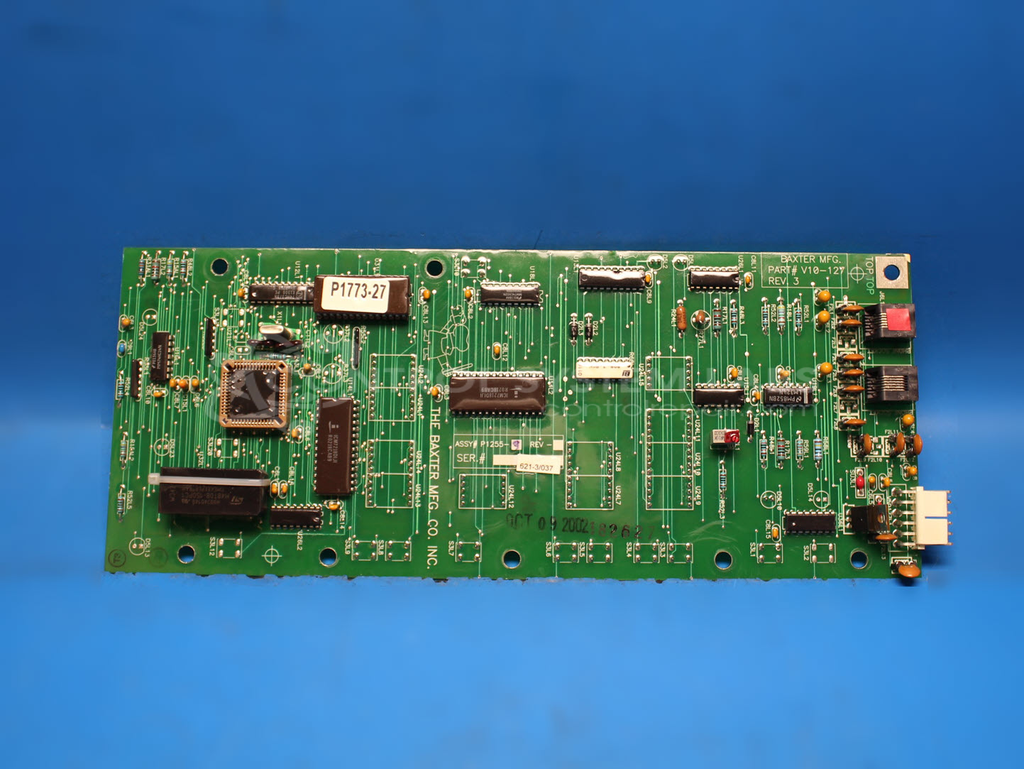
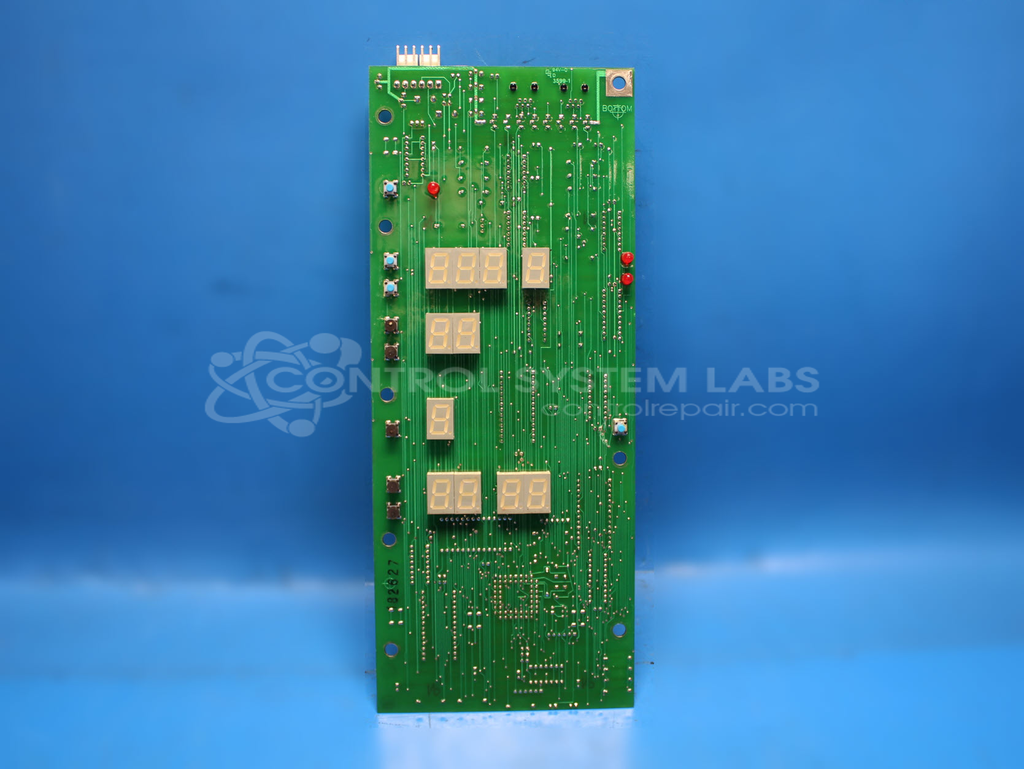
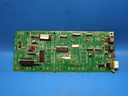
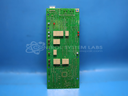
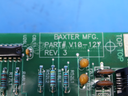
Product Overview: The Baxter V10-127 is a control board designed for the HPC200 proofer oven. It manages temperature, humidity, and timing functions for commercial bakery proofing operations. The board features a DS1643 non-volatile SRAM with integrated timekeeping and battery backup for retaining settings and operational data. It includes modular jack connectors for sensor inputs and control outputs, enabling communication with temperature sensors, humidity controls, and heating element contactors. This board is commonly found in Baxter and Hobart commercial proofer ovens used in bakeries and food service operations.
Category: Control Board
Manufacturer: Baxter Manufacturing
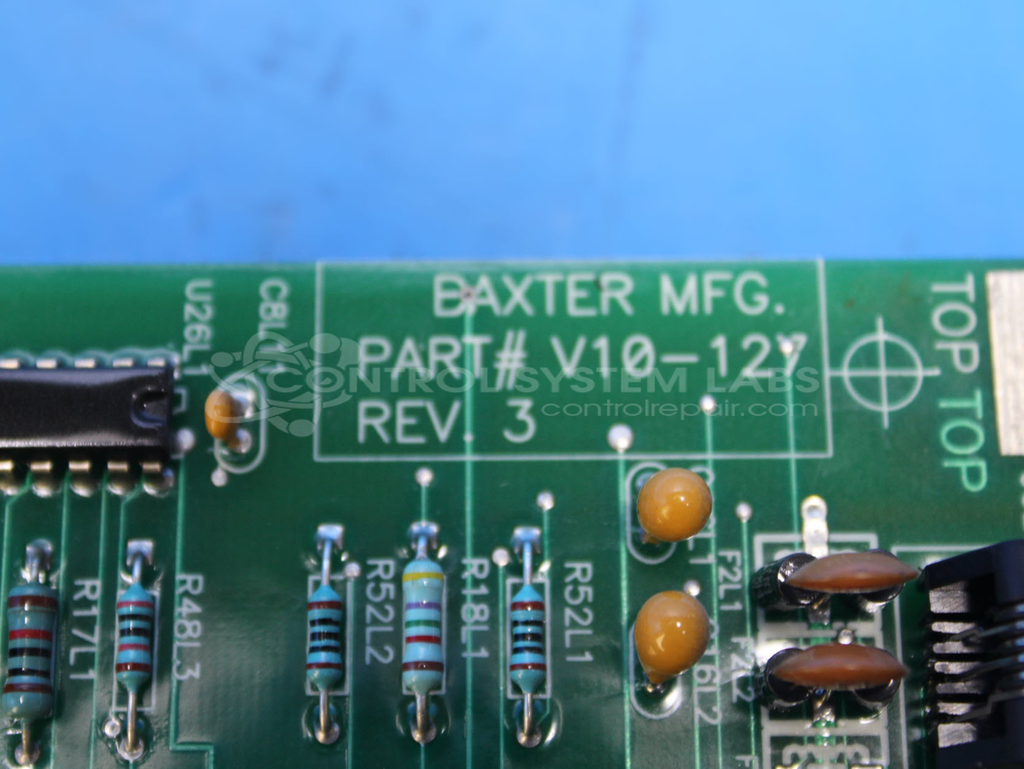
Manufacturer Part Number: V10-127
Common Failures
This product may experience signal transmission issues, where it fails to activate necessary components for operation. Common symptoms can include a non-functional display, display corruption, and frequent resets. Corrosion on connectors can also occur, leading to poor performance and disconnection.
Repair Approach
Repairs may involve replacing defective components such as memory chips and cleaning or replacing corroded connectors. In some cases, replacing the non-volatile storage RAM and addressing corroded jacks can resolve display and reset issues.
Testing & Quality
After repairs, the product undergoes thorough testing, including functionality tests for displays and switches, as well as timer and setting adjustments. Resolution of issues is confirmed through these tests to verify that functions, including temperature and humidity controls, operate correctly.
Service and repair your broken Baxter Manufacturing part
We can repair your Baxter Manufacturing model V10-127 in our facility. Let our skilled technicians get your Baxter Manufacturing back in operation quickly.
Step 1 - Click the green 'Repair Now' button above to add the part and then complete the RMA.
Step 2 - The RMA form will be sent to you via email. Print the RMA form and put it in a box with the item(s) for repair.
Step 3 - Ship or mail the box to the address listed on the RMA.
Once the user has seen at least one product this snippet will be visible.