



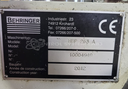
Repair
Repair Price: $ 1,264.00
Purchase
CSL Part Number: 85924
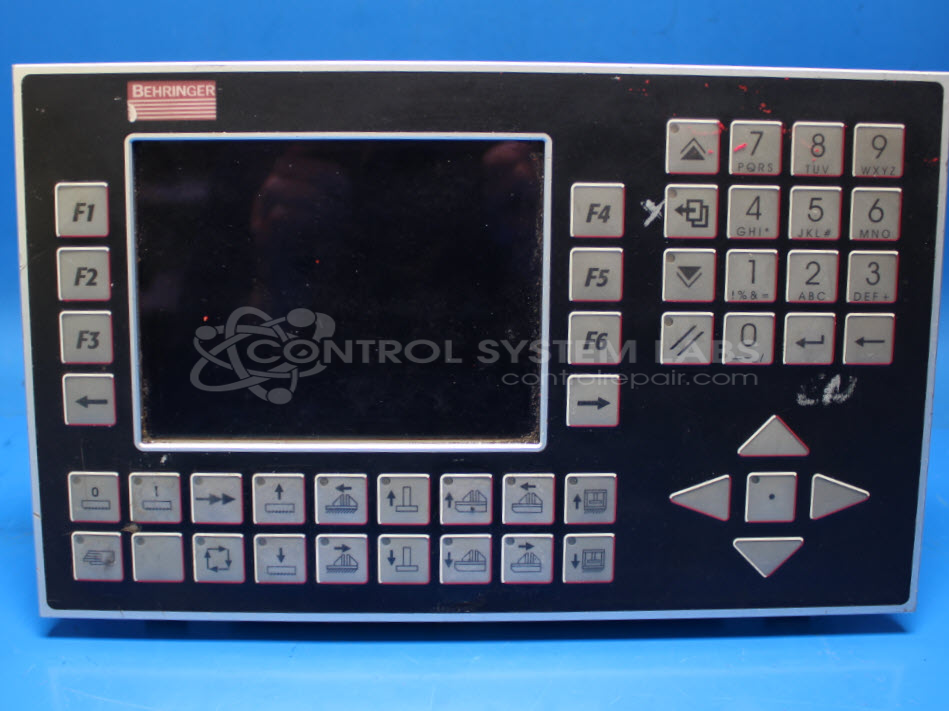
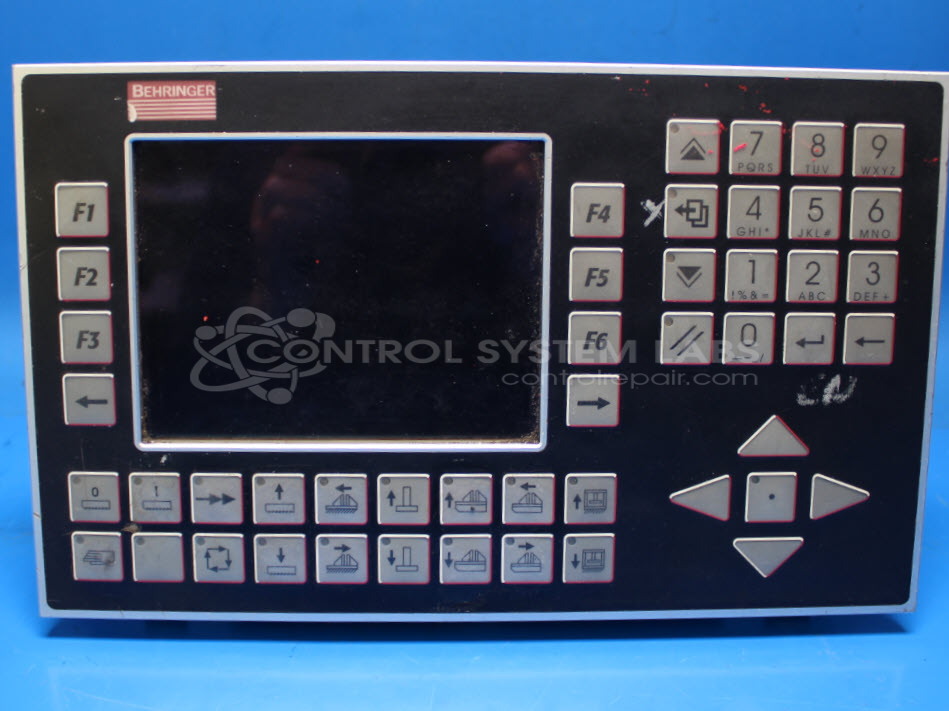
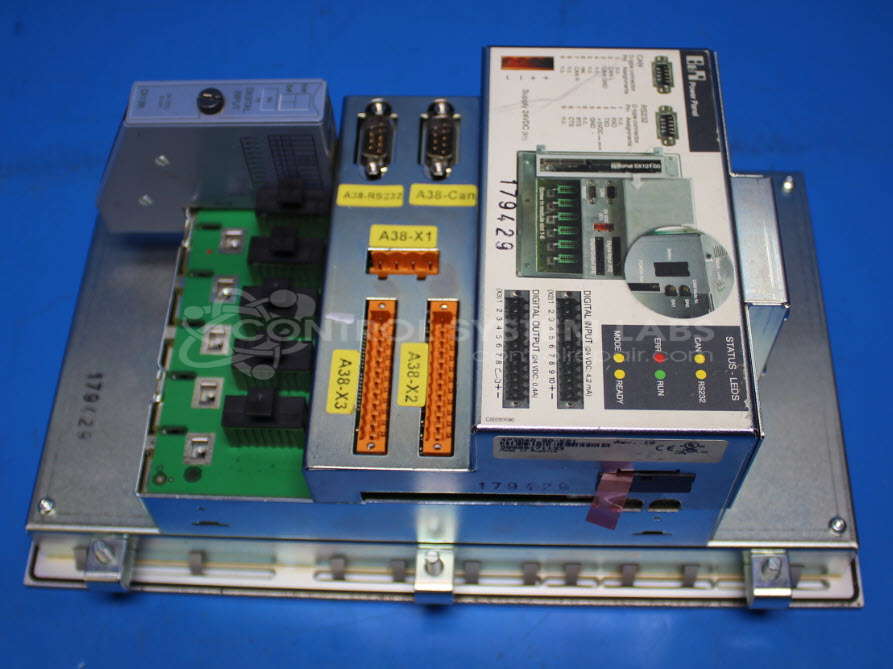
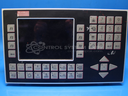
Product Overview: The Behringer 4P3040.00-K21 is an operator interface panel that combines a keyboard, display, and integrated power supply in a single unit. It serves as the primary human-machine interface for Behringer industrial bandsaws, providing operational control, parameter input, alarm display, and machine status monitoring. The panel operates on 24VDC input and includes an internal switching power supply, membrane keypad with numeric buttons, LCD display with CCFL backlighting, and a battery-backed microcontroller for configuration retention. Common applications include CNC bandsaw control systems where operators need direct access to cutting parameters, speed settings, and diagnostic information.
Category: Operator & Control Panels
Manufacturer: Behringer
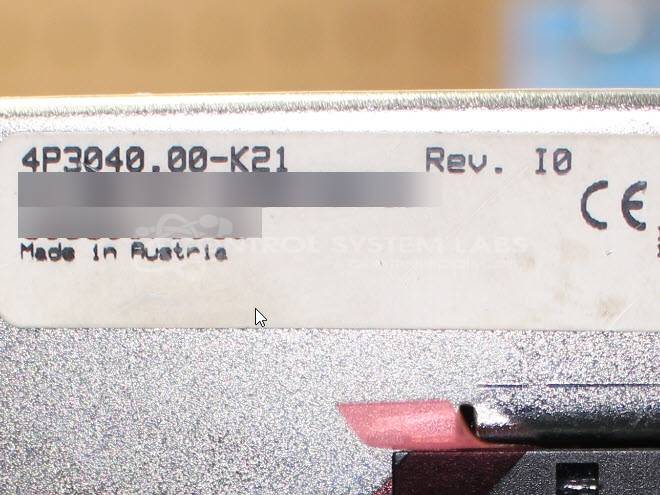
Manufacturer Part Number: 4P3040.00-K21
Common Failures
Several units experienced issues with not powering on, display failures, and error lights. Common causes attributed to these issues included defective capacitors and faulty backlight components.
Repair Approach
The repairs often involved replacing defective capacitors and backlights, as well as preventative replacement of additional components to support reliability. Diagnostic testing was conducted to identify and resolve power supply issues, with cleaning procedures applied to contacts and connectors where necessary.
Testing & Quality
After repairs, units underwent thorough testing, including power-on and button functionality tests, with multiple units passing extended burn-in tests to confirm sustained operation. Technical staff co-checked repairs to support accuracy and testing consistency.
Service and repair your broken Behringer part
We can repair your Behringer model 4P3040.00-K21 in our facility. Let our skilled technicians get your Behringer back in operation quickly.
Step 1 - Click the green 'Repair Now' button above to add the part and then complete the RMA.
Step 2 - The RMA form will be sent to you via email. Print the RMA form and put it in a box with the item(s) for repair.
Step 3 - Ship or mail the box to the address listed on the RMA.
Once the user has seen at least one product this snippet will be visible.