


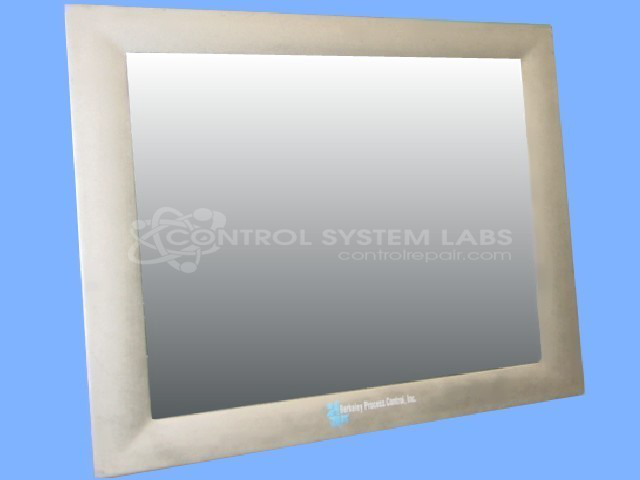


Repair
Repair Price: $ 2,736.00
Purchase
CSL Part Number: 56148
Product Overview: A 12.1-inch touch screen LCD monitor used as an operator interface in industrial automation and process control systems, including paper manufacturing equipment. It provides visual display and touchscreen input for machine control, featuring a CCFL-backlit display and a calibratable resistive touch panel.
Category: Touch Screen LCD Monitor
Manufacturer: Berkeley Process Control
Manufacturer Part Number: TS-5112-F
Also Known As(AKA): MOOG
Please indicate problem when sending in for repair.
Common Failures
We have received units with touchscreen functionality concerns. Reported symptoms include unresponsive touchscreens or inaccurate touch registration. Customers have noted that inputs may need to be made offset from the intended touch point, and in some cases, the display may appear dim.
Repair Approach
Our repair approach has included replacing the touchscreen control panel and aligning the screen to restore accurate touch input. In instances where the display was also affected, the display backlight assembly was replaced.
Testing & Quality
Following repair, units are tested to verify functionality. This includes focus on the touchscreen, with units undergoing bench testing to evaluate reliability and performance. Units are returned when testing confirms that functions, including touch input, operate as expected.
Service and repair your broken Berkeley Process Control part
We can repair your Berkeley Process Control model TS-5112-F in our facility. Let our skilled technicians get your Berkeley Process Control back in operation quickly.
Step 1 - Click the green 'Repair Now' button above to add the part and then complete the RMA.
Step 2 - The RMA form will be sent to you via email. Print the RMA form and put it in a box with the item(s) for repair.
Step 3 - Ship or mail the box to the address listed on the RMA.
Once the user has seen at least one product this snippet will be visible.