



Repair
Repair Price: $ 372.00
Purchase
CSL Part Number: 87869
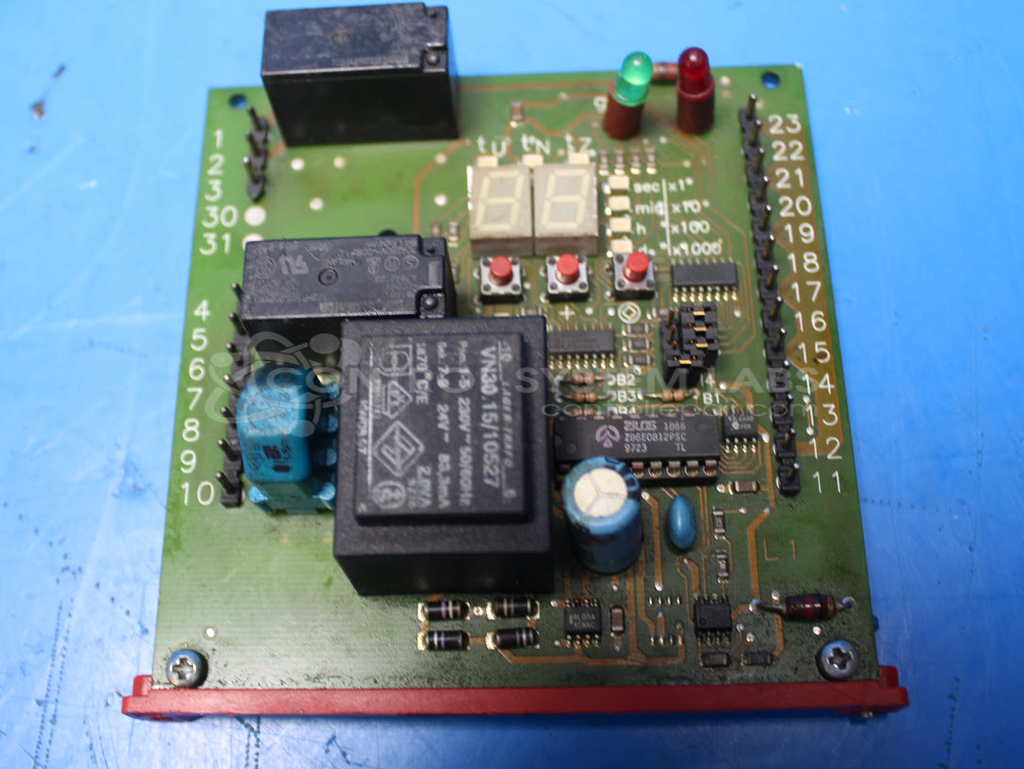
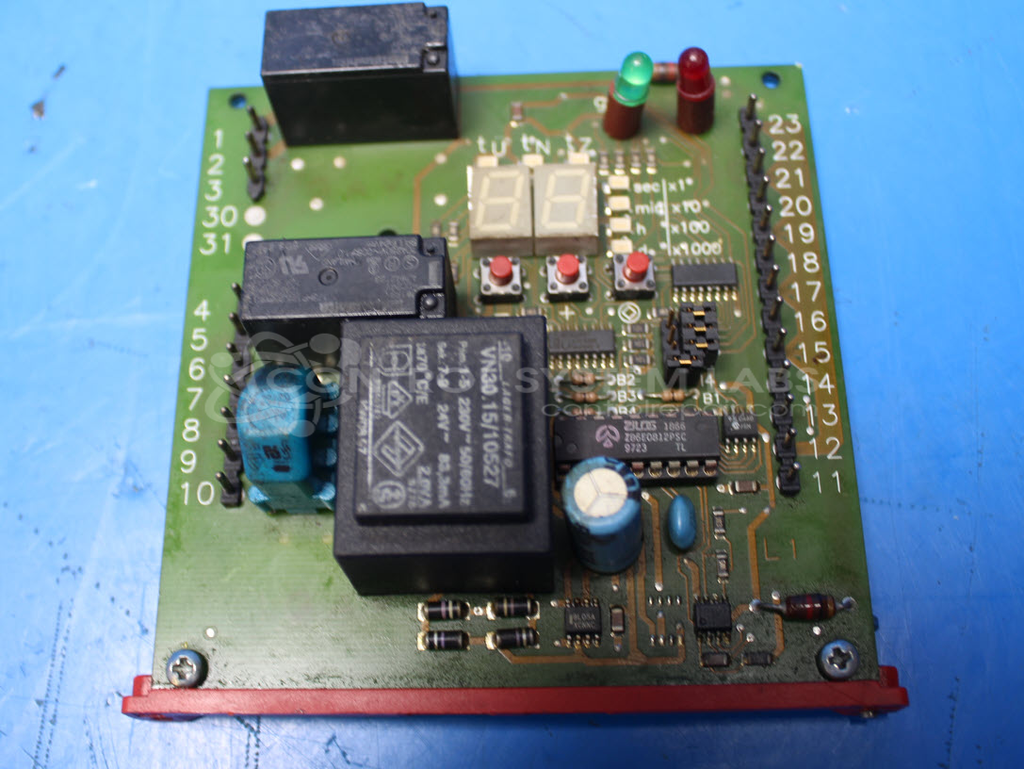
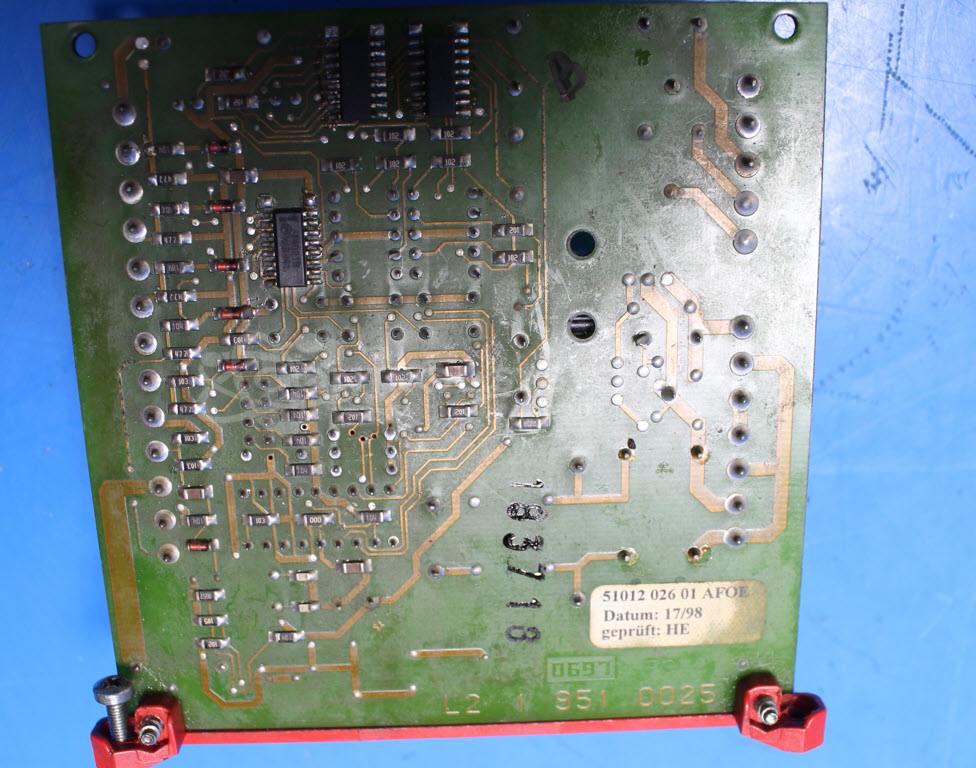
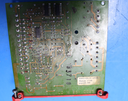
Product Overview: The Bielomatik 51012 026 01 AFOE is a lubrication system control board used in industrial paper processing equipment. This newer-style board features a digital readout for monitoring and adjusting lubrication parameters. It controls automated lubrication delivery to mechanical systems, ensuring proper component maintenance and extending equipment life. The board includes configurable jumper settings that allow customization for specific application requirements and lubrication schedules.
Category: Control Board
Manufacturer: Bielomatik
Manufacturer Part Number: 51012 026 01 AFOE
Common Failures
Common symptoms for this product include the inability to change settings despite a green LED being lit, and complete device inactivity. Corrosion has been identified as a potential contributing factor in some cases.
Repair Approach
The repair process may involve extended cleaning to address corrosion, followed by diagnostic testing. Adjustments may be made to restore jumper settings to the customer's specifications, and missing jumpers may be added as necessary.
Testing & Quality
After repairs, each unit undergoes testing to verify functionality. We recommend that customers perform final testing in their application to confirm proper operation. All repair actions follow standard CSL procedures to maintain consistency and quality.
Service and repair your broken Bielomatik part
We can repair your Bielomatik model 51012 026 01 AFOE in our facility. Let our skilled technicians get your Bielomatik back in operation quickly.
Step 1 - Click the green 'Repair Now' button above to add the part and then complete the RMA.
Step 2 - The RMA form will be sent to you via email. Print the RMA form and put it in a box with the item(s) for repair.
Step 3 - Ship or mail the box to the address listed on the RMA.
Once the user has seen at least one product this snippet will be visible.